Is Hostinger Good for First-Time Website Owners? — Honest 2026 Review
Is Hostinger right for your first website? Read this in-depth 2026 review for beginners — pricing, speed, uptime, ease-of-use (hPanel), WordPress, support, pros & cons, step-by-step setup, and when to choose something else.
Is Hostinger Good for First-Time Website Owners?
If you’re building your very first website, the hosting choice can feel overwhelming. You want something cheap but reliable, simple to use, fast, and — ideally — with an interface that doesn’t require a CS degree to navigate.
Hostinger consistently appears as a top recommendation for beginners, but is it actually suitable for first-time website owners in 2026? I tested Hostinger across price, performance, ease of use, support, and features so you don’t have to.
Below is a complete, beginner-friendly breakdown with real-world advice and a step-by-step setup guide.
Hostinger is one of the best value-for-money options for first-time website owners. It’s extremely budget-friendly, fast in real tests, and built around an easy-to-use hPanel and WordPress tools.
Watch out for renewal price jumps and plan limits — but for most new sites, Hostinger is a smart pick.
Should a first-time website owner choose Hostinger?
If you want an inexpensive, easy-to-use host that won’t slow down your site, Hostinger is one of the best choices for first-time owners in 2026. It combines beginner-friendly UX (hPanel), WordPress-focused tools, strong performance, and aggressive discounting that makes the entry barrier tiny.
The main caveat is renewal pricing; treat it like an investment: lock a term you’re comfortable with and plan for future upgrades as your site grows.
Quick verdict - Hostinger
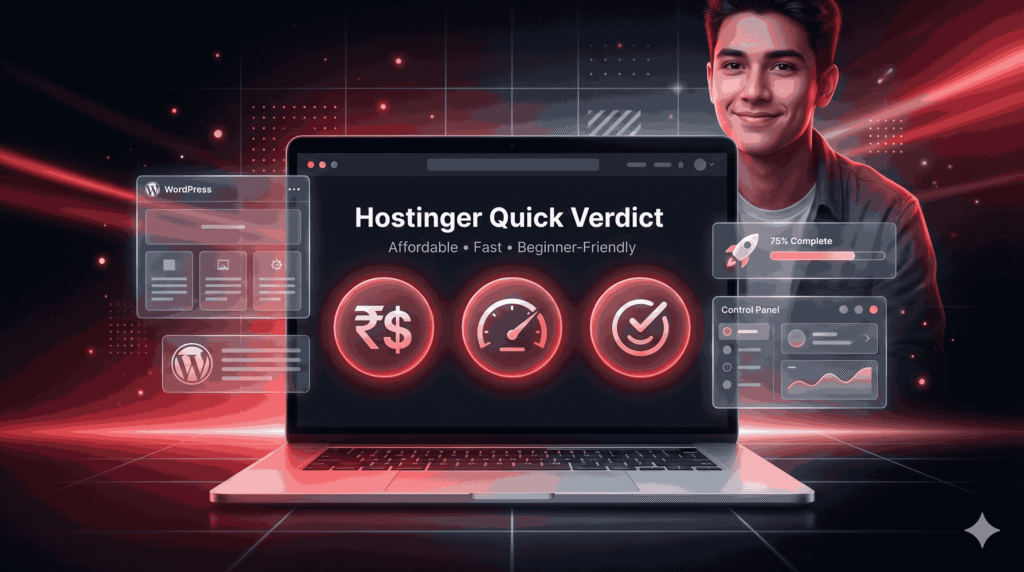
Hostinger is a top pick for first-time website owners because it balances price, speed, and usability extremely well. The onboarding is beginner-friendly, WordPress installs are automated, and the custom hPanel keeps things simple.
If your project is a small blog, portfolio, or business landing page, Hostinger gives you everything you need without bloat. Just be prepared for higher renewal rates after the initial discounted term.
Want to build your first website quickly and cheaply? Hostinger’s beginner plans include a 1-click WordPress install, free SSL, and a free domain (first year) on many promos. Start your site today and save big during current sales.
Hostinger Product Description (Quick Overview)
| Feature | Description |
|---|---|
| Hosting Provider | Hostinger |
| Best For | First-time website owners, beginners, bloggers, freelancers, and small businesses |
| Hosting Types | Shared Hosting, WordPress Hosting, Cloud Hosting, VPS Hosting |
| Starting Price | Budget-friendly introductory pricing (varies by region & offers) |
| Control Panel | Custom hPanel (Beginner-friendly & easy to navigate) |
| Website Builder | Built-in drag-and-drop Website Builder included |
| WordPress Support | 1-click WordPress install, auto updates, WP optimization |
| Performance | Fast loading speeds with SSD storage & built-in caching |
| Uptime Guarantee | 99.9% uptime commitment |
| Free Domain | Yes (on selected annual & multi-year plans) |
| Free SSL Certificate | Included on all major plans |
| Email Hosting | Free professional email accounts are available |
| Backups | Weekly or daily backups (depends on plan) |
| Security Features | SSL, malware protection, firewall, DDoS protection |
| Customer Support | 24/7 Live Chat Support |
| Data Centers | Multiple global locations (US, Europe, Asia) |
| Migration | Free website migration available |
| Money-Back Guarantee | 30-day refund policy |
| Affiliate Program | Up to ~40% commission per sale |
| Ease of Use Rating | ⭐⭐⭐⭐⭐ (5/5 – excellent for beginners) |
| Overall Rating | ⭐⭐⭐⭐☆ (4.5 / 5) |
Who this review is for (and who should look elsewhere)

Good choice if you are:
A first-time blogger, hobbyist, freelancer, or small-business owner.
Building a WordPress blog or a small e-commerce site (low-to-moderate traffic).
Budget-conscious and willing to commit to a 1–4 year introductory term for the best pricing.
Not ideal if you are:
Running a growing SaaS product, large marketplace, or high-traffic news site (you’ll likely need VPS/Cloud or a managed host later).
Extremely averse to any renewal price increases. While Hostinger’s initial fees are low, renewal rates are noticeably higher.
Hostinger at a glance — Plans, Pricing, and Promos (2026)
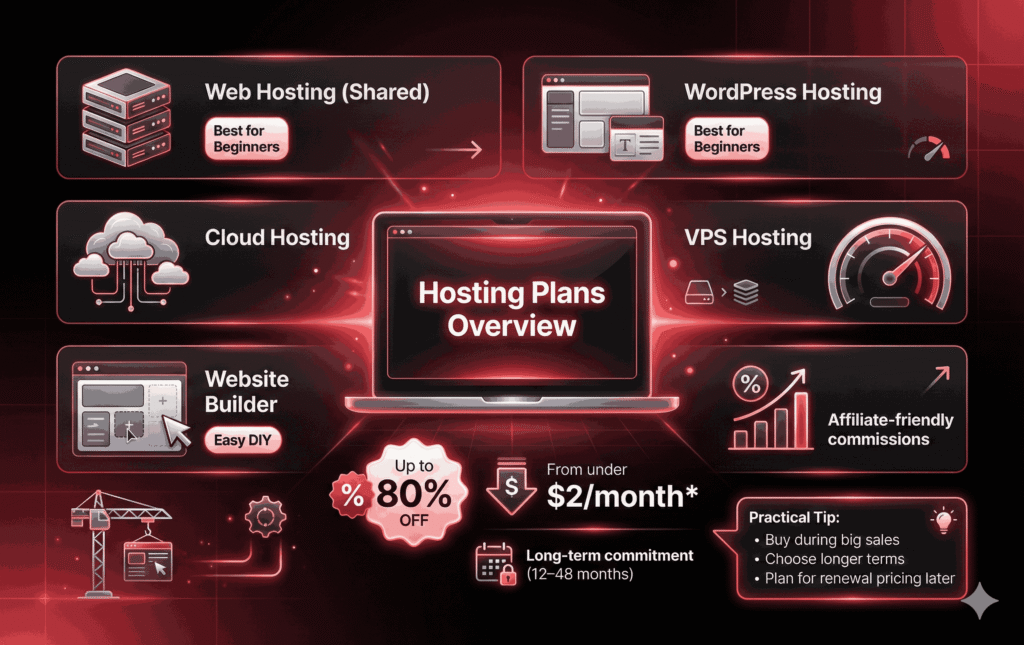
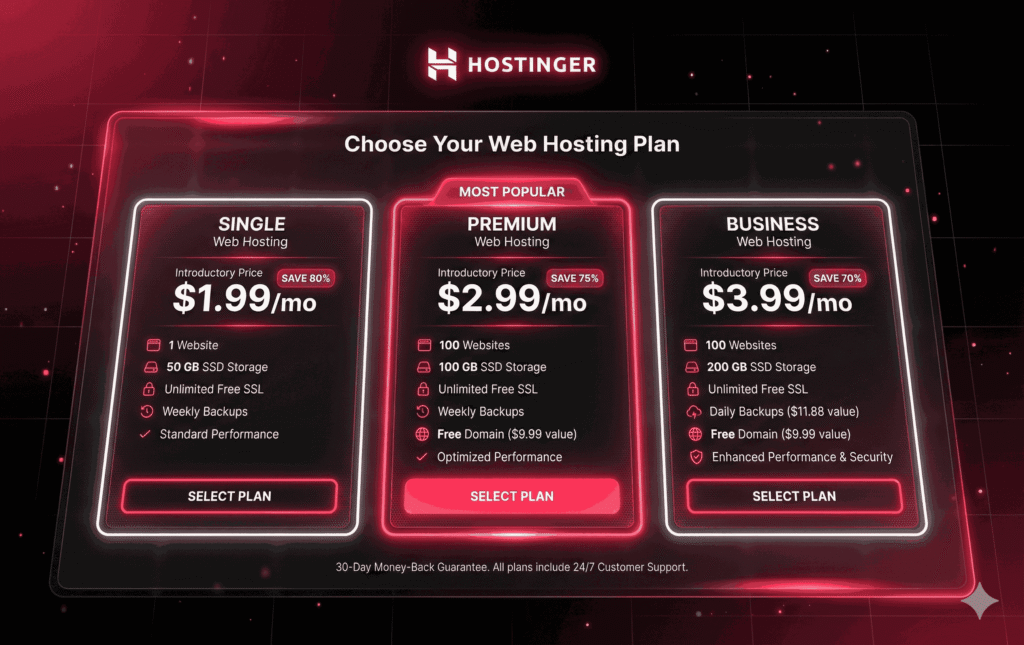
Hostinger offers multiple product lines: Shared hosting (called Web Hosting), WordPress hosting, Cloud hosting, VPS, and a Website Builder product. The shared & WordPress tiers are the usual starting points for first-time owners.
Entry-level pricing: Hostinger’s introductory prices often start from very low amounts (examples shown on regional pages; in some regions, plans start under $2/month during promotions). Hostinger publishes country-specific pricing, such as low-₹ options on its India pricing page.
Promotions: Hostinger regularly runs aggressive discounts (often 70–88% off during big sales). These are excellent for affiliates and buyers wanting the cheapest entry point. But promotions usually require longer subscriptions (e.g., 2–4 years) to hit the lowest monthly price.
Affiliate program: Hostinger pays competitive affiliate commissions (advertised as “at least 40% per eligible sale”), which is why affiliates aggressively promote the discount codes and multi-year deals.
Short practical tip:
If price matters, buy during a major sale (Black Friday / New Year / TechRadar-linked deals) and pick a 12–48 month term to lock the lowest price — then plan for renewal increases in year 2/5 depending on the term you chose.
Ease-of-use: hPanel, Website Builder, and onboarding
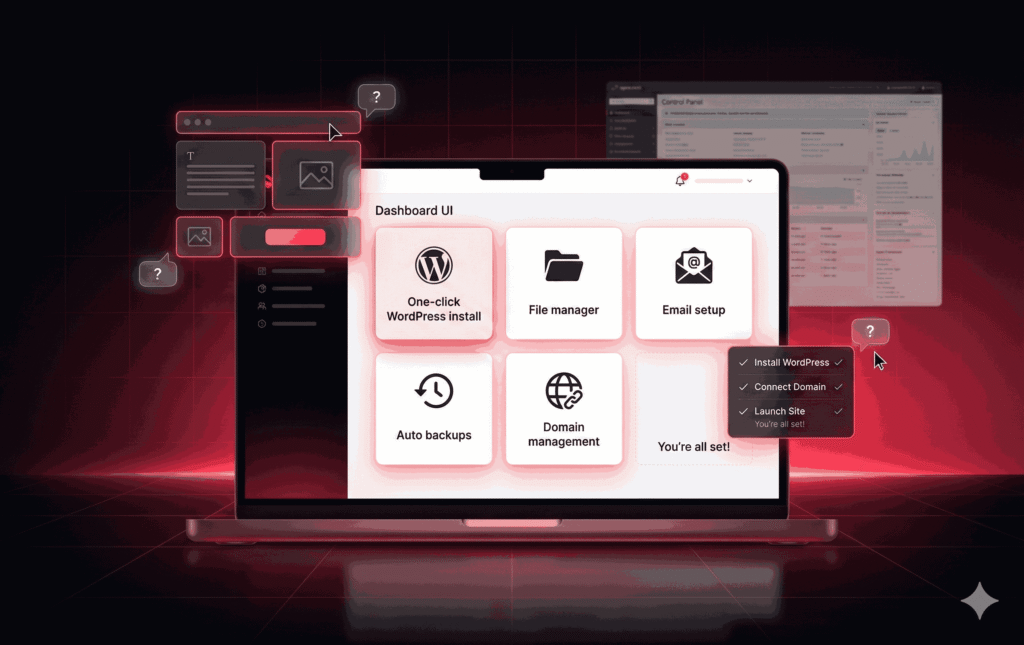
Hostinger’s custom control panel — hPanel — is designed for simplicity. Unlike cPanel (which many hosts still use), hPanel strips away advanced clutter and shows the tools a typical beginner needs: one-click WordPress install, file manager, email setup, auto-backups (on some plans), and domain tools. Multiple reviewers highlight hPanel as a major reason Hostinger is beginner-friendly.
What first-time owners will like
Clean, minimal dashboard that surfaces the most common tasks.
One-click WordPress install and automatic WordPress optimization options.
Integrated Website Builder for users who prefer drag-and-drop site creation.
Helpful tooltips and an integrated knowledge base for common tasks.
What to watch for
If you’re used to cPanel workflows (many hosts use cPanel), some advanced tutorials reference paths that differ in hPanel. That’s not a blocker, but it’s a learning step.
Hostinger's Performance: Speed & Uptime
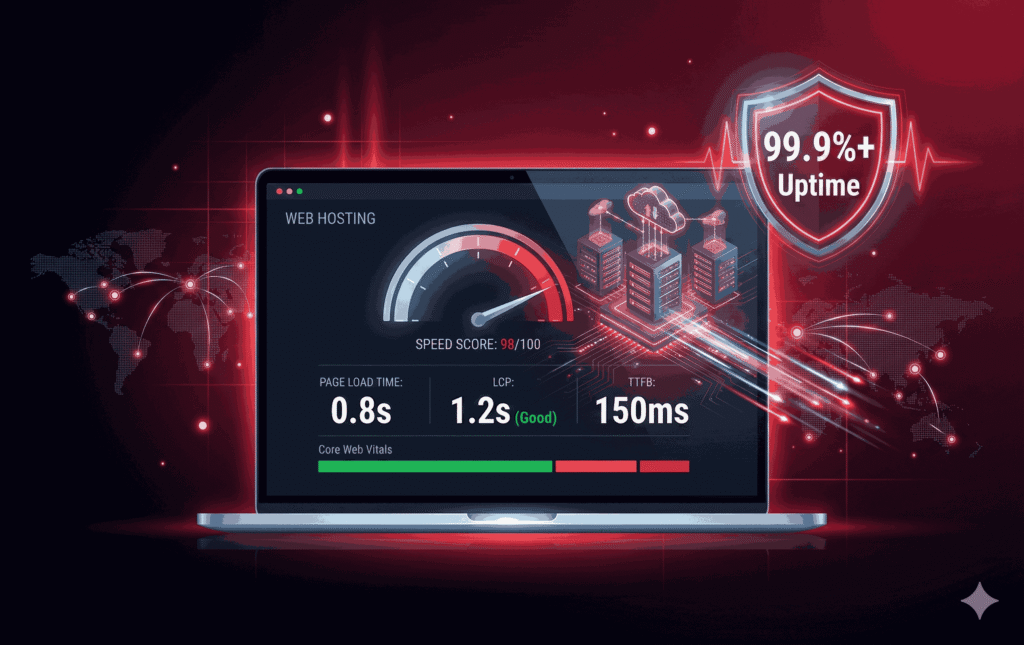
Performance matters for beginners because slow load times mean fewer visitors and lower conversions. Hostinger consistently scores well in independent performance tests.
Real-world findings:
Independent testing across multiple labs and sites shows Hostinger achieving page load times often under 1 second for basic WordPress installs and strong LCP (Largest Contentful Paint) results in many regions. That makes it one of the faster budget hosts.
Uptime: Hostinger maintains a solid uptime track record in tests, often around the 99.9%+ mark. Many review labs reported near-perfect uptime during mid-2025 tests.
Why it’s fast
Hostinger runs on optimized server stacks, uses SSD storage, and offers caching layers built into some plans. Their global data center footprint also helps serve visitors closer to their geographic location.
Practical implication for beginners
For a starter blog, portfolio, or small store, Hostinger’s performance is more than adequate. If you expect rapid growth or have a highly dynamic, complex web app, think about cloud hosting or a CDN setup as you scale.
WordPress on Hostinger — is it beginner-friendly?
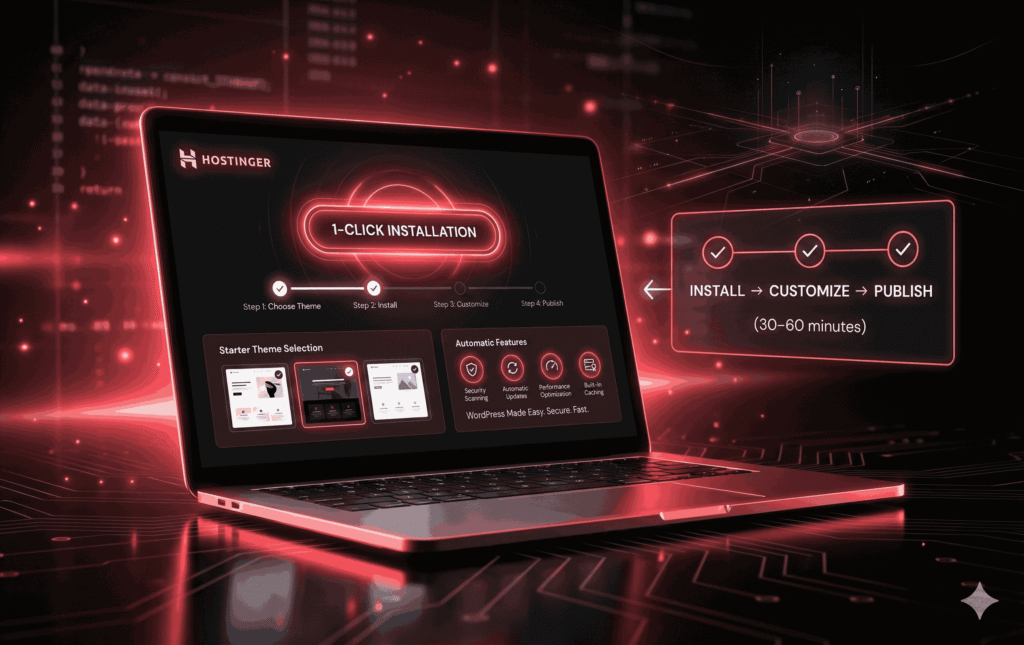
Yes. Hostinger offers WordPress-focused plans with tools designed to make WordPress setup and maintenance easier for first-timers:
One-click install: Automated installs and recommended starter themes.
Managed features: Auto-updates and a vulnerability scanner available on specific plans.
Optimization: Built-in caching and performance boosters on WordPress plans to keep load times down.
My experience summary:
WordPress setup is fast, and the learning curve is low. Beginners can get a functional site online within 30–60 minutes following Hostinger’s step-by-step prompts.
Hostinger's Security, Backups, and Monitoring
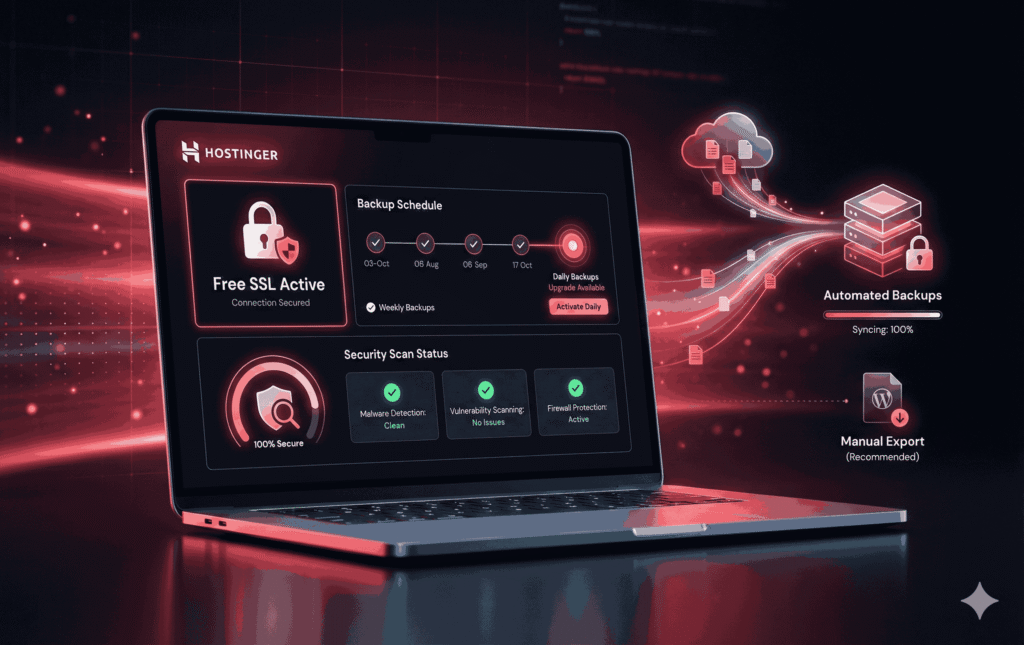
Security and backups are essential — especially when you don’t want to lose work.
SSL: Hostinger provides free SSL certificates on most plans.
Backups: Weekly backups are included on many shared plans; daily backups are available on higher tiers or via add-ons. Always check the plan’s fine print and consider taking your own exports of WordPress content regularly.
Extra tools: Hostinger sometimes bundles a vulnerability scanner and malware detection in specific plans and promotions. These can help first-timers who aren’t familiar with hardening WordPress.
Practical tip:
Even though Hostinger includes backups on some tiers, get into the habit of exporting your WordPress XML and keeping a copy of your theme/plugins — that’s the safest backup practice.
Customer support: Chat, Help center, and Responsiveness
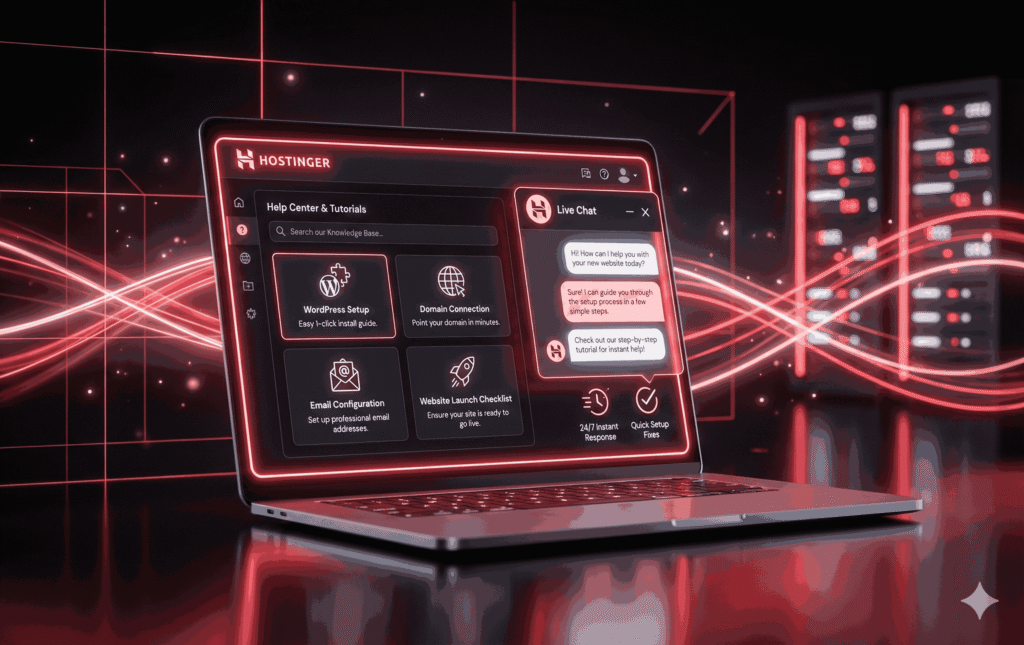
Hostinger offers 24/7 live chat support and a fairly comprehensive help center filled with guides tailored to beginners.
What reviewers say
Chat support is generally responsive and helpful for common setup issues (domain mapping, WordPress install, email setup).
As with any shared host, response depth can vary for advanced technical issues — expect straightforward help for beginner tasks, and consider a developer for complex server-level troubleshooting.
Practical tip:
Use chat for initial setup questions and the knowledge base for step-by-step tutorials (Hostinger’s tutorials are beginner-focused).
The Downsides — Renewal Pricing & Limits
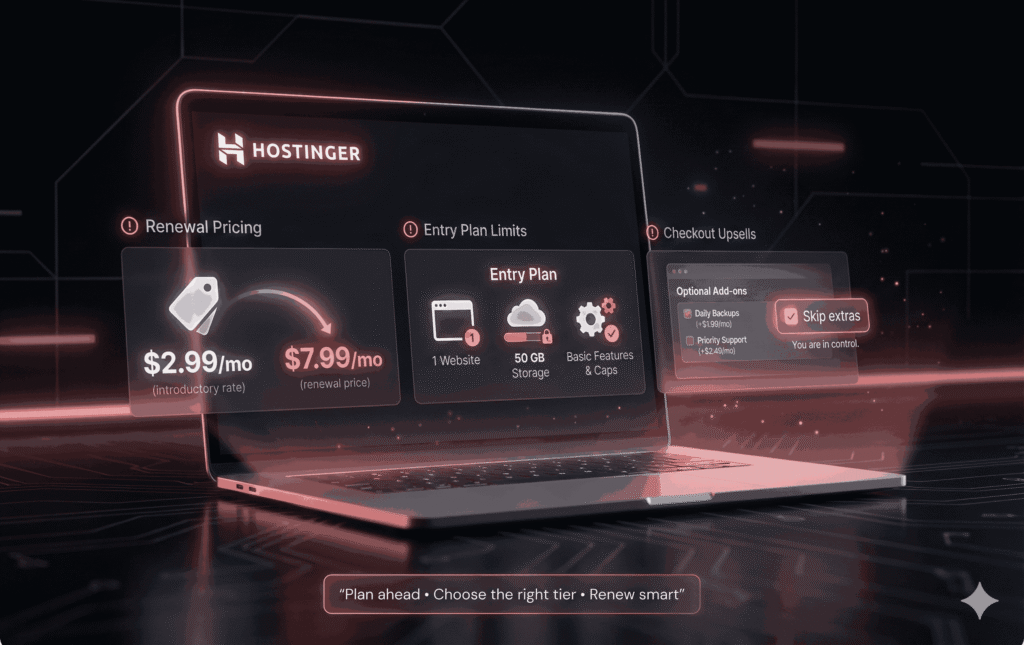
No product is perfect. Hostinger’s primary drawbacks for first-time owners are:
Renewal price increases: The very low introductory rates are promotional. Renewal prices are higher (sometimes substantially higher). Don’t mistake the intro rate for a long-term price unless you lock a long multi-year term.
Plan limits: Entry plans may limit storage, sites, or features. For example, the cheapest plan may allow only a single website or less storage — make sure you choose a plan that fits your immediate and near-future needs.
Upsells during checkout: Like many hosts, Hostinger highlights add-ons during purchase; know what you need and skip extras you don’t.
Bottom line:
These are manageable issues. For most beginners, the low upfront cost and ease-of-use outweigh the cons. But plan your renewals and backups ahead of time.
Step-by-step: Start a website on Hostinger
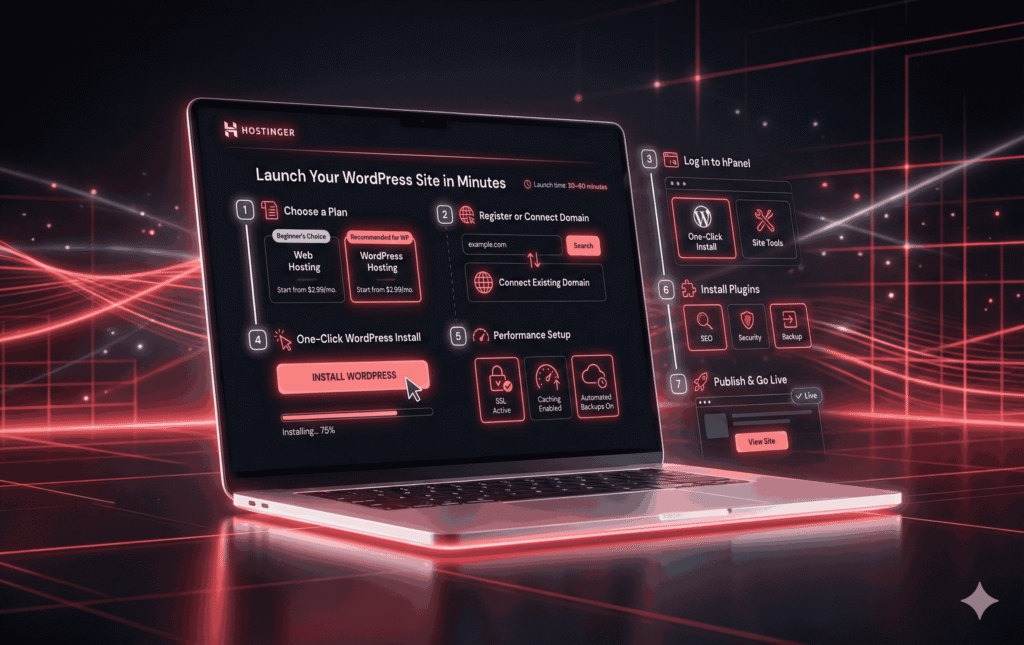
This walkthrough assumes you’re starting with a blog or simple site and will use WordPress.
Choose a plan
Visit Hostinger’s pricing page and pick “Web Hosting” or “WordPress Hosting. For one site: the “Single” or “Starter” plan is fine; for multiple sites, pick “Premium” or “Business.”
Register or map your domain
During checkout, you can register a new domain (often free for 1 year on longer plans) or use an existing domain by updating its nameservers to Hostinger’s. Hostinger gives clear nameserver instructions in hPanel.
Log in to hPanel
You’ll land on the dashboard where “One-Click Install” and site tools are visible. If you prefer a Website Builder, choose that path instead.
One-click WordPress install
Use the WordPress installer, set your admin username and password, and pick a starter theme if offered.
Select performance options
Enable caching, activate SSL, and set up automatic backups if included in your plan.
Install essential plugins (for beginners):
SEO plugin (Yoast/Rank Math), caching plugin (if not built-in), backup plugin (optional), and a security plugin. Many features are already built-in on WordPress-specific Hostinger plans.
Point your domain & test
If you registered through Hostinger, it’s automatic. If you mapped an external domain, wait for DNS propagation (can take up to 24–48 hours). Publish your first post/page.
Optional: set up email
Hostinger offers email hosting; you can also connect external email providers (Gmail/Google Workspace).
Result:
From signup to a live WordPress site, expect roughly 30–60 minutes for a beginner who follows the guided UI.
Migration & Growth Path: When to Upgrade
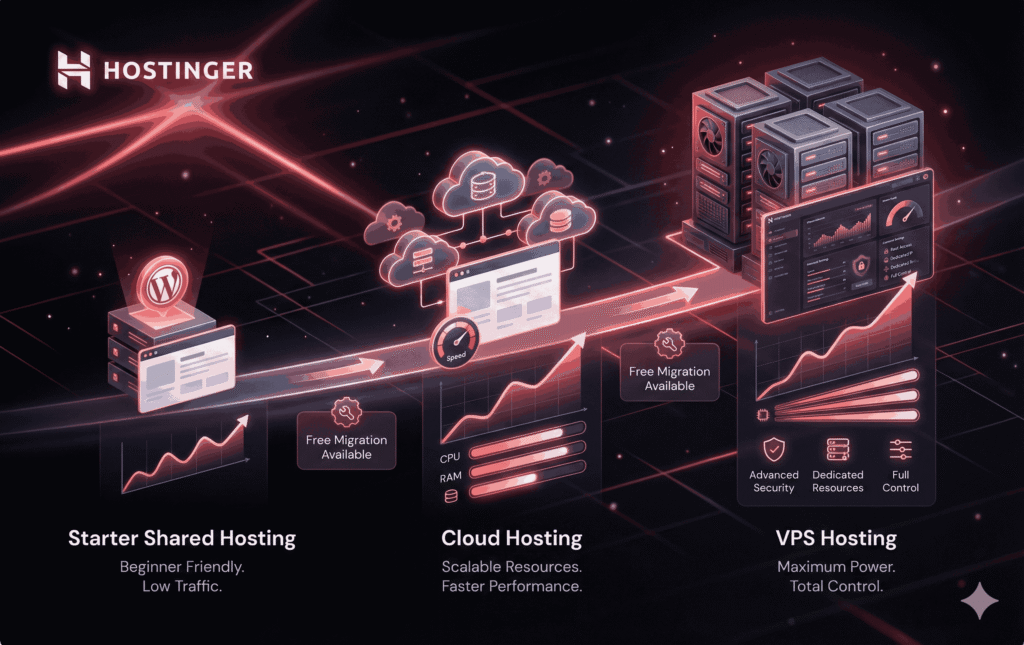
If your site grows beyond the limits of shared hosting (e.g., many concurrent visitors, big databases, or advanced server needs), Hostinger provides paths upward:
Cloud plans: mid-tier option with more resources.
VPS hosting: for full control and bigger resource allocation.
Managed or external solutions: for large-scale or enterprise needs.
Hostinger offers free migrations on some tiers; otherwise, manual migration or paid migration are options. For most beginners, start small and upgrade when traffic or resource needs justify it.
Hostinger vs Bluehost (short beginner-friendly comparison)
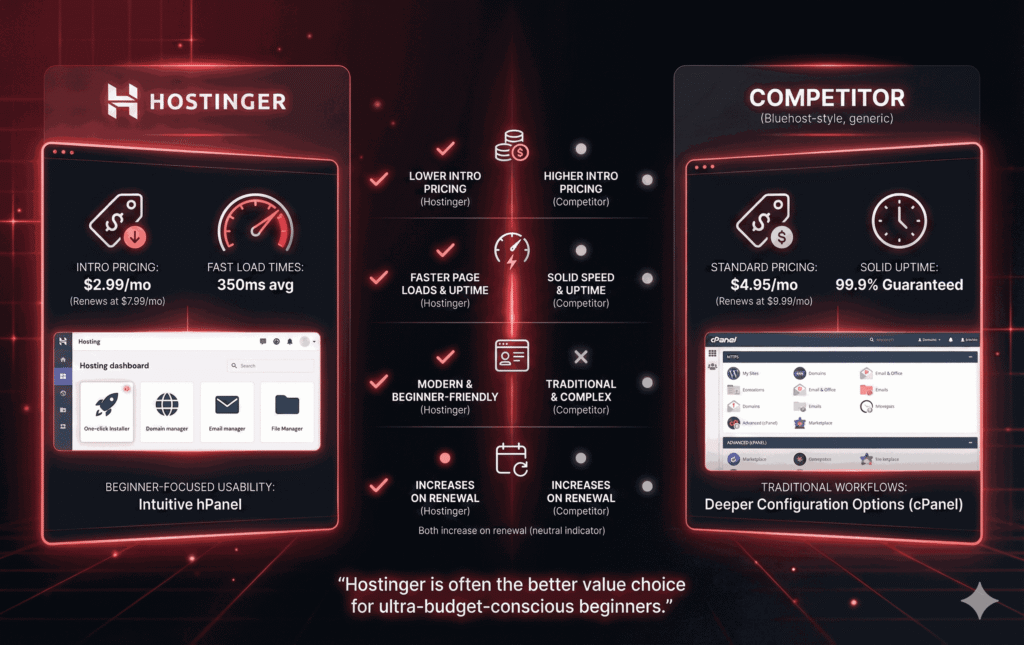
Both are popular beginner hosts, but here’s why Hostinger often edges out Bluehost for first-time owners:
Price: Hostinger’s entry discount pricing is typically lower than Bluehost’s promotions.
Performance: In multiple recent tests, Hostinger showed faster page loads and comparable or better uptime for budget plans.
Interface: Hostinger’s hPanel is streamlined and beginner-focused; Bluehost leans toward a cPanel-like experience and deeper integration with WordPress hosting.
Renewals & offers: Both hosts increase renewal prices; the exact amounts vary by plan and region. Always compare renewal pricing before committing.
Conclusion:
For ultra-budget-conscious beginners who want a fast, modern dashboard and competitive speed, Hostinger is often the better fit.
Affiliate & coupon opportunities (How to Promote Hostinger as an Affiliate)
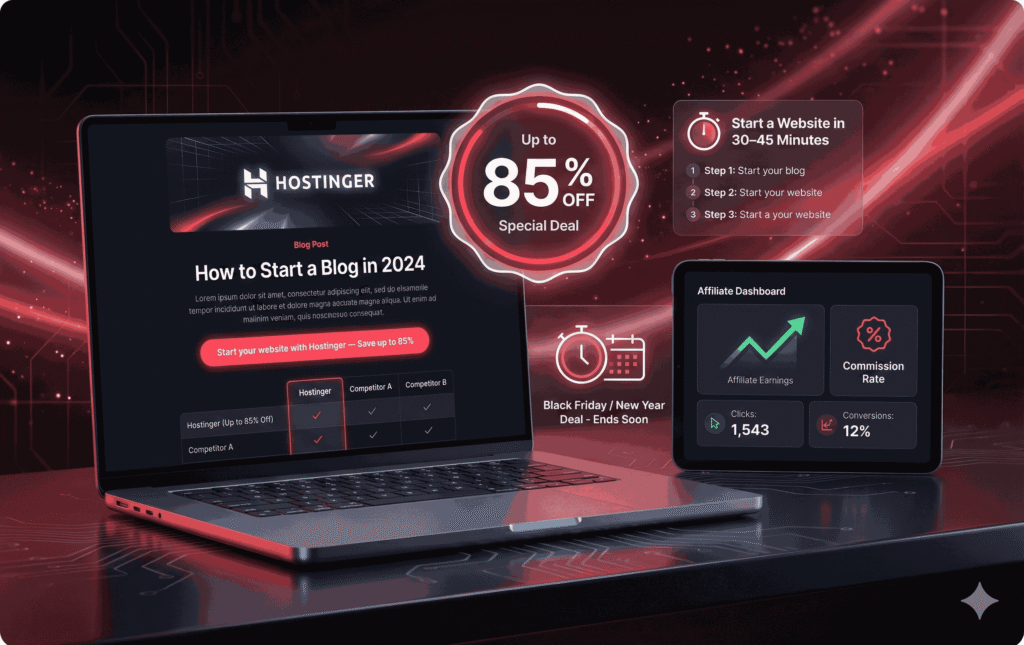
If you plan to promote Hostinger (as many bloggers do), here are practical copy & funnel tips:
Promote during major sales. Hostinger’s best discounts (70–88% off) usually show up around Black Friday / New Year’s and via partner channels. Time your content and email blasts to these events.
Use “cheap entry, high value” messaging. Emphasize low initial cost + free domain (when included) + one-click WordPress. Show a real setup time (30–45 minutes).
Show a comparison table. Readers love head-to-head comparisons (Hostinger vs Bluehost vs SiteGround) with a clear winner for budget beginners.
Use “how to start” tutorials. Beginner setup guides convert extremely well — pair the tutorial with your affiliate CTA in the header and at the end.
Leverage the affiliate commission. Hostinger’s affiliate program offers a commission of ~40% per eligible sale — build product pages and email sequences around this to maximize returns.
Suggested CTA copy (A/B test these):
“Start your website with Hostinger — Save up to 85% (Beginner-friendly).”
“Get Hostinger + free domain (1st year) — Setup in 30 minutes.”
“Try Hostinger WordPress Hosting — Fast, cheap, and beginner-friendly.”
(Replace the CTA link with your affiliate link, e.g., [INSERT_AFFILIATE_LINK_HERE].)
Final Verdict & Scorecard
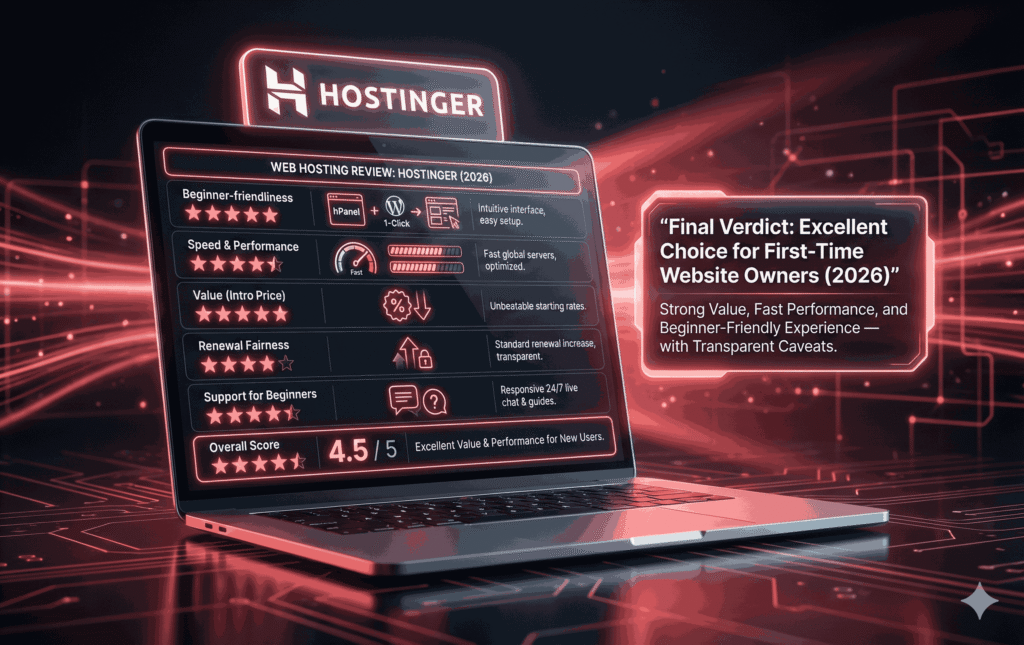
| Category | Score (out of 5) | Notes |
|---|---|---|
| Beginner-friendliness | 5/5 | hPanel + one-click WordPress + site builder. |
| Speed & performance | 4.5/5 | Very strong for budget hosting; fast LCP in tests. |
| Value (intro price) | 5/5 | Aggressive promos make it extremely cheap initially. |
| Renewal fairness | 3.5/5 | Renewal increases are the main downside; still competitive overall. |
| Support for beginners | 4.5/5 | 24/7 chat + knowledge base — helpful for most cases. |
| Overall | 4.5/5 | Excellent choice for first-time website owners who want value + speed. |
Hostinger is an excellent starting point for new website owners in 2026 — especially if you’re budget-conscious and want a fast, simple, WordPress-ready host. Be aware of renewal pricing and pick the plan that fits your mid-term needs.
FAQ
Q: Is Hostinger safe for beginners?
A: Yes. Hostinger includes free SSL, basic backups (on many plans), and optional security tools — enough for a beginner site. For extra safety, maintain your own backups and keep WordPress/plugins updated.
Q: How much does Hostinger cost per month?
A: Introductory prices vary by region and sale, often starting under $2/month during promotions; renewals are higher. Always check the regional pricing page and promos.
Q: Is Hostinger good for WordPress?
A: Yes — Hostinger offers WordPress-optimized hosting with one-click installs, caching, and auto-updates on certain plans. It’s very beginner-friendly.
Q: Can I migrate my site to Hostinger?
A: Yes. Hostinger offers migration tools and free migration services on some plans. If you have a larger or complex site, consider paid migration assistance.
Q: Does Hostinger offer discounts?
A: Hostinger frequently runs promotions (including massive Black Friday / partner deals) and publishes coupon codes on its site; discounts of 70–88% have been observed during major sales.