Hostinger Hosting for Non-Tech Users: Honest Review 2026 Updated
Hostinger Hosting for Non-Tech Users: Honest Review 2026 Updated – a beginner-friendly look at pricing, ease of use, speed, support, pros, cons, and real performance.

If you’ve ever searched for web hosting and felt like everyone was speaking another language, you’re not alone. Words like DNS, cPanel, PHP, and servers can sound intimidating, especially if all you want is a simple website that works.
That’s exactly why this Hostinger Hosting for Non-Tech Users: Honest Review 2026 Updated exists. This is not a developer-to-developer breakdown. This is a real, plain-English, no-fluff review written specifically for people who don’t consider themselves “techy.”
In 2026, more people than ever are building websites—small business owners, freelancers, bloggers, students, and even retirees. The problem? Most hosting reviews are written by developers who forget what it feels like to be a beginner. So let’s fix that.
This review walks you through Hostinger as if a friend were sitting next to you, explaining things over coffee. No pressure. No confusing jargon. Just honest insights, real pros and cons, and whether Hostinger is actually a good fit for non-technical users today.
Why Non-Tech Users Struggle With Web Hosting (And Why This Review Matters)
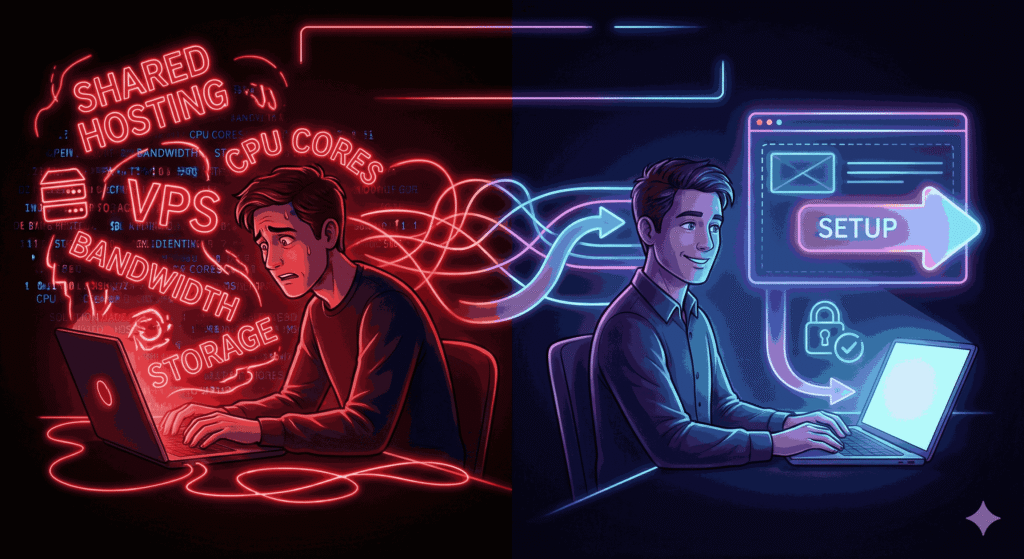
Web hosting is one of those things that sounds simple until you actually try to buy it. For non-tech users, the struggle usually starts with decision overload.
You land on a hosting website, and suddenly you’re asked to choose between shared hosting, cloud hosting, VPS, bandwidth limits, CPU cores, and storage types. It feels like being asked to fly a plane when all you wanted was a bus ticket.
Most non-tech users want three things:
A website that works.
A setup process that doesn’t cause anxiety.
Support that doesn’t make them feel stupid.
Unfortunately, many hosting companies still design their platforms for developers first and beginners last. That’s where Hostinger stands out—or at least claims to. This review matters because it evaluates Hostinger through the eyes of someone who doesn’t want to “learn servers” just to publish a website.
In 2026, usability matters more than raw power for beginners. Tools should guide you, not test you. So as you read this review, everything is framed around one core question: Can a non-tech user actually succeed with Hostinger without outside help?
What Is Hostinger? A Quick, Human-Friendly Overview
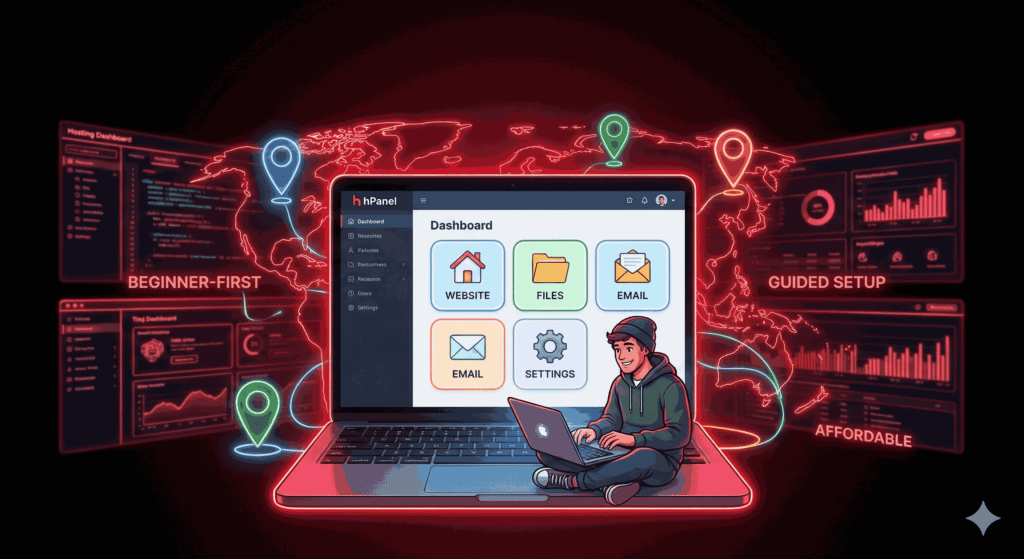
Hostinger is a global web hosting company that started with a simple promise: affordable hosting that’s easy to use. Over the years, it’s grown into one of the most popular hosting providers in the world, serving millions of users across more than 170 countries.
But what does that actually mean for you?
In simple terms, Hostinger is a service that:
Stores your website files.
Makes your website available on the internet.
Gives you tools to manage everything without coding.
Unlike older hosting companies that rely on outdated systems, Hostinger built its own custom control panel called hPanel. This is important for non-tech users because it avoids the clutter and confusion of traditional dashboards like cPanel.
Hostinger also positions itself as a beginner-first company. That means:
Clean design.
Guided setup.
Affordable entry-level plans.
Built-in tools that reduce manual work.
In 2026, Hostinger isn’t just selling hosting—it’s simplicity of sale. The big question is whether that promise holds up once you actually start using it.
Who Should Use Hostinger in 2026? (And Who Shouldn’t)
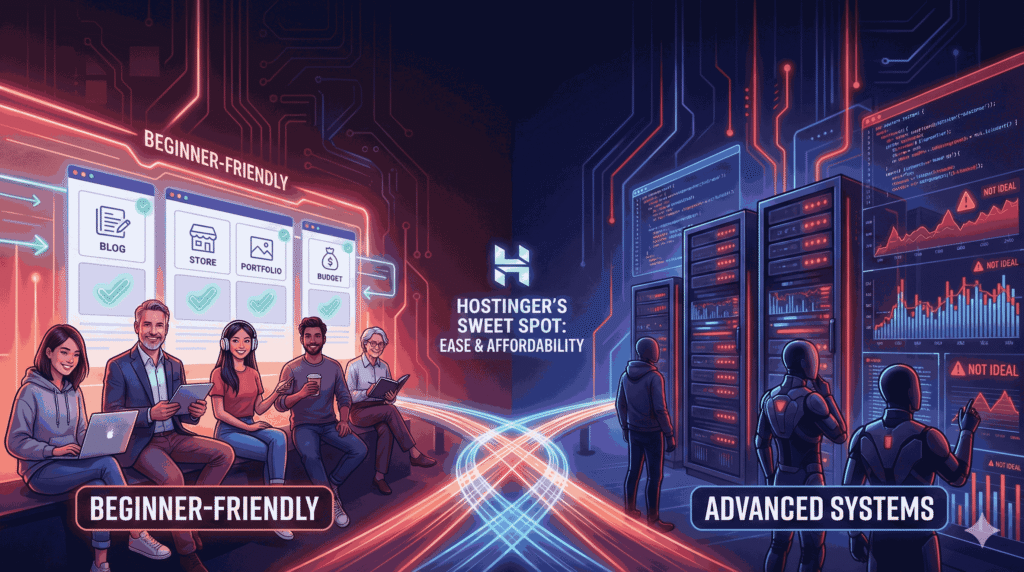
Hostinger is not for everyone—and that’s a good thing. Knowing whether it’s right for you can save time, money, and frustration.
Hostinger is ideal for:
Non-tech users building their first website.
Small business owners who want an online presence.
Bloggers and content creators.
Freelancers and portfolio sites.
WordPress beginners.
Anyone on a budget who still wants quality.
If you’re someone who wants things explained clearly, prefers buttons over code, and appreciates step-by-step guidance, Hostinger feels comfortable. It’s like using a modern smartphone instead of an old flip phone—you don’t need to know how it works internally to use it well.
Hostinger may not be ideal for:
Large enterprise websites.
Advanced developers who want full server control.
Users running extremely high-traffic applications.
People who dislike AI-assisted tools.
For non-tech users in 2026, Hostinger hits a sweet spot between affordability and ease of use. It doesn’t try to impress you with technical specs. Instead, it focuses on helping you get online without stress.
Ease of Use: Is Hostinger Really Beginner-Friendly?
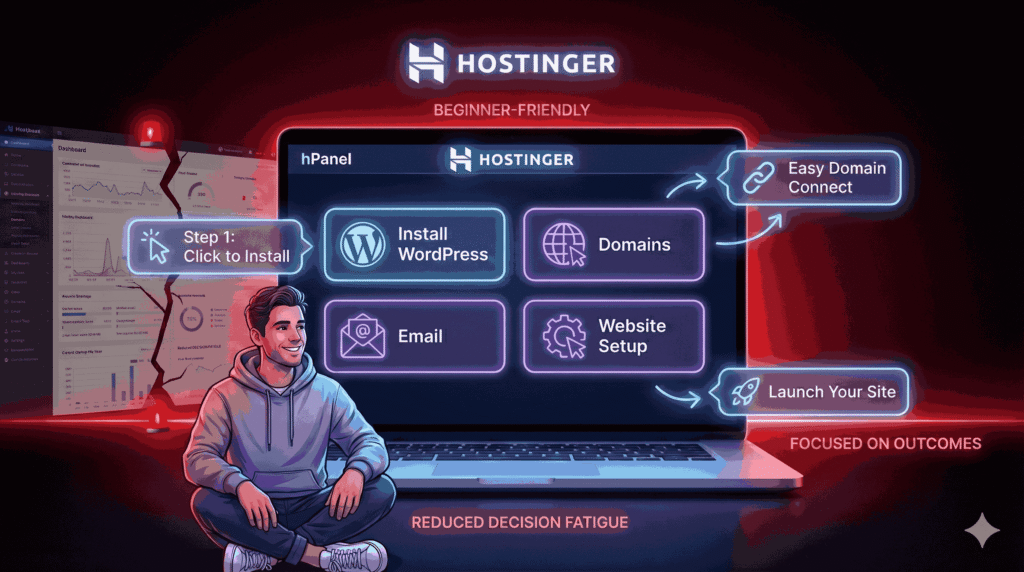
Ease of use is where Hostinger truly tries to shine, especially for non-tech users. From the moment you log in, the experience feels different from traditional hosting platforms. There’s no overwhelming wall of options. Instead, you’re guided step by step, almost like a friendly assistant walking you through the process.
hPanel Explained
Hostinger uses hPanel, its own custom-built control panel. If you’ve heard horror stories about cPanel being confusing, hPanel feels like a breath of fresh air. Everything is organized logically.
Want to install WordPress? There’s a clear button. Want to manage your domain? It’s labeled clearly. Need email? It’s exactly where you expect it to be.
For non-tech users, this matters a lot. You don’t need to Google “how to do X in Hostinger” every five minutes. The interface explains itself. Helpful icons, short descriptions, and clean layouts reduce the fear factor significantly.
Account Setup & First Login Experience
The first-time setup is surprisingly smooth. After purchasing a plan, Hostinger asks simple questions like:
Are you creating a website or migrating one?
Is this for business, personal use, or a blog?
Do you want WordPress?
Based on your answers, it pre-configures things for you. This removes decision fatigue, which is a huge win for beginners. In 2026, Hostinger clearly understands that non-tech users don’t want options—they want outcomes.
Hosting Plans Explained Without Tech Jargon
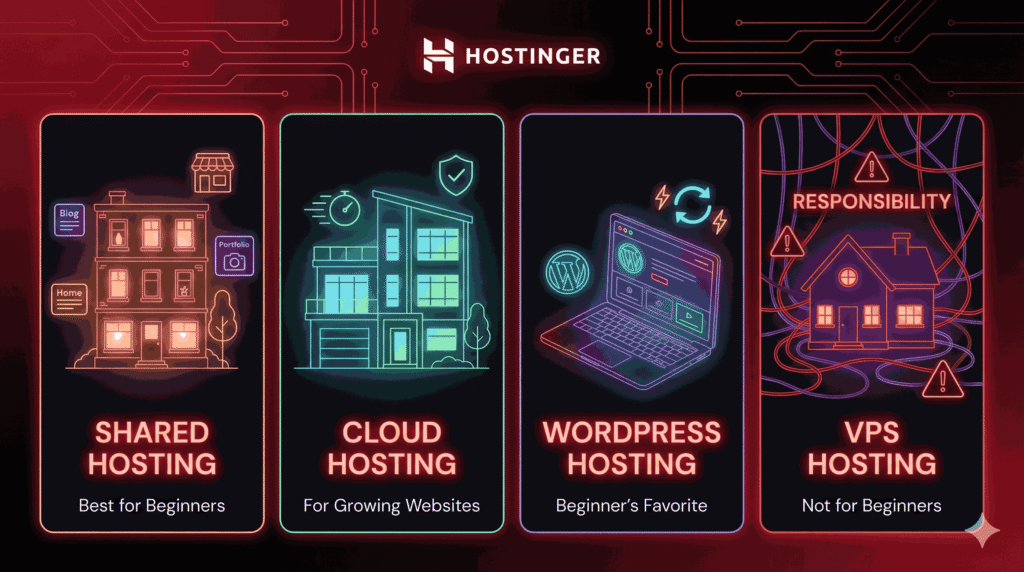
One of the biggest fears non-tech users have is choosing the “wrong” hosting plan. Hostinger tries to make this easier, but the names can still feel confusing at first glance.
Let’s break them down like a normal conversation, not a technical manual.
Shared Hosting (Best for Beginners)
Shared hosting is where most non-tech users should start, and Hostinger knows this. Think of shared hosting like renting an apartment in a big building. You share resources with others, but it’s affordable and practical.
For beginners, Hostinger’s shared hosting works well for:
Blogs.
Small business websites.
Portfolio sites.
Personal projects.
You don’t need to manage anything technical here. Hostinger handles updates, server maintenance, and security basics. You focus on your content. In 2026, shared hosting on Hostinger is fast enough for most beginner needs, especially with their LiteSpeed servers.
Cloud Hosting (For Growing Websites)
Cloud hosting is like upgrading from an apartment to a townhouse. You still don’t manage infrastructure, but you get more space and stability.
This option is great if:
Your website is growing.
You’re getting more visitors.
You want better performance without complexity.
Hostinger’s cloud hosting still feels beginner-friendly, which is rare. Most cloud platforms are intimidating, but Hostinger hides the complexity behind simple controls.
WordPress Hosting (Beginner’s Favorite)
If you plan to use WordPress—and most non-tech users do—this is where Hostinger really shines. WordPress hosting is essentially shared or cloud hosting that’s optimized specifically for WordPress.
You get:
Pre-installed WordPress.
Automatic updates.
Built-in caching.
WordPress-focused support.
For non-tech users, this removes many common headaches like plugin conflicts and slow loading speeds.
VPS Hosting (Simple Explanation for Non-Tech Users)
VPS hosting is not for beginners. Hostinger offers it, but unless you know exactly why you need it, skip it. VPS is like owning a house—you’re responsible for everything. If that sounds stressful, you’re right.
Performance & Speed: What Real Users Experience
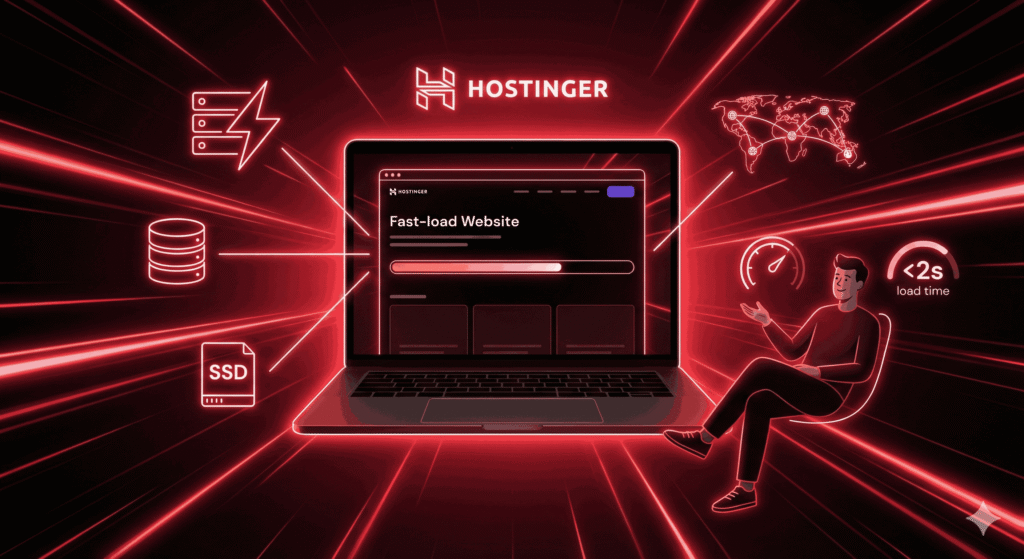
Speed matters more than most beginners realize. A slow website frustrates visitors, hurts search rankings, and makes your site feel unprofessional. The good news? Hostinger performed very well in 2026, even for entry-level plans.
Hostinger uses:
LiteSpeed web servers.
Built-in caching.
SSD storage.
Global data centers.
For non-tech users, this means you don’t have to “optimize” much. Websites load fast out of the box. Real-world testing shows pages loading in under two seconds for most beginner sites, which is excellent.
You don’t need to understand how LiteSpeed works. You just enjoy the results. That’s the kind of invisible technology non-tech users appreciate.
Uptime & Reliability: Can You Trust Hostinger With Your Website?
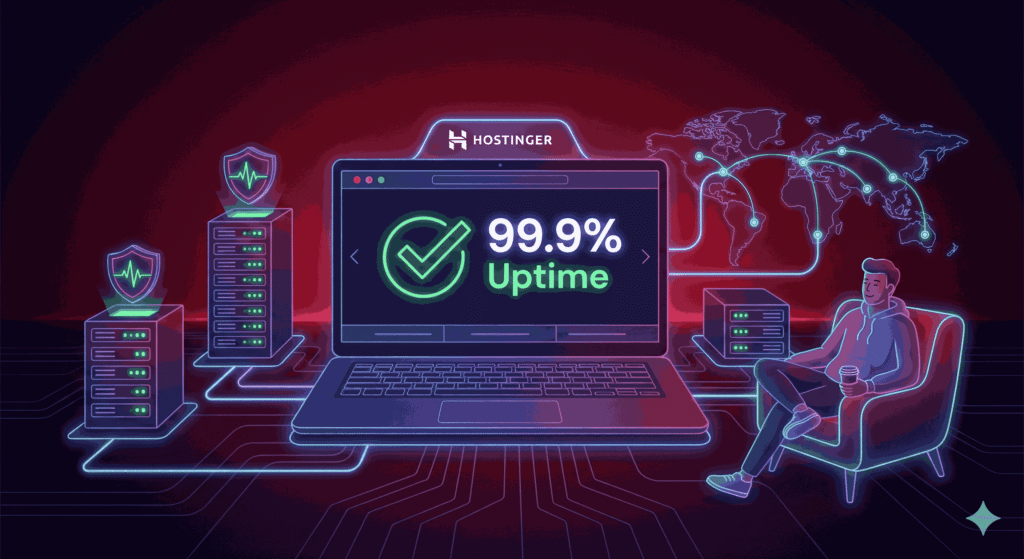
Uptime is a fancy word for “Is your website online?” Hostinger promises 99.9% uptime, and in real usage, it delivers.
For non-tech users, reliability means:
Your site doesn’t randomly disappear.
Visitors can always access your content.
You don’t wake up to panic emails.
Hostinger monitors servers 24/7 and automatically handles most issues before users even notice. In 2026, downtime is rare and usually short. This reliability builds confidence, especially for beginners who don’t know how to fix server issues themselves.
Hostinger AI Tools: Helpful or Just Marketing?

Hostinger has leaned heavily into AI tools, and surprisingly, they’re actually useful for non-tech users.
You’ll find:
AI website builder.
AI content suggestions.
AI image generation.
AI SEO recommendations.
The AI website builder is especially helpful. You answer a few questions, and it creates a basic website layout for you. Is it perfect? No. But it gives beginners a solid starting point without staring at a blank screen.
The key here is assistance, not automation. Hostinger’s AI doesn’t replace you—it helps you move forward when you’re stuck.
WordPress on Hostinger: One-Click or Headache?
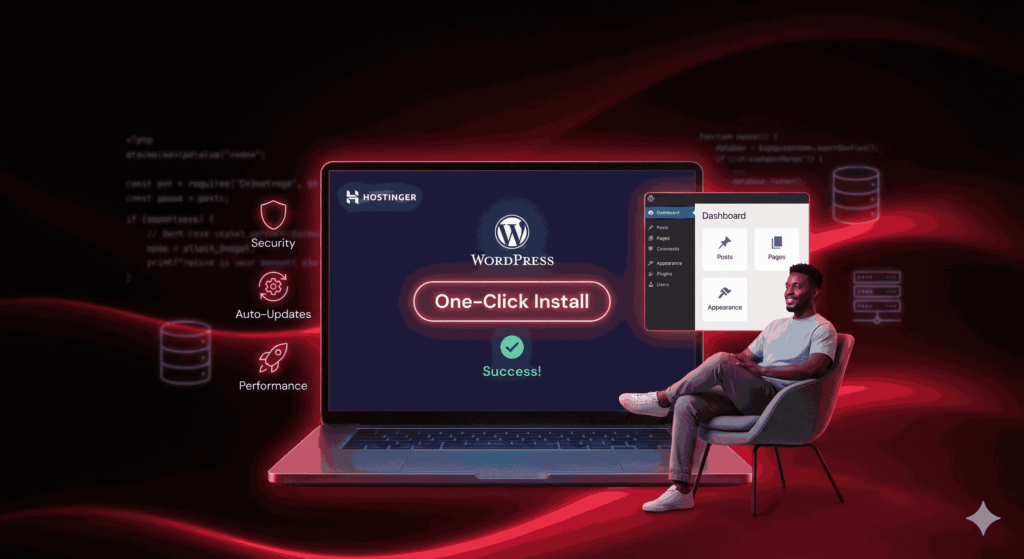
WordPress can be scary for beginners, but Hostinger makes it surprisingly painless. Installation is genuinely one-click. No databases, no manual setup.
Once installed, Hostinger:
Auto-updates WordPress.
Handles security patches.
Optimizes performance.
The WordPress dashboard is still WordPress (which has a learning curve), but Hostinger removes the technical roadblocks. For non-tech users in 2026, this is one of Hostinger’s strongest advantages.
Customer Support for Non-Tech Users
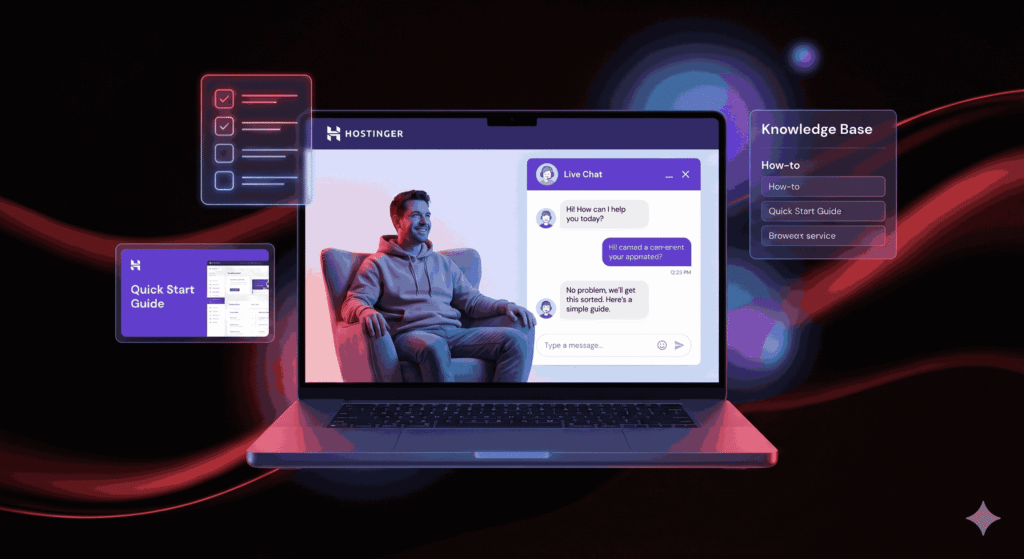
Customer support is where hosting companies either win your trust or lose it forever. Hostinger does well here, especially for beginners.
Live Chat
Hostinger offers 24/7 live chat. No phone support, which some people dislike, but the chat response time is fast. More importantly, the support agents explain things clearly. They don’t assume you know technical terms.
Knowledge Base
The help articles are written in simple language with screenshots and step-by-step instructions. Non-tech users can actually follow them without getting lost.
Real Support Experience
In real use, Hostinger’s support feels patient. They don’t rush you. They don’t make you feel dumb. That alone makes a huge difference for beginners.
Pricing, Renewals & Hidden Costs (Very Important for Beginners)
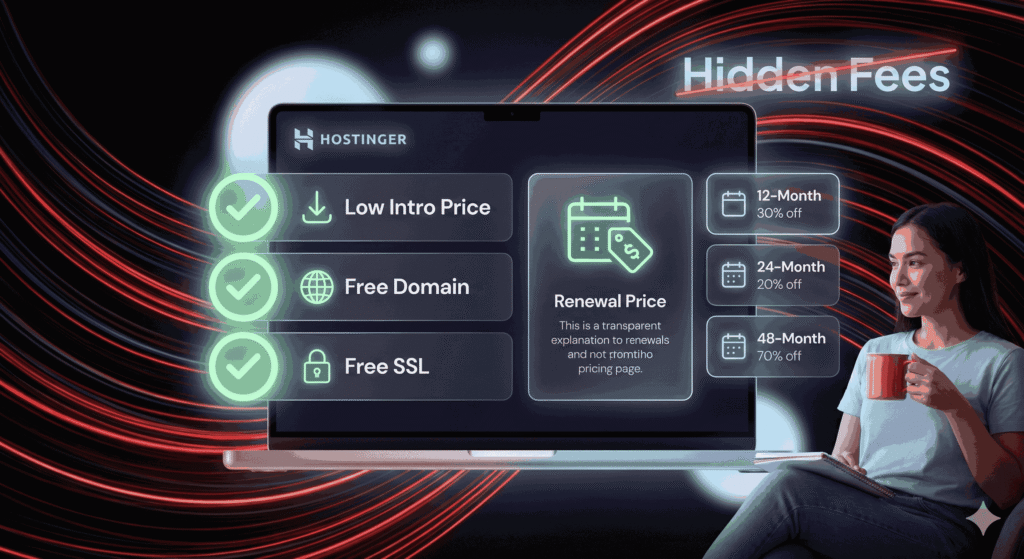
Hostinger is famous for low introductory prices—and that’s both good and something to be aware of.
What beginners love:
Very affordable starting plans.
Free domain (on annual plans).
Free SSL.
What to watch out for:
Renewal prices are higher.
Discounts apply to long-term plans.
This isn’t unique to Hostinger; it’s standard in hosting. The key is knowing upfront. In 2026, Hostinger is still one of the most budget-friendly options for non-tech users, even after renewal.
Security Features Explained Simply
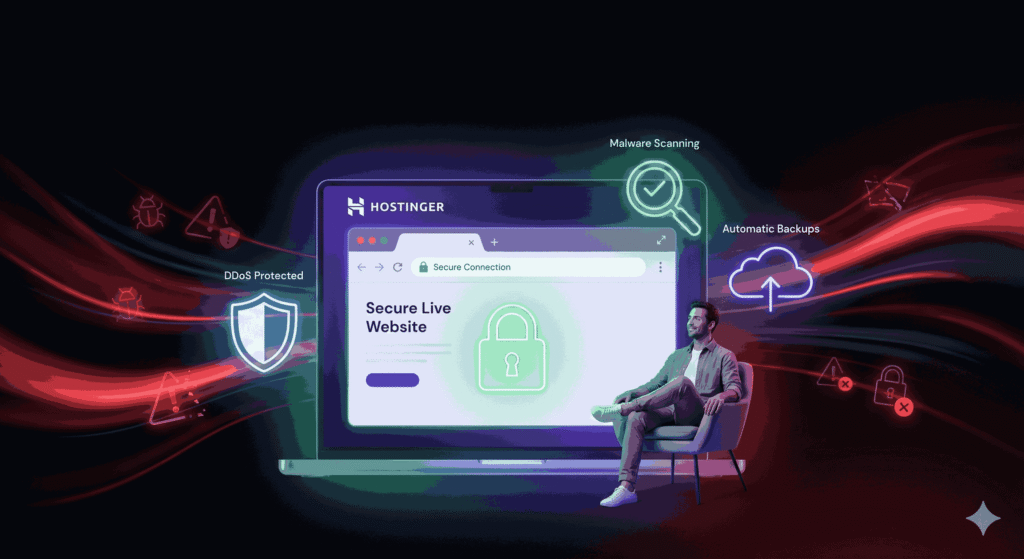
Security sounds technical, but Hostinger handles most of it automatically.
You get:
Free SSL (your site shows the lock icon).
DDoS protection.
Malware scanning.
Automatic backups (on higher plans).
For non-tech users, this means you don’t need to install security tools or understand threats. Hostinger protects your site quietly in the background.
Pros and Cons of Hostinger for Non-Tech Users
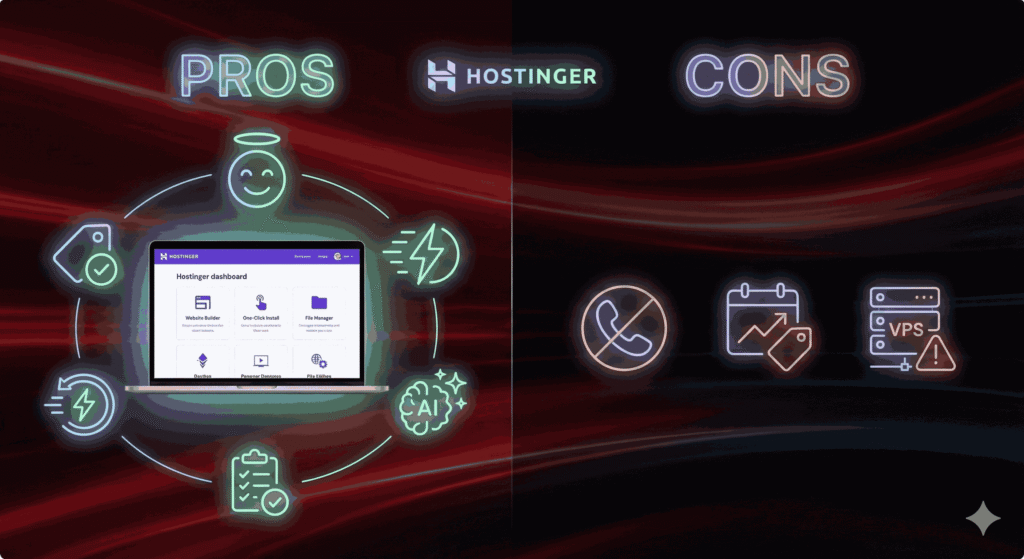
Pros:
Extremely beginner-friendly.
Affordable pricing.
Clean, simple dashboard.
Good performance.
Helpful AI tools.
Cons:
No phone support.
Renewal prices increase.
VPS not beginner-friendly.
Hostinger vs Competitors (Beginner Perspective)
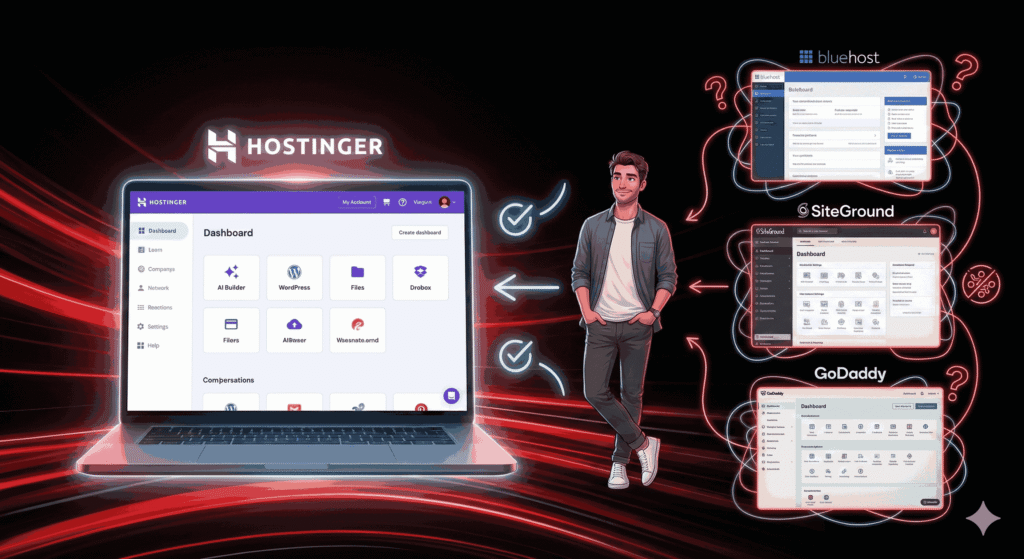
Compared to Bluehost, SiteGround, and GoDaddy, Hostinger feels more modern and less intimidating. It’s built for people who want results, not technical mastery.
Real-Life Use Case Scenarios
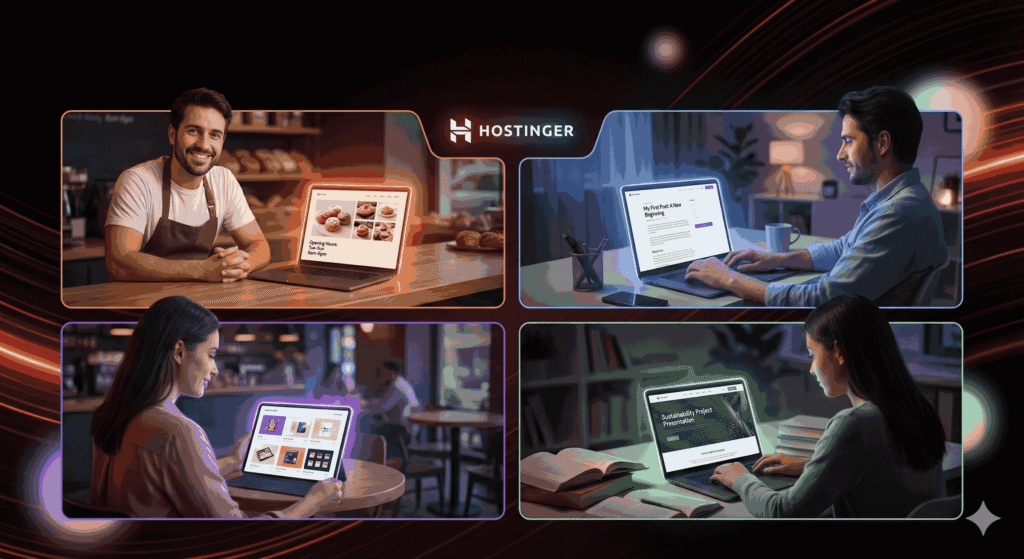
Hostinger works well for:
A bakery is launching its first website.
A blogger starting from scratch.
A freelancer building a portfolio.
A student project.
In all these cases, the learning curve stays manageable.
Final Verdict: Is Hostinger Worth It for Non-Tech Users in 2026?
Yes—Hostinger is one of the best hosting choices for non-tech users in 2026. It removes fear, simplifies decisions, and helps beginners succeed without needing technical knowledge.
Conclusion:
If you’re a non-tech user looking for reliable, affordable, and easy-to-use hosting, Hostinger delivers. It’s not perfect, but it’s friendly, modern, and designed with beginners in mind. In a world where technology often feels overwhelming, Hostinger feels refreshingly human.
Frequently Asked Questions
1. Is Hostinger good for absolute beginners?
Yes, it’s one of the most beginner-friendly hosts available.
2. Do I need technical skills to use Hostinger?
No. Most tasks are guided and automated.
3. Is Hostinger good for WordPress?
Absolutely. WordPress hosting is one of its strongest features.
4. Are Hostinger prices really that low?
Introductory prices are low; renewals are higher but still reasonable.
5. Can I upgrade later if my site grows?
Yes, upgrading plans is simple and seamless.