Is Hostinger Good for Beginners with No Technical Skills?
Is Hostinger good for beginners with no technical skills? Discover an honest, beginner-friendly review covering ease of use, pricing, support, and features to help you decide.
Starting a website for the first time can feel like standing at the edge of a swimming pool without knowing how deep the water is. You’ve got an idea, maybe a blog, a small business, or a personal portfolio, but then reality hits—domains, hosting, servers, SSL, WordPress, dashboards, and a whole bunch of tech jargon that sounds like it was invented to scare beginners away.
If you have no technical skills, the fear isn’t just about making mistakes; it’s about breaking something you don’t even understand.
That’s exactly where the question arises: Is Hostinger good for beginners with no technical skills? It’s a fair question, and honestly, an important one. Not all hosting providers are built with beginners in mind.
Some assume you already know what PHP is or how databases work. Others overload you with features you’ll never use, making the experience confusing instead of empowering.
Hostinger positions itself as a beginner-friendly, affordable web hosting solution. But marketing claims are easy to make. What really matters is the real-world experience—how it feels when a complete beginner logs in for the first time, tries to set up a website, and needs help when things don’t go as planned.
In this deep dive, we’ll break everything down in plain English. No tech talk, no fluff. Just a clear, honest look at whether Hostinger truly delivers on its promise for beginners with zero technical background. By the end, you’ll know if Hostinger is a safe starting point—or if you should look elsewhere.
What Makes a Web Hosting Platform Beginner-Friendly?
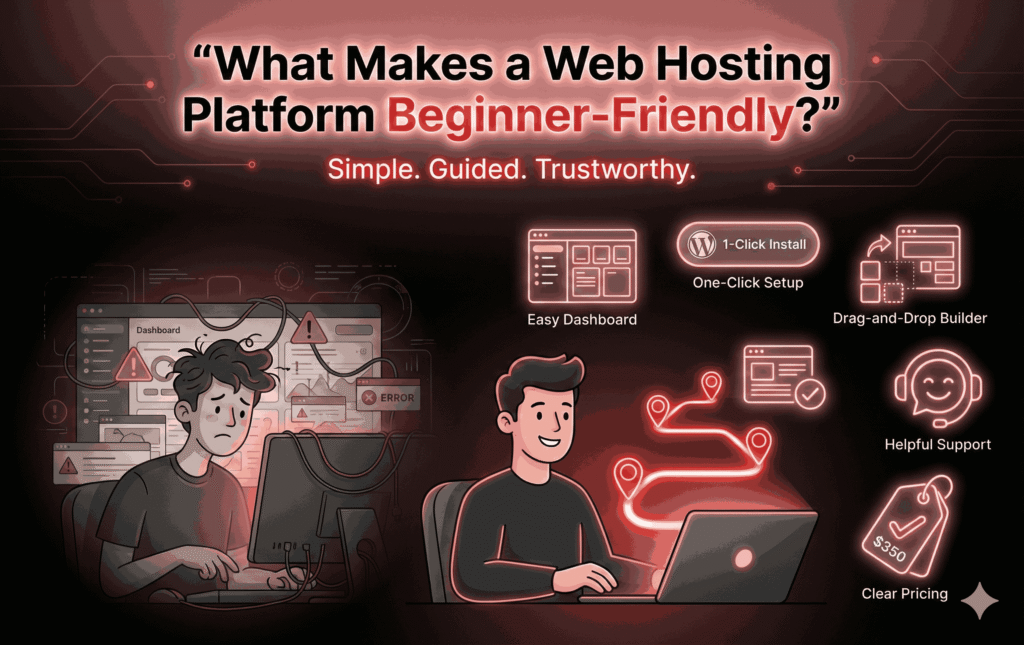
Before judging Hostinger, it’s important to understand what “beginner-friendly” actually means. For someone with no technical skills, a good hosting platform should feel less like assembling furniture without instructions and more like following a guided GPS route. You shouldn’t need to “figure things out” on your own—you should be guided every step of the way.
First and foremost, ease of use is everything. A beginner-friendly host should offer a clean, intuitive dashboard that doesn’t overwhelm users with buttons, graphs, or unfamiliar terms. If a new user logs in and immediately feels lost, that’s a red flag. Simplicity doesn’t mean lack of power; it means presenting features in a way that makes sense.
Next comes setup. Beginners shouldn’t have to manually install software, configure databases, or upload files via FTP just to get started. One-click installations, especially for WordPress, are essential. Even better is a built-in website builder that allows users to design a site visually, without touching a line of code.
Customer support is another huge factor. When beginners get stuck—and they will—they need fast, friendly help that speaks human language, not developer jargon. A 24/7 support team, live chat, and a well-organized knowledge base can make the difference between frustration and success.
Lastly, pricing transparency matters. Beginners often work with tight budgets, so clear pricing, affordable plans, and minimal hidden fees help build trust. A beginner-friendly platform shouldn’t punish users for not knowing what to upgrade or when.
With these criteria in mind, we can now fairly evaluate whether Hostinger truly lives up to its beginner-friendly reputation.
Overview of Hostinger: A Quick Snapshot
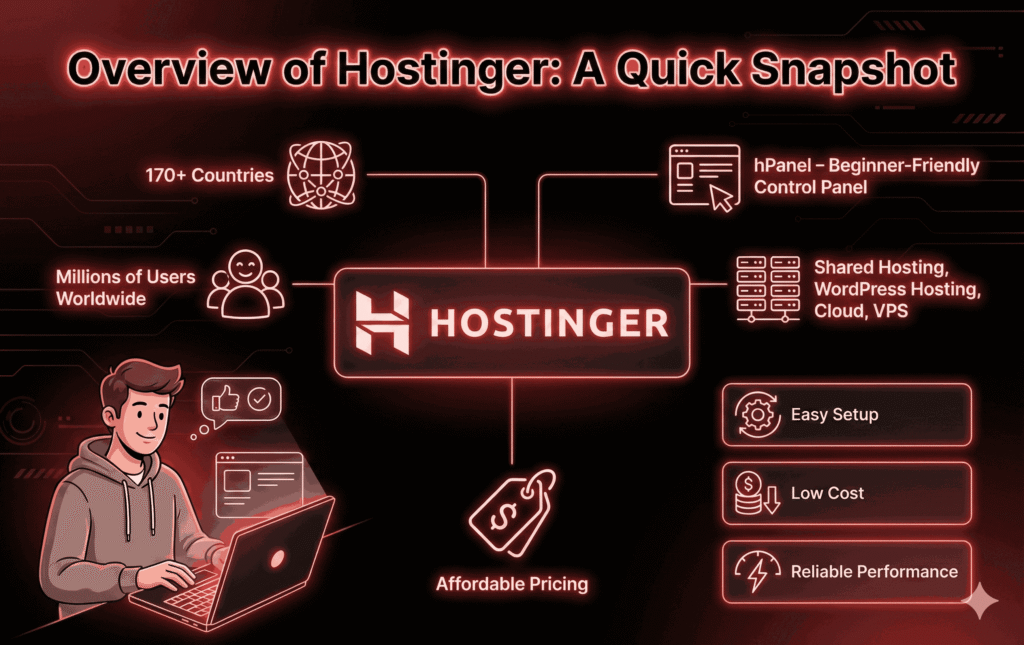
Hostinger is one of the most popular web hosting providers in the world, especially among beginners and budget-conscious users. Founded in 2004, it has grown rapidly and now serves millions of users across more than 170 countries. That kind of reach doesn’t happen by accident—it usually means the service resonates with everyday users, not just tech experts.
At its core, Hostinger offers a range of hosting solutions, including shared hosting, cloud hosting, VPS hosting, and WordPress hosting. But for beginners with no technical skills, shared hosting and WordPress hosting are the real stars of the show. These plans are designed to be simple, affordable, and easy to manage.
One thing that sets Hostinger apart is its custom-built control panel called hPanel. Instead of using the traditional cPanel that many hosts rely on, Hostinger created its own system with beginners in mind. This decision alone says a lot about who they’re targeting—people who want clarity, not complexity.
Hostinger also focuses heavily on performance and affordability. Their entry-level plans are among the cheapest in the market, often costing less than a cup of coffee per month when you sign up for a longer term. For beginners testing the waters, that low barrier to entry can feel incredibly reassuring.
But popularity and low pricing don’t automatically mean it’s good for beginners. The real test lies in how all these features come together when a complete novice tries to build their first website.
Hostinger Product Description (Quick Overview)
| Feature | Description |
|---|---|
| Hosting Provider | Hostinger |
| Best For | First-time website owners, beginners, bloggers, freelancers, and small businesses |
| Hosting Types | Shared Hosting, WordPress Hosting, Cloud Hosting, VPS Hosting |
| Starting Price | Budget-friendly introductory pricing (varies by region & offers) |
| Control Panel | Custom hPanel (Beginner-friendly & easy to navigate) |
| Website Builder | Built-in drag-and-drop Website Builder included |
| WordPress Support | 1-click WordPress install, auto updates, WP optimization |
| Performance | Fast loading speeds with SSD storage & built-in caching |
| Uptime Guarantee | 99.9% uptime commitment |
| Free Domain | Yes (on selected annual & multi-year plans) |
| Free SSL Certificate | Included on all major plans |
| Email Hosting | Free professional email accounts are available |
| Backups | Weekly or daily backups (depends on plan) |
| Security Features | SSL, malware protection, firewall, DDoS protection |
| Customer Support | 24/7 Live Chat Support |
| Data Centers | Multiple global locations (US, Europe, Asia) |
| Migration | Free website migration available |
| Money-Back Guarantee | 30-day refund policy |
| Affiliate Program | Up to ~40% commission per sale |
| Ease of Use Rating |  (5/5 – excellent for beginners) (5/5 – excellent for beginners) |
| Overall Rating | ☆ (4.5 / 5) |
First Impressions: Signing Up with Hostinger
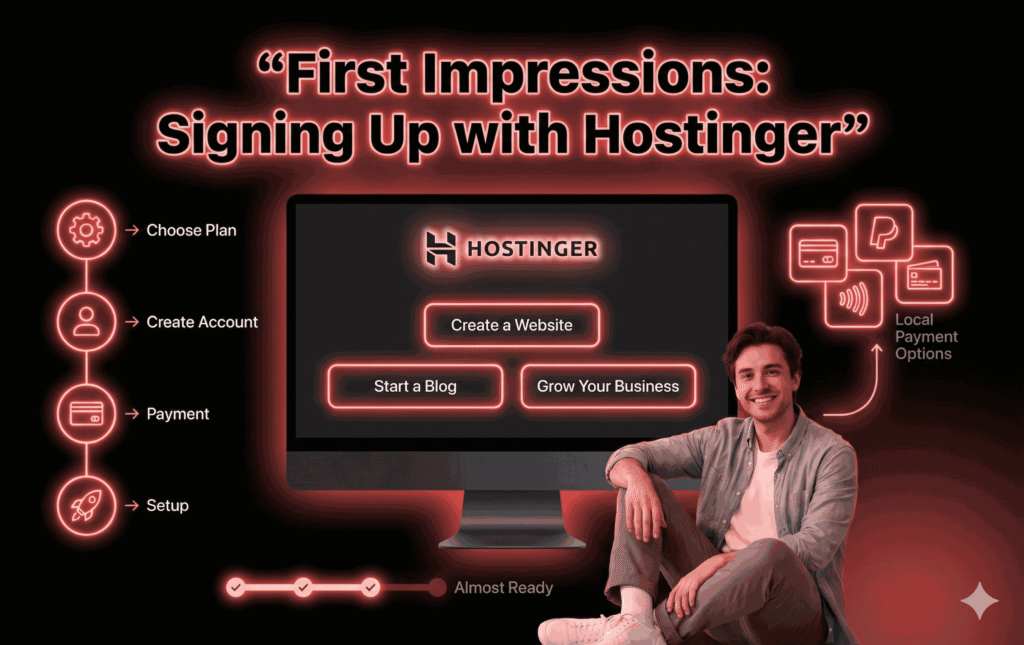
The beginner experience starts the moment you land on Hostinger’s website, and thankfully, it doesn’t feel intimidating. The layout is clean, modern, and written in plain language. Instead of throwing technical terms at you, Hostinger focuses on outcomes—“Create a website,” “Start a blog,” or “Grow your business.” For beginners, that alone reduces anxiety.
Signing up is refreshingly simple. You choose a hosting plan, create an account using an email address, and select a payment method. Hostinger supports multiple payment options, including credit cards, PayPal, and even some local payment methods depending on your region. There’s no confusing upsell maze during checkout, which is a big plus for first-time users.
Choosing the right plan can still feel a bit overwhelming, but Hostinger does a decent job of guiding beginners toward shared or WordPress hosting. These plans are clearly labeled and explained, making it easier to make a confident decision without fully understanding the technical differences.
Once payment is complete, you’re immediately guided into the setup process. Hostinger asks simple questions like whether you want to create a new website, migrate an existing one, or use WordPress. This onboarding flow feels like a friendly conversation rather than a technical interrogation.
For beginners with no technical skills, this smooth and guided first impression sets the tone. Instead of feeling lost, you feel supported—and that’s exactly how a beginner-friendly hosting provider should start.
Hostinger’s Custom Control Panel (hPanel) Explained
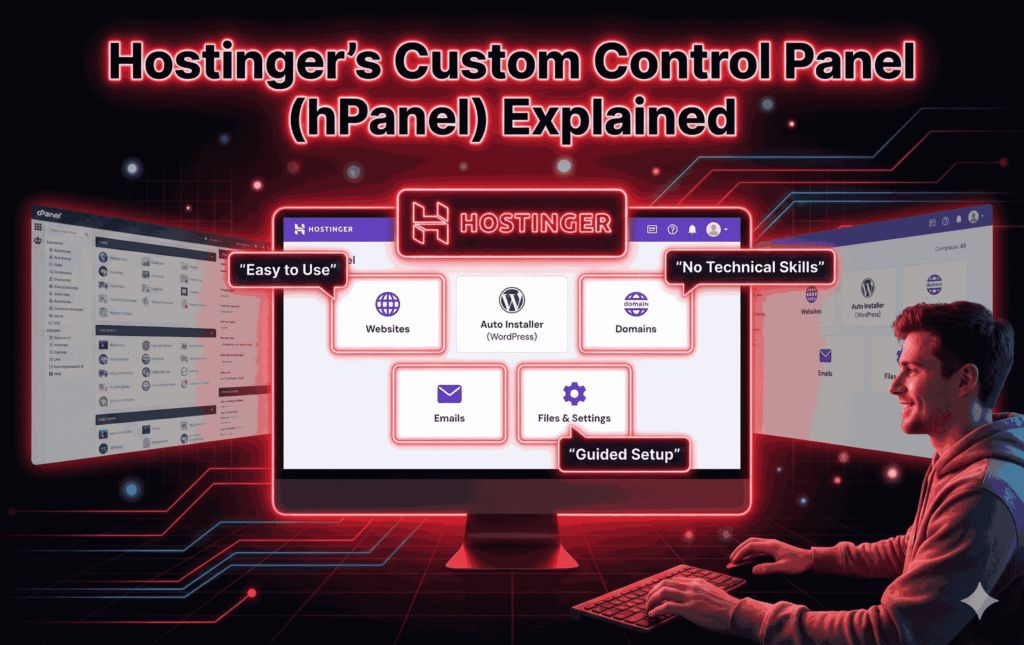
One of the biggest hurdles for beginners in web hosting is the control panel. This is where you manage your website, domain, emails, files, and settings. Traditional control panels like cPanel are powerful but can feel overwhelming, especially if you don’t know what half the options mean.
Hostinger tackles this problem with its custom-built hPanel, and honestly, this is where it truly shines for beginners. hPanel is designed with simplicity in mind. The interface is clean, well-organized, and visually intuitive. Instead of cramming everything onto one screen, features are grouped logically and labeled in plain language.
For example, if you want to install WordPress, you don’t need to hunt through menus or understand databases. There’s a clear “Website” section, and within it, straightforward options like “Auto Installer.” Click, follow a few prompts, and you’re done.
What makes hPanel especially beginner-friendly is the built-in guidance. Many sections include short explanations or helpful prompts that explain what a feature does and whether you actually need it. This reduces the fear of “clicking the wrong thing” and breaking your site.
Compared to cPanel, hPanel feels less intimidating and more modern. While advanced users might miss some technical flexibility, beginners gain confidence and clarity. And for someone with no technical skills, that trade-off is absolutely worth it.
Setting Up Your First Website on Hostinger
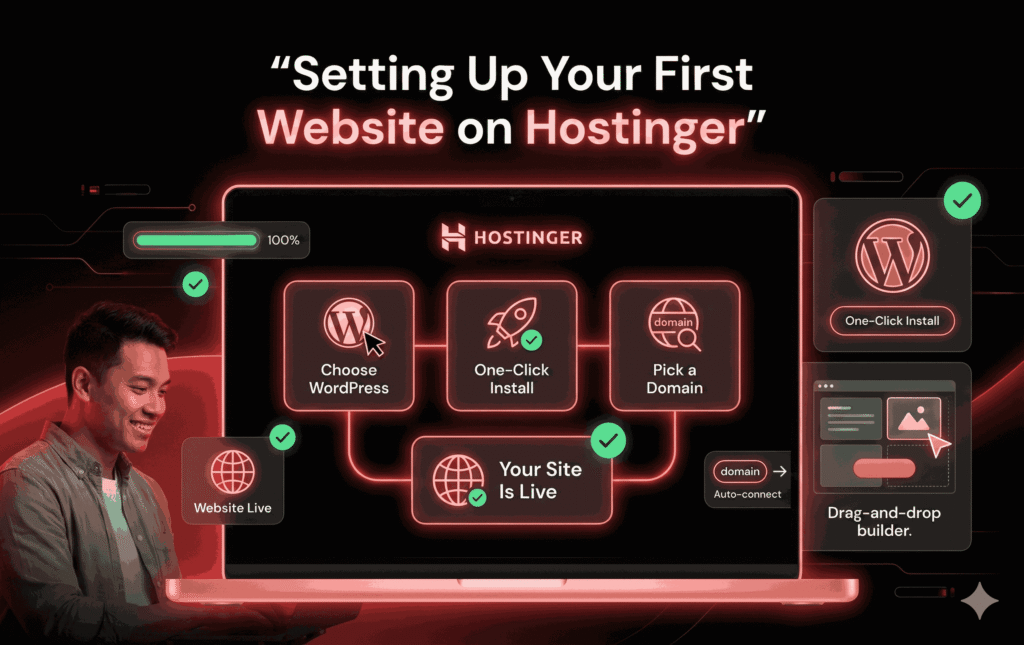
This is the moment of truth for beginners: actually setting up a website. With Hostinger, this process is surprisingly painless, even if you’ve never built a website before.
If you choose WordPress—which most beginners do—Hostinger offers a one-click installation. You don’t need to download anything, create databases, or configure files. You simply select WordPress, choose a domain name, set a username and password, and Hostinger takes care of the rest behind the scenes.
For absolute beginners who don’t even want to deal with WordPress, Hostinger also offers its own website builder. This option is perfect for users who just want a simple website without learning anything new. You pick a template, drag and drop elements like text and images, and customize colors and fonts visually.
Domain setup is also beginner-friendly. If you purchase a domain through Hostinger, it’s automatically connected to your hosting. No manual DNS configuration, no confusing settings. Everything just works.
Within minutes, you can have a live website on the internet—something that would have felt impossible without technical skills just a few years ago. This ease of setup is one of the strongest arguments in favor of Hostinger for beginners.
Hostinger Website Builder: Is It Really Beginner-Friendly?
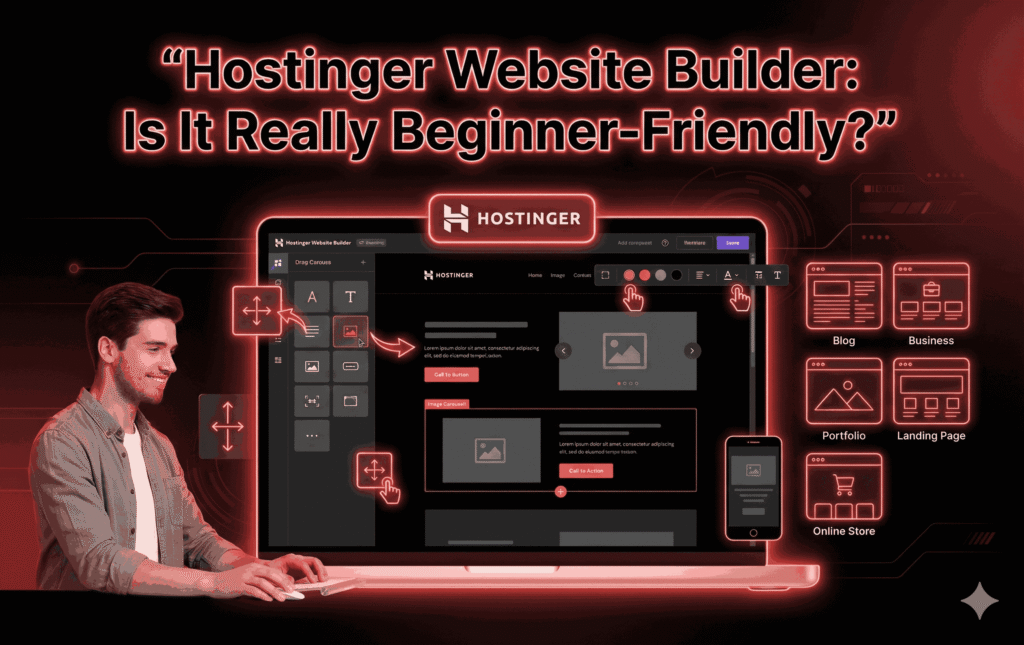
For someone with no technical skills, the idea of building a website can feel like trying to paint a masterpiece without ever holding a brush. This is where Hostinger’s Website Builder steps in, promising simplicity, speed, and zero coding. But does it actually deliver on that promise, or is it just another flashy tool that sounds good on paper?
Hostinger’s Website Builder is designed specifically for beginners who want to achieve results quickly. The drag-and-drop interface is intuitive in the truest sense of the word. You don’t need instructions to understand how it works. Want to add text? Drag it. Want an image? Drop it. Want to move a section higher? Just pull it up. Everything happens visually, right in front of your eyes, which removes the fear of “breaking” something behind the scenes.
The templates are another strong point. Hostinger offers a wide variety of pre-designed templates tailored for blogs, small businesses, portfolios, landing pages, and even simple online stores. These templates are modern, clean, and mobile-responsive by default, which means your site will look good on phones without you doing anything extra. For beginners, that’s a huge relief.
Customization is also beginner-friendly. Colors, fonts, layouts, and images can be changed with a few clicks. You don’t need to know what CSS or HTML is. The builder keeps things simple while still allowing enough flexibility to make your site feel personal.
That said, there are limitations. Advanced customization options are intentionally limited to keep things simple and straightforward. If you later want complex features or deep integrations, you may feel constrained. But for beginners with no technical skills, this is actually a benefit, not a drawback. Fewer options mean fewer chances to get confused.
Performance and Speed: Does Hostinger Deliver?
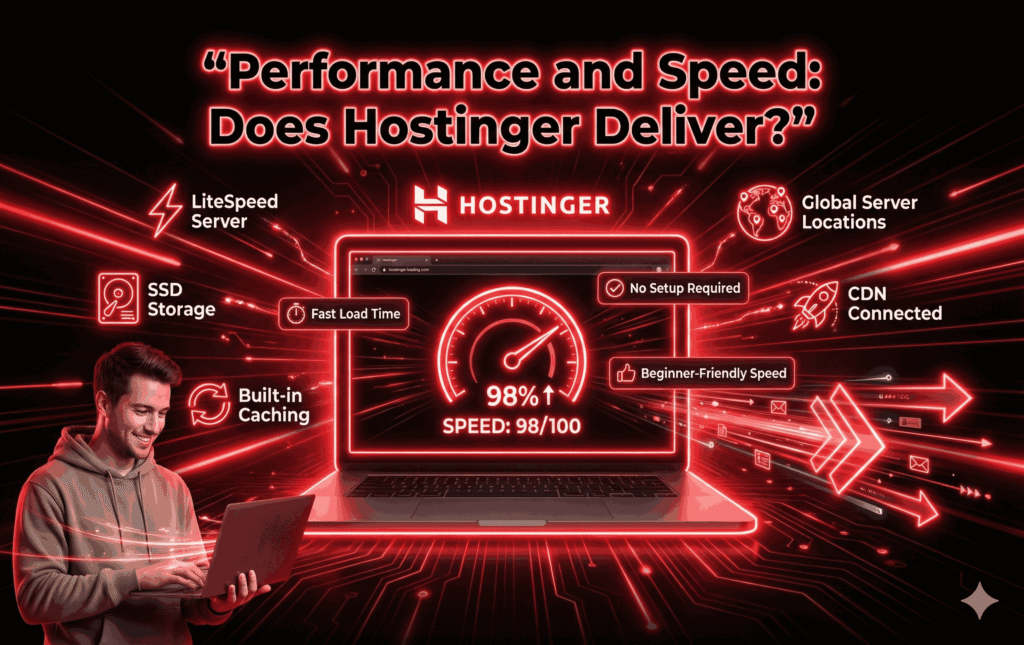
Beginners often assume that website speed only matters for big businesses or tech-savvy users, but that couldn’t be further from the truth. Even a simple blog or personal website needs to load quickly. Slow websites frustrate visitors, hurt credibility, and can even affect search engine rankings. So how does Hostinger perform in this area?
Hostinger is known for offering surprisingly good performance for its price. Even on entry-level shared hosting plans, websites tend to load quickly. This is largely due to Hostinger’s use of modern technologies like LiteSpeed servers, SSD storage, and built-in caching. The best part? Beginners don’t need to configure any of this manually. It’s all handled automatically.
Another beginner-friendly feature is Hostinger’s global server network. When setting up your hosting, you can choose a server location closer to your target audience. This reduces loading times without requiring any technical understanding of how servers work. You simply pick a location from a list.
Hostinger also includes a free Content Delivery Network (CDN) on many plans. A CDN helps deliver your website faster to visitors around the world. Again, this sounds technical, but Hostinger makes it mostly plug-and-play. Beginners can enable it with a toggle, without knowing what’s happening behind the curtain.
In real-world terms, this means your website feels fast and responsive without you having to optimize anything manually. For beginners, that’s exactly how performance should be—effective, invisible, and stress-free.
Security Features Simplified for Non-Technical Users
Security is one of the scariest aspects of running a website for beginners. Words like “malware,” “hacking,” and “data breaches” can make the whole idea of having a website feel risky. Hostinger does a good job of simplifying security so beginners don’t feel overwhelmed.
First, every Hostinger plan includes a free SSL certificate. This is what puts the little padlock icon next to your website URL and keeps visitor data secure. Beginners don’t need to install or configure anything—it’s activated automatically. That alone removes a major technical hurdle.
Hostinger also offers automatic backups on most plans. This means if something goes wrong—whether it’s a mistake you made or an unexpected issue—you can restore your website to a previous version. For beginners, this safety net is incredibly reassuring. You can experiment and learn without constant fear of permanent damage.
Malware protection and server-level security are handled by Hostinger behind the scenes. Firewalls, monitoring, and updates are managed automatically. Beginners don’t need to understand how these systems work; they just benefit from them.
The key takeaway here is peace of mind. Hostinger doesn’t expect beginners to become security experts. Instead, it builds protection into the platform in a way that feels invisible but effective.
Customer Support: A Lifeline for Beginners
No matter how beginner-friendly a platform is, questions will come up. When they do, customer support becomes the lifeline that determines whether a beginner continues or gives up. Hostinger understands this and puts a strong emphasis on support.
Hostinger offers 24/7 live chat support, which is ideal for beginners. You don’t need to wait on hold or send emails back and forth for days. You simply type your question and get a response, usually within minutes. The support staff are generally patient and explain things in simple terms, which makes a huge difference for users with no technical background.
While Hostinger doesn’t offer phone support, most beginners find live chat more than sufficient. In many cases, it’s even better because you can copy-paste links, screenshots, or error messages without trying to explain them verbally.
Beyond live support, Hostinger has an extensive knowledge base filled with step-by-step tutorials, screenshots, and videos. These resources are written for beginners, not developers. They focus on “how to do” rather than “how it works,” which is exactly what non-technical users need.
Overall, Hostinger’s support system feels like a safety net. You’re never truly alone, even if you’re starting from zero.
Learning Resources and Tutorials
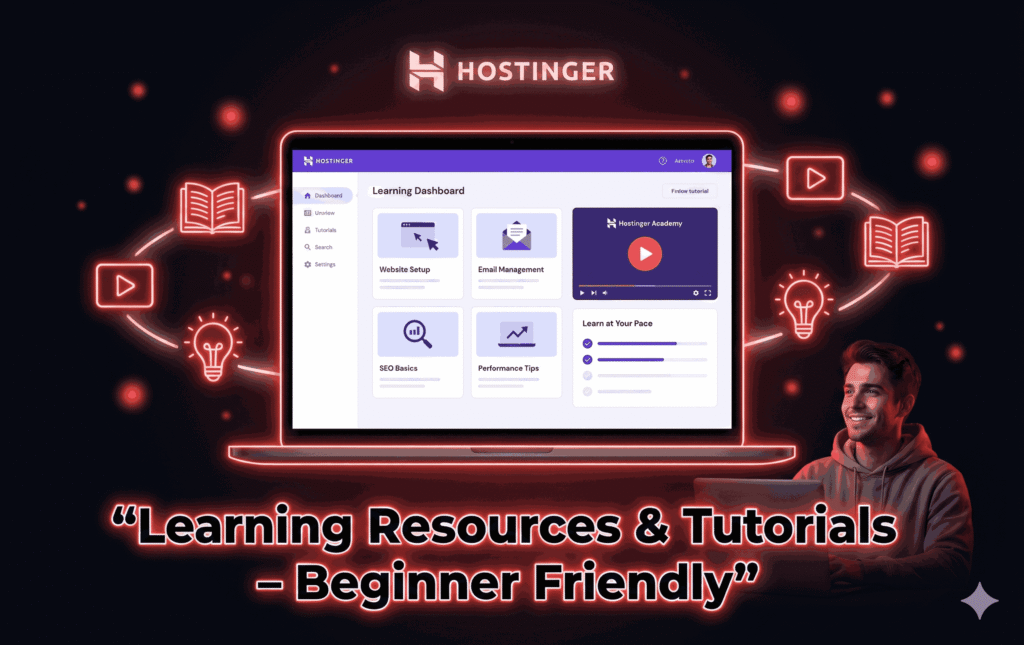
Hostinger goes beyond basic support by offering educational content through its tutorials and Hostinger Academy. This is especially valuable for beginners who want to understand what they’re doing without being overwhelmed.
The tutorials cover everything from setting up a website to managing emails, improving performance, and basic SEO. Each guide is broken down into simple steps, often accompanied by images or videos. You don’t need prior knowledge to follow along.
Hostinger Academy, in particular, stands out. It offers beginner-focused video content that explains concepts in plain language. These videos feel more like friendly lessons than technical lectures. For visual learners, this makes a big difference.
What’s important here is that Hostinger doesn’t pressure beginners to learn everything at once. The resources are there when you need them, allowing you to learn gradually and at your own pace. This approach builds confidence instead of intimidation.
Pricing: Is Hostinger Affordable for Beginners?
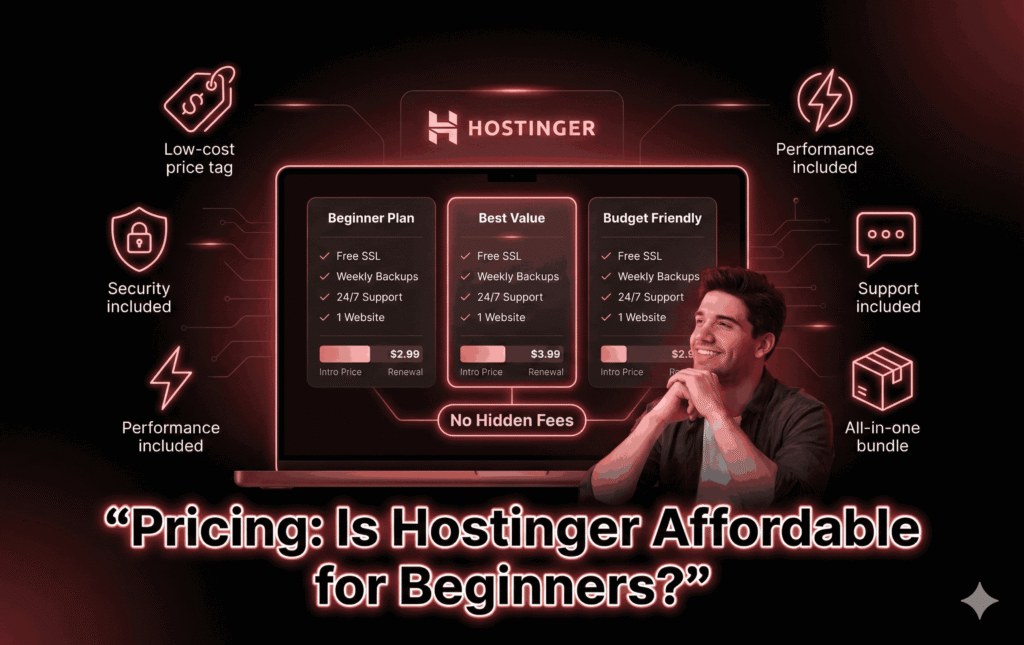
Price is often the deciding factor for beginners, and Hostinger is widely known for its affordability. Entry-level plans are extremely budget-friendly, especially when you commit to a longer billing period. This makes Hostinger an attractive option for users who don’t want to invest heavily upfront.
The pricing structure is fairly transparent. What you see during signup is clearly explained, including renewal costs. While renewal prices are higher than the introductory rates, they’re still reasonable compared to many competitors.
For beginners, the value for money is strong. You get hosting, security features, performance optimizations, and support all bundled together. There are no mandatory add-ons or hidden fees that force you to spend more than expected.
In short, Hostinger lowers the financial barrier to entry, making it easier for beginners to take the first step without feeling financially trapped.
Pros of Hostinger for Beginners with No Technical Skills
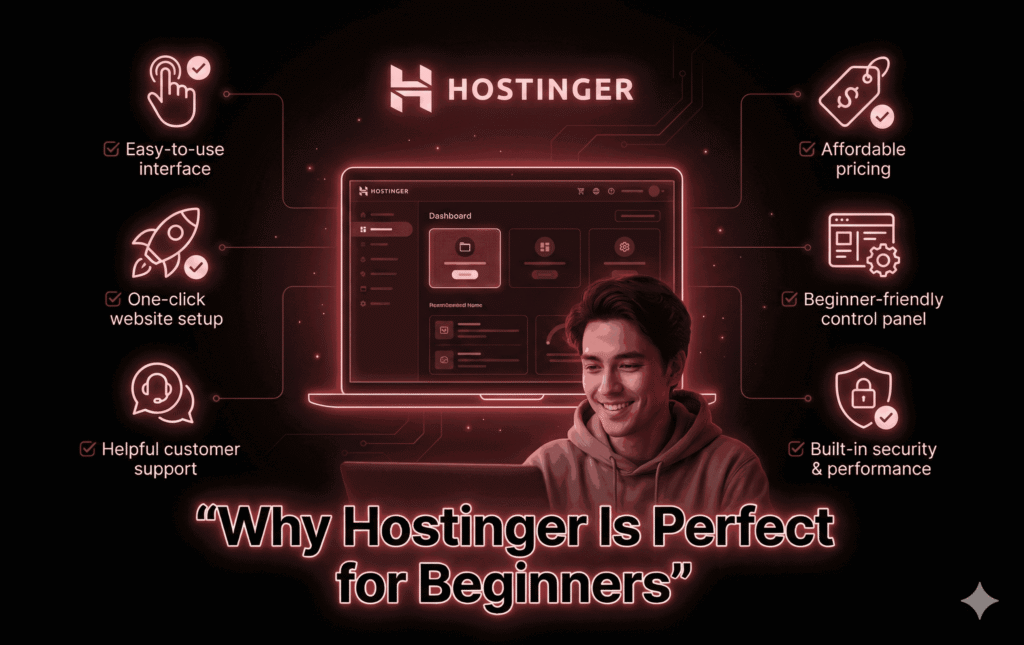
Hostinger offers several clear advantages for beginners:
Extremely easy-to-use interface.
Affordable entry-level pricing
One-click website setup.
Beginner-friendly control panel.
Helpful customer support.
Built-in security and performance features.
These pros combine to create a smooth and confidence-building experience for non-technical users.
Cons of Hostinger Beginners Should Be Aware Of
No platform is perfect, and Hostinger has a few drawbacks:
No phone support.
Renewal prices are higher than initial offers.
Advanced users may outgrow the platform.
That said, none of these cons are deal-breakers for beginners with no technical skills.
Hostinger vs Other Beginner-Friendly Hosting Providers
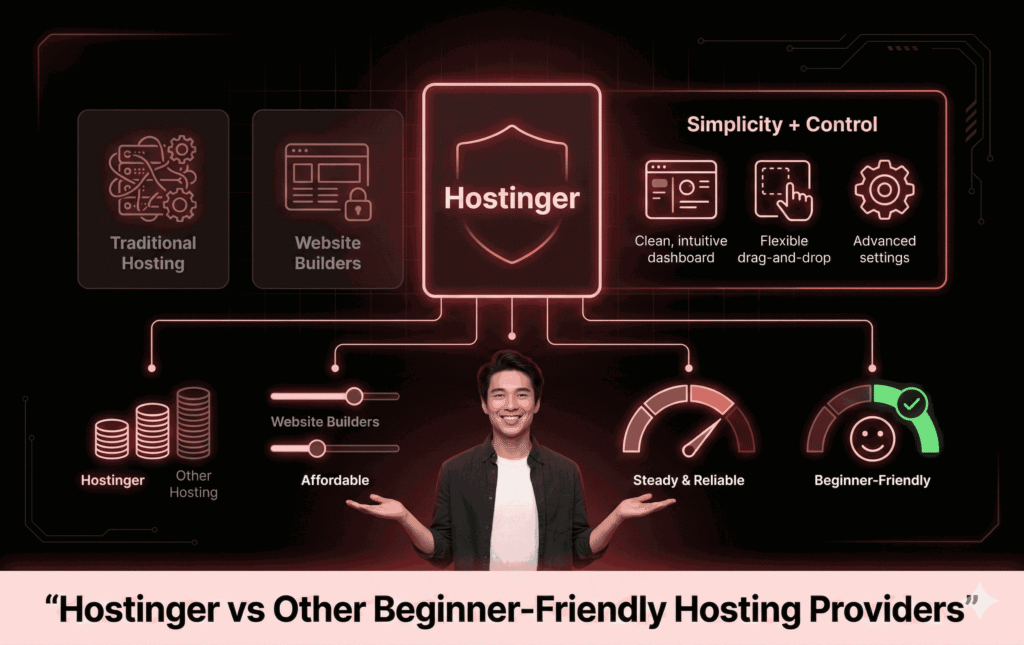
Compared to Bluehost, Hostinger is often cheaper and simpler. Against Wix, Hostinger offers more flexibility and scalability. Compared to SiteGround, Hostinger wins on affordability while still offering solid performance.
For beginners, Hostinger strikes a balance between simplicity and control that many competitors struggle to achieve.
Who Should Choose Hostinger—and Who Shouldn’t?
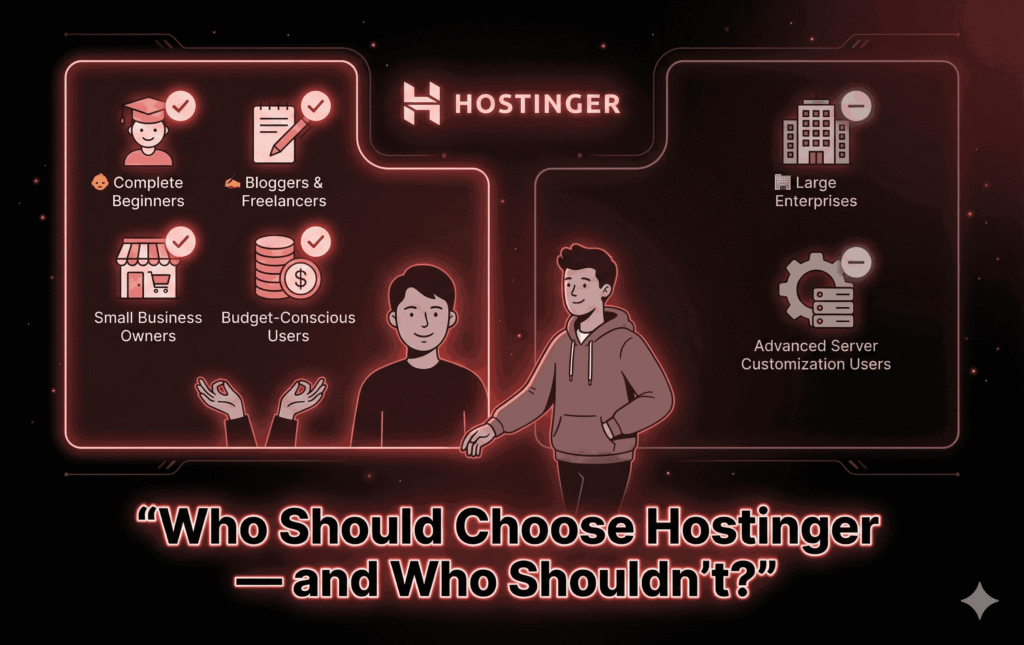
Hostinger is ideal for:
Complete beginners.
Bloggers and freelancers.
Small business owners.
Anyone on a budget.
It may not be the best fit for large enterprises or users who need advanced server customization.
Real-Life Scenarios: Beginners Using Hostinger Successfully
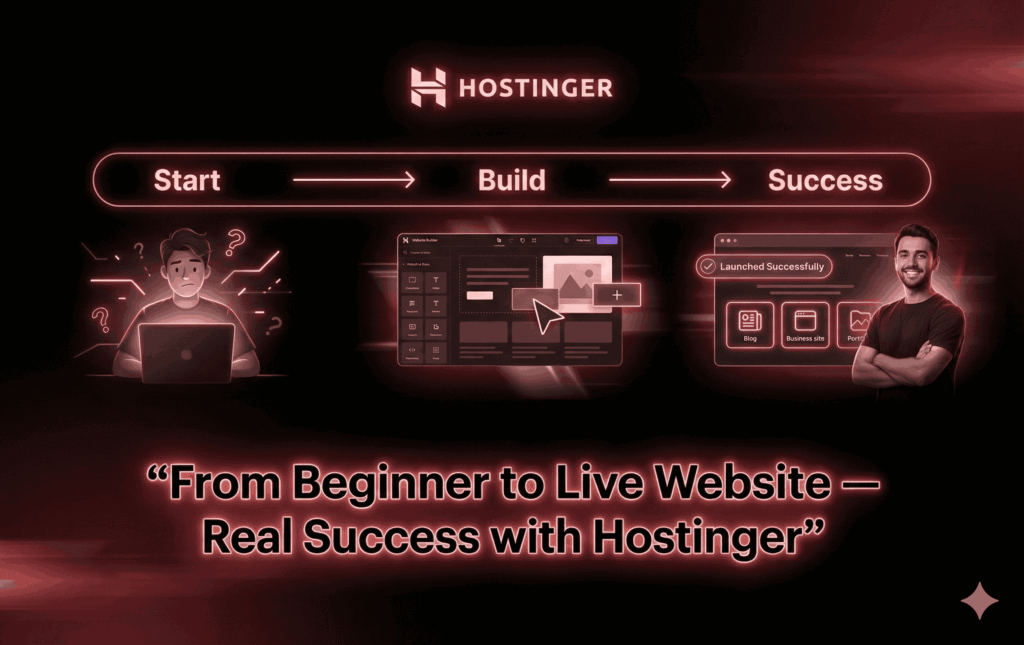
From personal blogs to small business websites and online portfolios, beginners consistently use Hostinger to launch real projects without technical stress. These real-life successes highlight how accessible the platform truly is.
Final Verdict: Is Hostinger Good for Beginners with No Technical Skills?
Yes—Hostinger is genuinely good for beginners with no technical skills. It removes complexity, offers guidance at every step, and provides a safe environment to learn and grow. Instead of feeling overwhelmed, beginners feel empowered.
Conclusion
Starting a website doesn’t have to be complicated, scary, or expensive. Hostinger proves that with the right tools and approach, anyone can get online—even without technical knowledge.
From setup to support, Hostinger consistently prioritizes simplicity and usability. If you’re a beginner looking for a stress-free way to build your first website, Hostinger is a strong and reliable choice.
Frequently Asked Questions (FAQs)
1. Can I use Hostinger without any technical knowledge?
Yes, Hostinger is designed specifically for beginners with no technical background.
2. Is Hostinger good for WordPress beginners?
Absolutely. One-click WordPress installation and beginner-friendly tools make it ideal.
3. Does Hostinger offer free SSL?
Yes, all plans include a free SSL certificate.
4. Can I upgrade my plan later?
Yes, Hostinger allows easy upgrades as your website grows.
5. Is Hostinger safe for beginners?
Yes, built-in security features and automatic backups make it very safe.