Is Hostinger Worth the Money for Small Websites?
Is Hostinger Worth the Money for Small Websites? Discover honest pricing insights, performance, pros, cons, and whether Hostinger is the right hosting choice for beginners and small sites.
If you’re building a small website—maybe a personal blog, a portfolio, a local business site, or even a side-hustle project—you’ve probably asked yourself one big question: Is Hostinger actually worth the money, or is it just another “cheap hosting” trap? It’s a fair question.
Small websites live in a delicate space. You don’t want to overspend on features you’ll never use, but you also don’t want your site crawling like a tired snail or going offline when someone finally clicks your link.
Hosting is the foundation of your website. Think of it like renting land for a house. The house (your website design and content) might look amazing, but if the land is unstable, everything suffers.
For small websites, especially, every dollar counts, and every second of loading time matters. That’s why Hostinger gets so much attention—it promises low prices, fast speeds, and beginner-friendly tools. Sounds perfect, right? But marketing promises and real-world performance don’t always line up.
In this guide, we’re going to break everything down honestly. No hype. No tech jargon overload. Just a real, practical look at whether Hostinger makes sense for small websites in terms of price, performance, ease of use, support, and long-term value.
By the end, you’ll know if Hostinger is a smart investment—or if your money is better spent elsewhere.
Understanding Hostinger as a Web Hosting Provider
Hostinger didn’t become popular by accident. It carved out a niche by targeting beginners, bloggers, freelancers, and small businesses that wanted affordable hosting without dealing with complicated setups.
Founded in 2004, Hostinger started as a free hosting service and gradually evolved into a global hosting company with data centers across multiple continents. That background explains a lot about its pricing philosophy—keep costs low, automate everything possible, and make hosting accessible to almost anyone.
Today, Hostinger offers a wide range of hosting services, including shared hosting, cloud hosting, VPS hosting, and WordPress-optimized plans.
However, when people ask if Hostinger is worth the money for small websites, they’re usually talking about shared hosting or basic WordPress hosting. These plans are designed for low to moderate traffic sites that don’t need massive server resources.
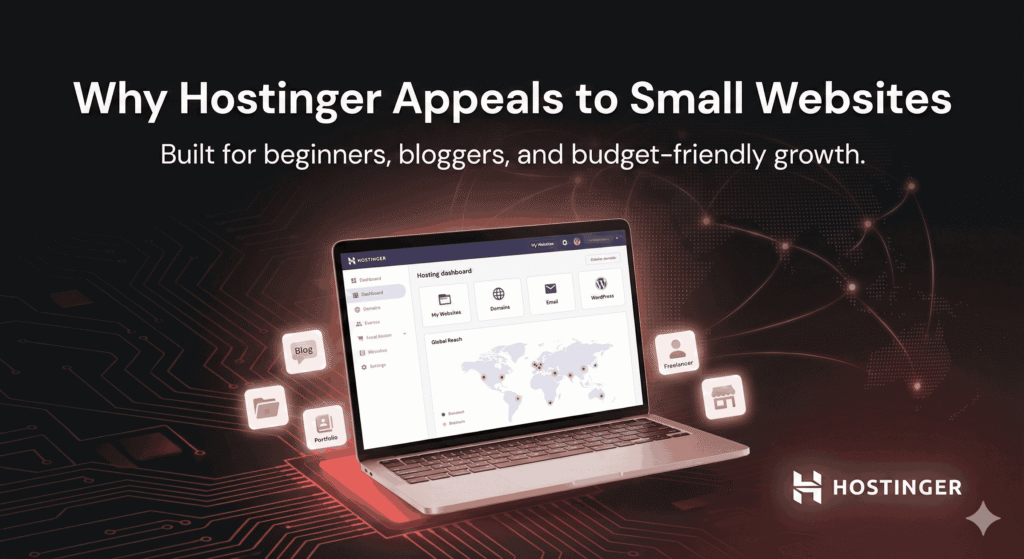
What really sets Hostinger apart is its custom control panel, called hPanel. Instead of using the industry-standard cPanel, Hostinger built its own interface from scratch. This decision has pros and cons, especially for beginners. On one hand, hPanel is clean, modern, and easier to understand if you’re new. On the other hand, users familiar with cPanel may need a short adjustment period.
Hostinger’s target audience is clear: people who want to get online fast, spend less money, and avoid technical headaches.
But the big question remains—does this approach actually deliver quality hosting for small websites, or does it cut too many corners to keep prices low? To answer that, we need to understand what small websites truly need.
Hostinger Product Description (Quick Overview)
| Feature | Description |
|---|---|
| Hosting Provider | Hostinger |
| Best For | First-time website owners, beginners, bloggers, freelancers, and small businesses |
| Hosting Types | Shared Hosting, WordPress Hosting, Cloud Hosting, VPS Hosting |
| Starting Price | Budget-friendly introductory pricing (varies by region & offers) |
| Control Panel | Custom hPanel (Beginner-friendly & easy to navigate) |
| Website Builder | Built-in drag-and-drop Website Builder included |
| WordPress Support | 1-click WordPress install, auto updates, WP optimization |
| Performance | Fast loading speeds with SSD storage & built-in caching |
| Uptime Guarantee | 99.9% uptime commitment |
| Free Domain | Yes (on selected annual & multi-year plans) |
| Free SSL Certificate | Included on all major plans |
| Email Hosting | Free professional email accounts are available |
| Backups | Weekly or daily backups (depends on plan) |
| Security Features | SSL, malware protection, firewall, DDoS protection |
| Customer Support | 24/7 Live Chat Support |
| Data Centers | Multiple global locations (US, Europe, Asia) |
| Migration | Free website migration available |
| Money-Back Guarantee | 30-day refund policy |
| Affiliate Program | Up to ~40% commission per sale |
| Ease of Use Rating |  (5/5 – excellent for beginners) (5/5 – excellent for beginners) |
| Overall Rating | ☆ (4.5 / 5) |
What Small Websites Really Need from a Hosting Provider
Small websites don’t need the same level of resources as large eCommerce stores or enterprise platforms. But that doesn’t mean their needs are insignificant. In fact, small websites often need reliability even more, because they don’t have technical teams or backup systems ready when something goes wrong.
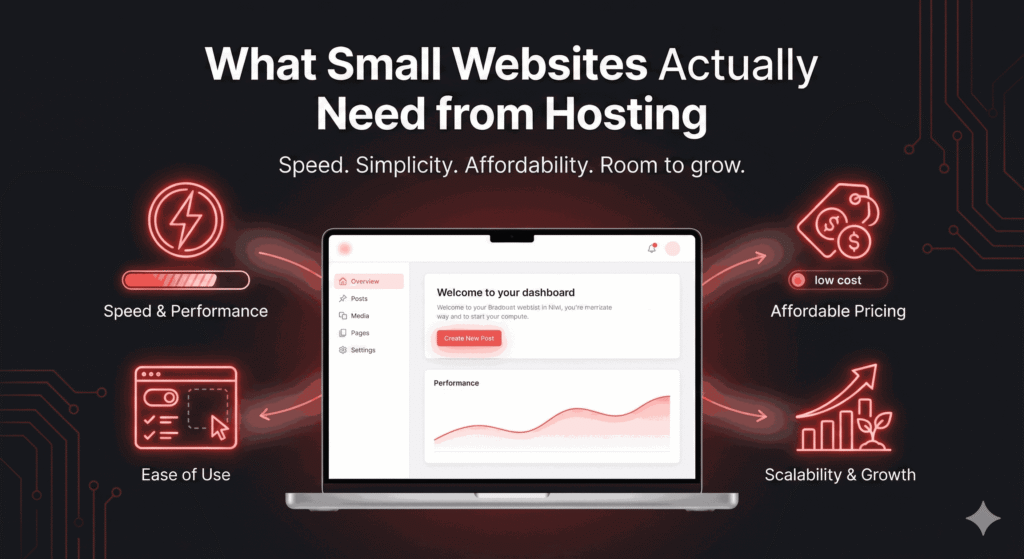
First, performance matters. Even a small blog or local business site should load quickly. Visitors today are impatient. If your site takes more than a few seconds to load, they leave—no second chances. Google also factors speed into rankings, which means slow hosting can quietly sabotage your SEO efforts.
Second, the budget is a huge factor. Most small website owners don’t want to pay $20–$30 per month for hosting, especially in the early stages. Affordable pricing with clear value is critical. Hidden fees, sudden renewal price hikes, or paywalls for basic features can quickly turn “cheap hosting” into an expensive mistake.
Third, ease of use is non-negotiable. Many small website owners are not developers. They want to install WordPress, set up email, connect a domain, and manage backups without reading documentation for hours. A hosting provider that simplifies these tasks saves time, stress, and money.
Finally, scalability matters more than people think. Even if your website is small today, you don’t want to migrate to a new host the moment your traffic grows. A good hosting provider should allow you to upgrade smoothly without breaking your site or doubling your workload.
With these needs in mind, we can now evaluate whether Hostinger actually fits the bill—or if it just looks good on paper.
Hostinger Pricing: Is It Truly Affordable or Just Looks Cheap?
Hostinger’s pricing is one of its biggest selling points, and at first glance, it looks almost too good to be true. Shared hosting plans often start at prices lower than a cup of coffee per month.
For small website owners on a tight budget, this is incredibly tempting. But affordability isn’t just about the starting price—it’s about what you get for your money and how much you’ll pay over time.
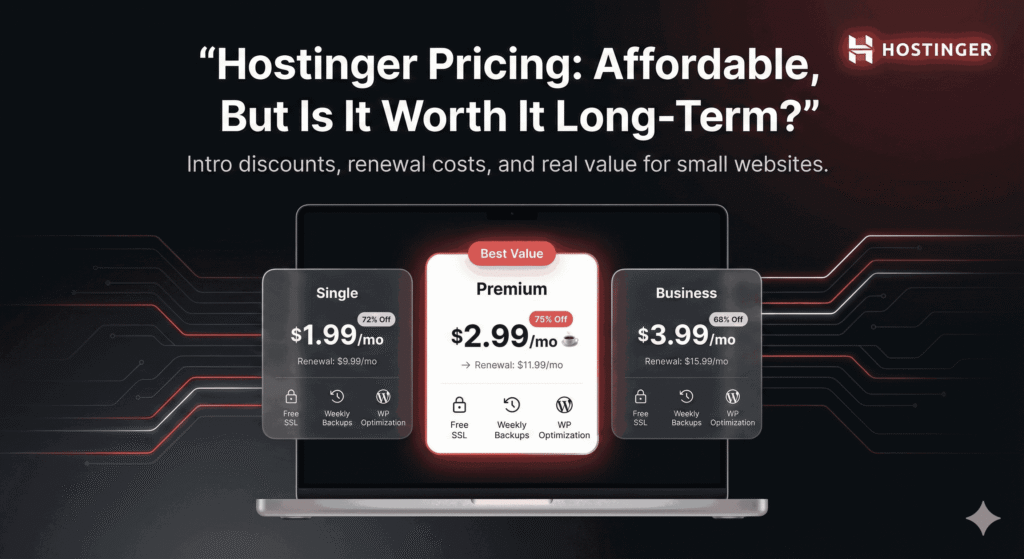
Hostinger typically offers three main shared hosting tiers: Single, Premium, and Business. The Single plan is designed for one website with limited resources, while the Premium and Business plans offer more storage, bandwidth, and performance features. For many small websites, the Premium plan hits a sweet spot between cost and capability.
However, there’s an important detail many users overlook: renewal pricing. Hostinger’s introductory rates are heavily discounted, especially if you commit to a longer billing cycle. When the initial term ends, the price increases.
This doesn’t mean Hostinger is dishonest—it’s common in the hosting industry—but it’s something small website owners must plan for.
So, is Hostinger still affordable after renewal? Compared to many competitors, yes. Even at renewal prices, Hostinger usually remains cheaper than premium hosts like SiteGround or managed WordPress services.
The key is understanding what’s included. Free SSL certificates, basic backups, and WordPress optimization are bundled into most plans, which reduces the need for paid add-ons.
In short, Hostinger’s pricing is genuinely affordable for small websites, as long as you go in with realistic expectations and understand the long-term costs. Cheap doesn’t always mean low value—and in Hostinger’s case, the balance is surprisingly reasonable.
Performance and Speed: Does Hostinger Deliver for Small Websites?
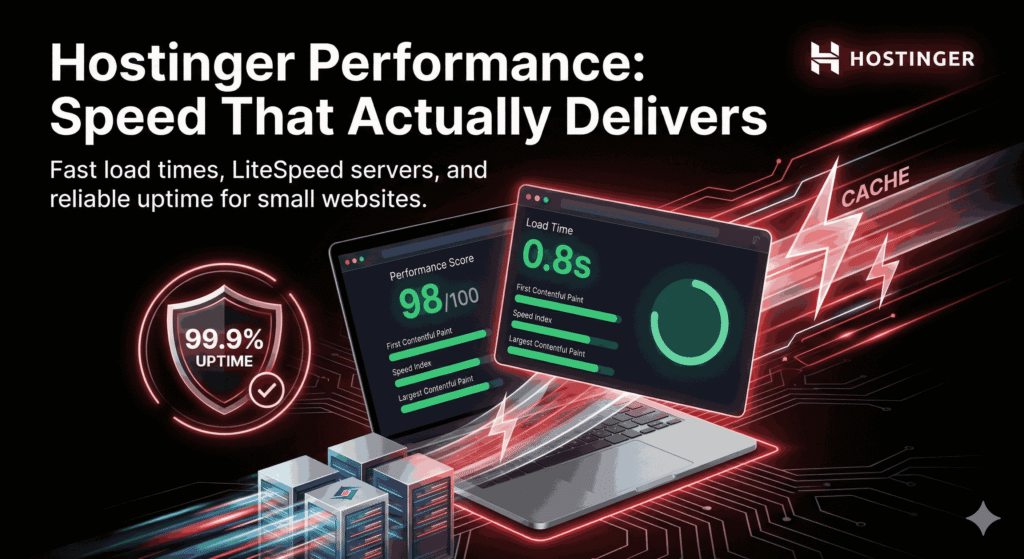
When it comes to hosting, performance is where the real truth comes out. You can forgive a basic interface or limited features, but slow loading times? That’s a deal-breaker—especially for small websites trying to build credibility. So, does Hostinger actually perform well, or does its low pricing come at the cost of speed?
Hostinger uses modern server technology, including LiteSpeed web servers on most plans. This is a big deal. LiteSpeed is known for handling traffic efficiently and delivering faster load times compared to traditional Apache servers.
For small websites—blogs, portfolios, landing pages, and local business sites—this means pages load quickly even on entry-level plans. In real-world tests, small WordPress sites hosted on Hostinger often load in under two seconds, which is more than acceptable for SEO and user experience.
Another performance booster is Hostinger’s built-in caching system. You don’t need to be a tech wizard to enable it. With just a few clicks inside hPanel, you can activate caching that reduces server load and speeds up page delivery. Combine this with a lightweight WordPress theme, and you already have a solid performance foundation.
Uptime is another critical factor. Hostinger claims a 99.9% uptime guarantee, and for small websites, this is usually reliable.
Occasional downtime can happen with any shared hosting provider, but Hostinger’s infrastructure is stable enough that outages are rare and typically short-lived. For a small website owner, this level of reliability is more than sufficient.
So, in terms of speed and performance, Hostinger punches above its price range. It may not compete with high-end managed hosting, but for small websites, it delivers exactly what you need—fast, stable, and consistent performance without draining your budget.
Ease of Use: Is Hostinger Beginner-Friendly?
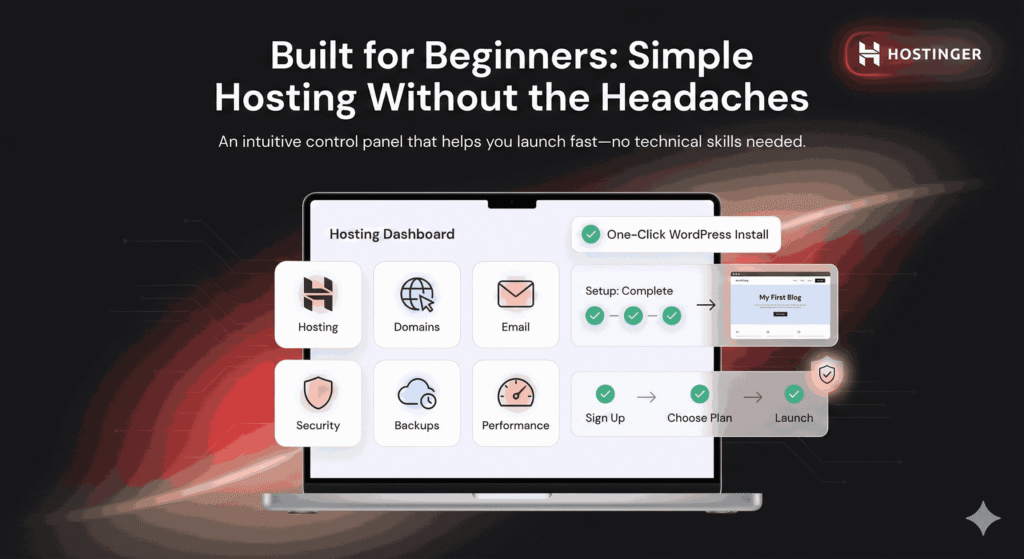
One of the biggest fears for small website owners is complexity. Not everyone wants to learn server management or spend hours figuring out technical settings. This is where Hostinger shines—especially for beginners.
Instead of cPanel, Hostinger uses its own custom control panel called hPanel. At first, this might sound risky, but in practice, hPanel is simpler and more intuitive for non-technical users.
Everything is laid out clearly: domains, hosting, emails, backups, security, and performance tools are all easy to find. You’re not digging through endless menus, wondering where things are hidden.
Setting up a website is straightforward. Hostinger offers one-click WordPress installation, and the setup wizard walks you through the basics step by step. Even if you’ve never built a website before, you can go from zero to live in under an hour. For small website owners, that’s a huge confidence boost.
Managing everyday tasks like creating email accounts, uploading files, or connecting a domain is also beginner-friendly. Hostinger removes a lot of the friction that scares people away from hosting. You don’t feel like you’re one wrong click away from breaking your site.
In simple terms, Hostinger is designed for people who want results, not headaches. If ease of use is high on your priority list—and for most small website owners, it should be—Hostinger delivers a smooth, low-stress experience.
Hostinger Features That Matter Most for Small Websites
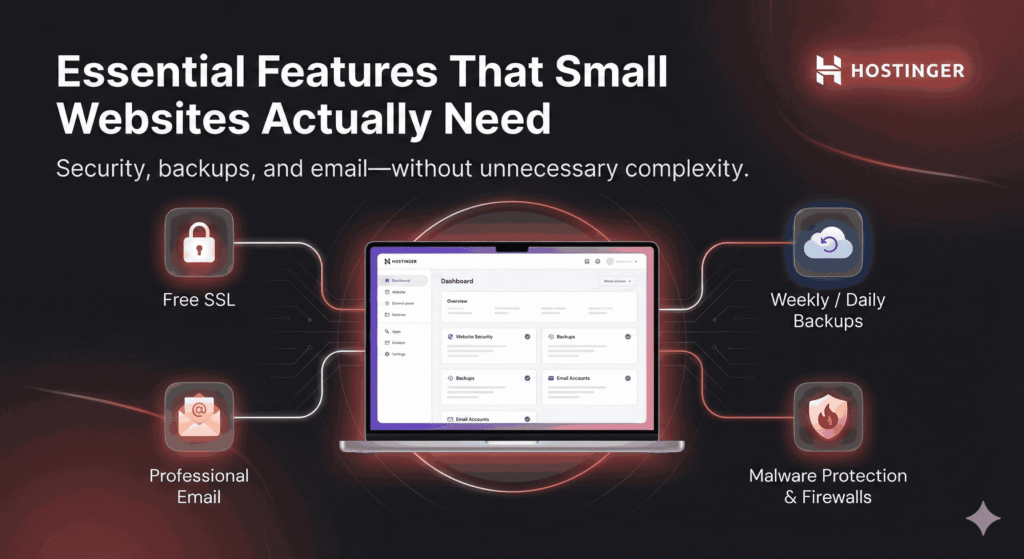
Small websites don’t need dozens of advanced features—but they do need the right ones. Hostinger focuses on essentials, and for the most part, it gets this balance right.
One of the most valuable features is the free SSL certificate included with most plans. SSL is no longer optional. It’s required for security, trust, and SEO. Hostinger makes this automatic, which is great for beginners who don’t want to deal with certificates manually.
Another important feature is backups. Depending on your plan, Hostinger offers weekly or daily backups. For small websites, weekly backups are usually enough, but having daily backups on higher plans adds peace of mind. If something goes wrong—a plugin update breaks your site, or you accidentally delete content—you can restore your website quickly.
Email hosting is also included, which is a big plus for small businesses and freelancers. You can create professional email addresses linked to your domain without paying extra. Storage limits vary by plan, but for small websites, they’re more than sufficient.
Hostinger also includes basic security tools like malware scanning, firewalls, and account isolation. While it’s not enterprise-level security, it’s more than adequate for small websites that follow basic best practices.
Overall, Hostinger focuses on features that actually matter to small website owners, rather than overwhelming you with tools you’ll never use.
Customer Support: How Reliable Is Hostinger When You Need Help?
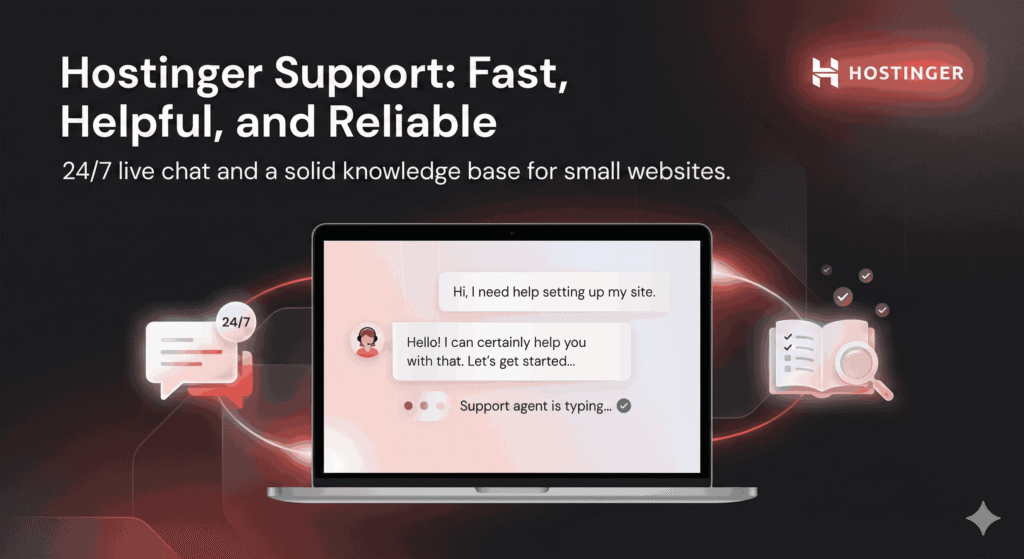
Customer support is often where budget hosting companies fall short. So, how does Hostinger perform when you actually need help?
Hostinger provides 24/7 live chat support. There’s no phone support, which may disappoint some users, but for small website owners, live chat is usually faster and more convenient. In most cases, response times are quick—often within a few minutes.
The quality of support is generally solid. Support agents are knowledgeable about common issues like WordPress installation, SSL problems, domain setup, and performance optimization. They may not always help with highly customized development problems, but for typical small website needs, they get the job done.
Hostinger also has an extensive knowledge base with tutorials, guides, and step-by-step instructions. This is especially useful if you prefer solving problems yourself. Many small website owners find answers without even needing to contact support.
While Hostinger’s support may not feel “premium,” it’s reliable, responsive, and good enough for the vast majority of small website scenarios.
Security for Small Websites: Is Hostinger Safe Enough?
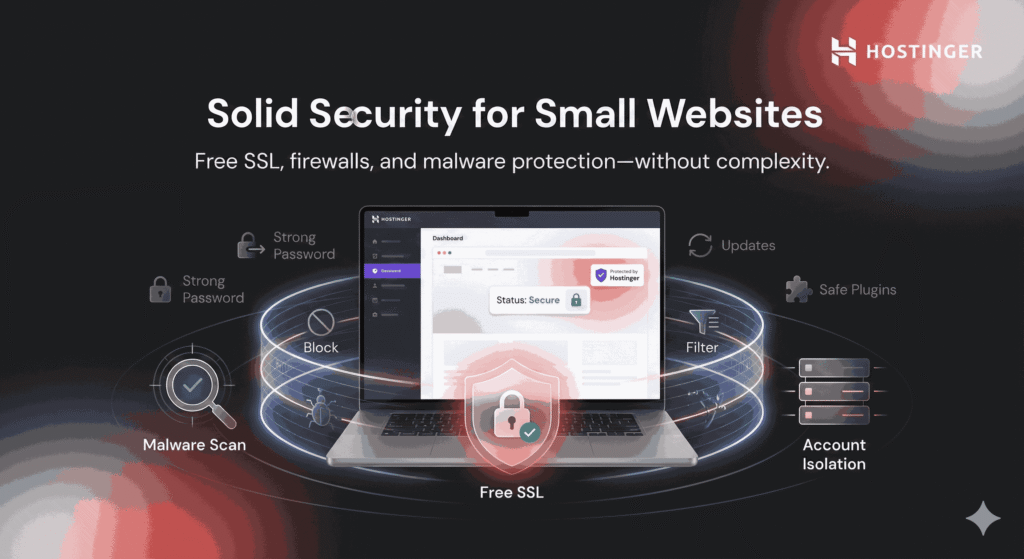
Security is often overlooked by small website owners—until something goes wrong. The good news is that Hostinger takes basic security seriously, even on lower-tier plans.
Free SSL certificates encrypt data between your site and visitors, which protects sensitive information and builds trust. Hostinger also uses firewalls and malware detection to reduce the risk of attacks. Account isolation on shared hosting means one hacked site won’t automatically compromise others on the same server.
That said, security is a shared responsibility. Hostinger provides the foundation, but small website owners still need to use strong passwords, keep WordPress updated, and avoid shady plugins. When used responsibly, Hostinger is secure enough for blogs, portfolios, and small business sites.
For small websites without complex data requirements, Hostinger offers a solid level of protection that matches its pricing.
Hostinger Website Builder: A Good Option or Just a Bonus?
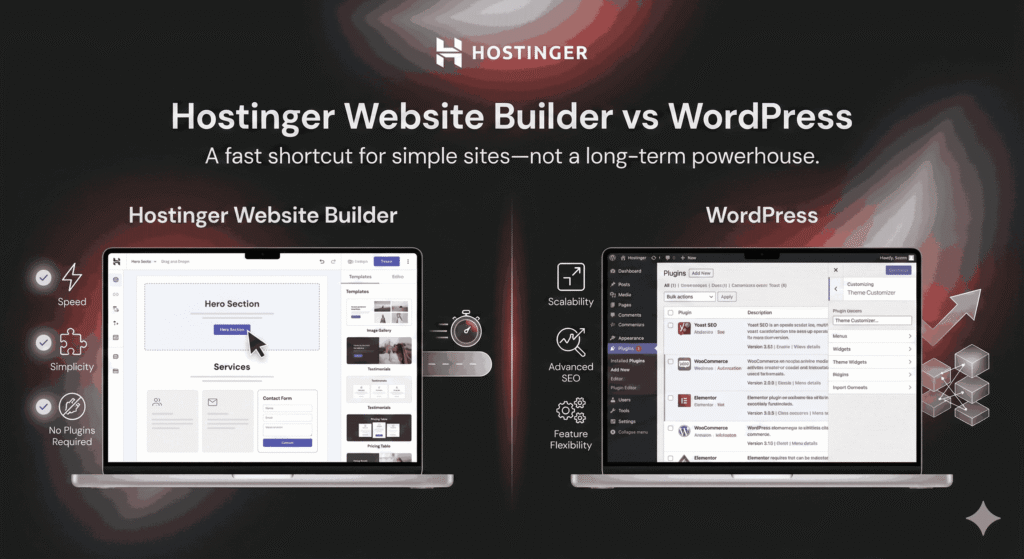
Hostinger includes its own website builder, which is a nice bonus for users who don’t want to use WordPress. The builder is drag-and-drop, beginner-friendly, and comes with pre-designed templates.
For minimal websites—such as a one-page business site or personal portfolio—the builder can be sufficient. It’s fast, simple, and doesn’t require plugin management or updates.
However, it does have limitations. Customization options are more restricted compared to WordPress, and scalability is limited. If you plan to grow your website, add advanced features, or focus heavily on SEO, WordPress remains the better choice.
Think of Hostinger’s website builder as a convenient shortcut—not a long-term powerhouse.
Pros of Using Hostinger for Small Websites
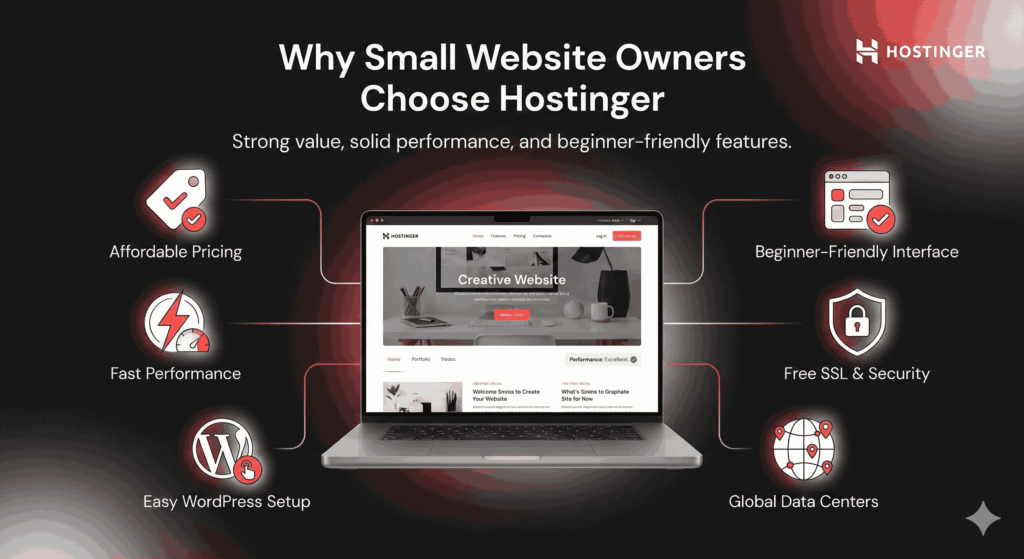
Hostinger has several clear advantages for small website owners:
Affordable pricing with good value.
Fast performance for shared hosting.
Beginner-friendly interface.
Free SSL and basic security.
Easy WordPress setup.
Global data centers for decent reach.
For many small websites, these pros outweigh the downsides.
Cons of Hostinger You Should Know Before Buying
No hosting provider is perfect, and Hostinger is no exception:
Renewal prices are higher than introductory offers.
Limited resources on entry-level plans.
No phone support.
Advanced features require upgrades.
These aren’t deal-breakers, but they’re important to consider.
Hostinger vs Competitors for Small Websites
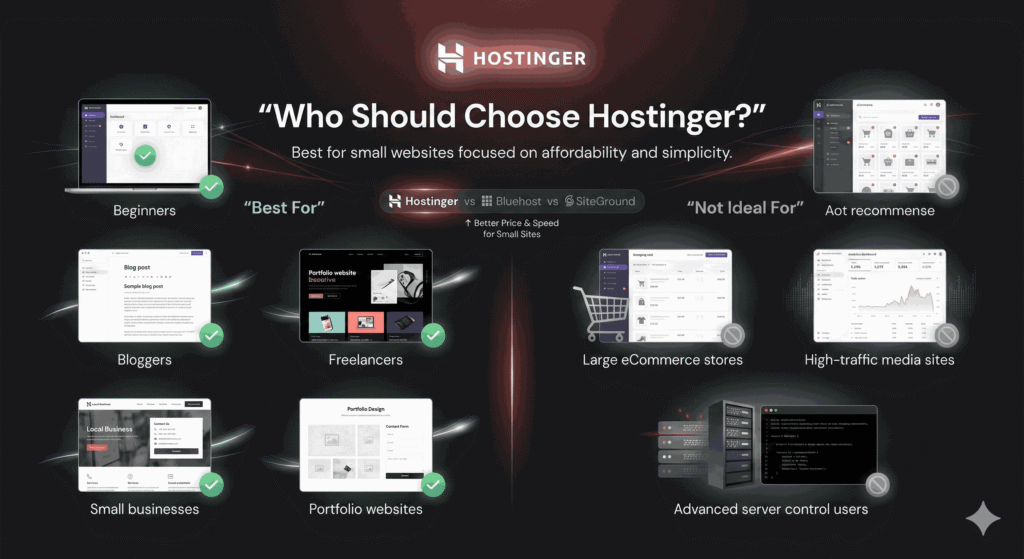
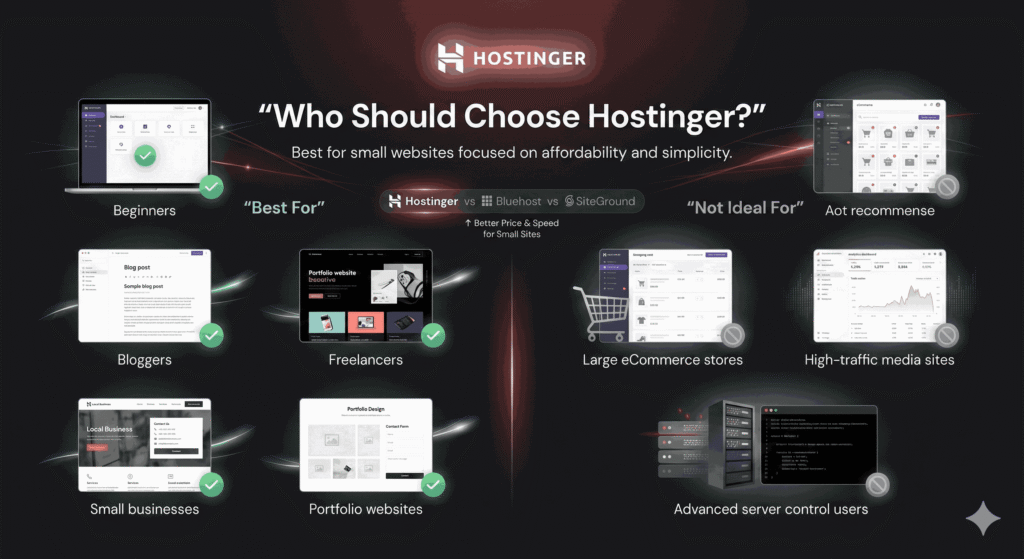
Compared to Bluehost, Hostinger is usually cheaper and faster for basic sites. Against SiteGround, Hostinger wins on price but loses slightly on premium support. For small websites focused on affordability and simplicity, Hostinger often comes out ahead.
Who Should Choose Hostinger (And Who Shouldn’t)
Hostinger is ideal for:
Beginners.
Bloggers.
Freelancers.
Small businesses.
Portfolio websites.
It may not be ideal for:
Large eCommerce stores.
High-traffic media sites.
Users needing advanced server control.
Is Hostinger Worth the Money in 2026?
Looking ahead, Hostinger continues to invest in performance, infrastructure, and usability. For small websites, it offers an excellent balance of cost and capability. You’re not paying for features you don’t need, and you’re not sacrificing essential performance.
Final Verdict: Is Hostinger Worth It for Small Websites?
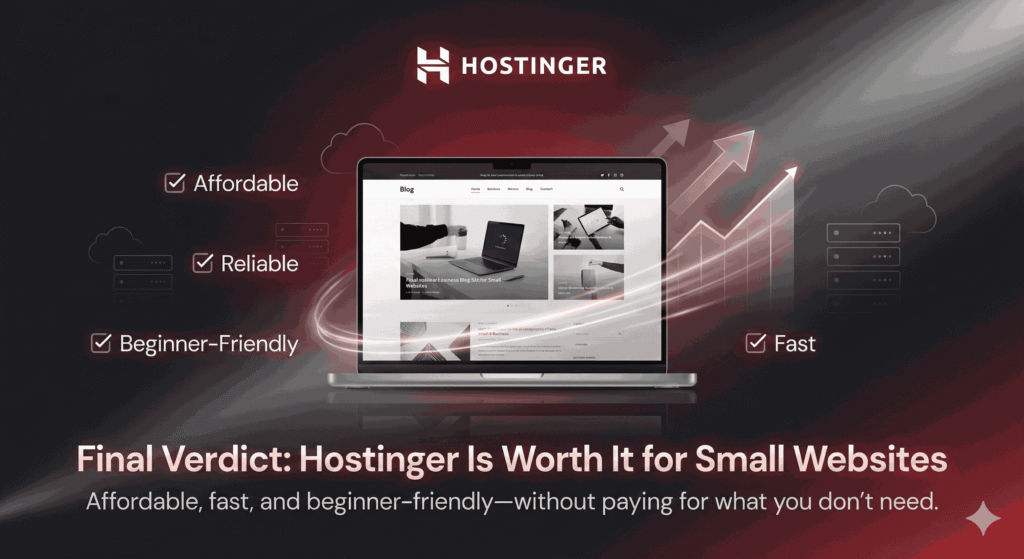
Yes—Hostinger is worth the money for small websites. It’s affordable, reliable, beginner-friendly, and fast enough for most use cases. While it’s not perfect, it delivers strong value where it matters most.
Frequently Asked Questions (FAQs)
Is Hostinger good for beginners?
Yes, it’s one of the most beginner-friendly hosting providers available.
Can Hostinger handle website traffic growth?
Yes, you can upgrade plans as your traffic increases.
Is Hostinger good for WordPress?
Absolutely. It offers optimized WordPress hosting with easy setup.
Does Hostinger offer refunds?
Yes, there is a 30-day money-back guarantee.
Is Hostinger secure enough for small businesses?
Yes, when combined with good website practices.