Learn how to build your first website without coding using Hostinger. Step-by-step beginner guide covering setup, pricing, WordPress, website builder, pros & cons, and real tips to launch fast in 2026.
Creating your first website used to feel intimidating. You needed to learn HTML, CSS, JavaScript, buy hosting, configure servers, and hope nothing broke.
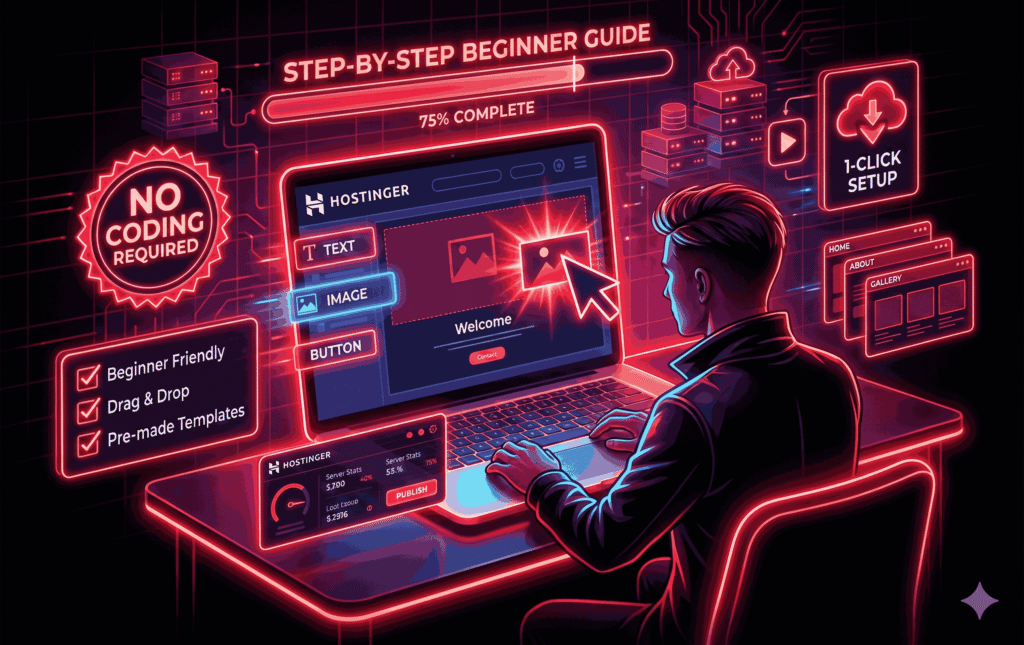
Today, anyone — even with zero coding knowledge — can build a fully functional website in under an hour. In this guide, I’ll show you exactly how to build your first website without coding using Hostinger, step by step, in plain English.
This guide is written for:
Absolute beginners.
Bloggers, freelancers, and small business owners.
Anyone who wants a website without technical headaches.
If you can use email and browse the internet, you can build a website.
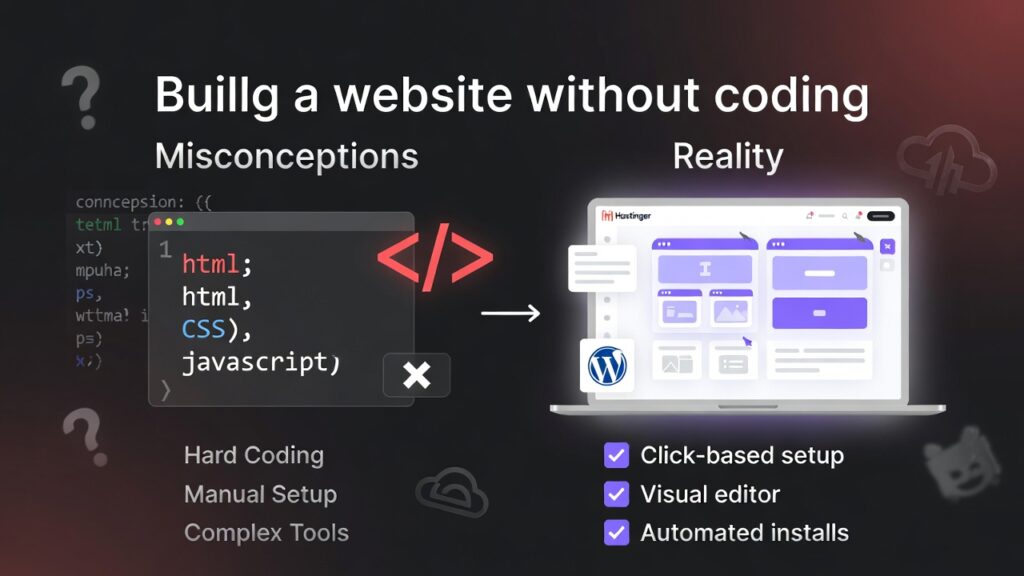
Before we begin, let’s clear a common misconception.
You don’t use WordPress.
You don’t use hosting.
You magically avoid all tools.
No HTML, CSS, or programming.
Click-based setup.
Visual editors.
Automated installs.
One-click WordPress installation.
A beginner-friendly control panel (hPanel).
A built-in Website Builder option.
There are many hosting providers, but Hostinger stands out for beginners because it focuses on simplicity + affordability.
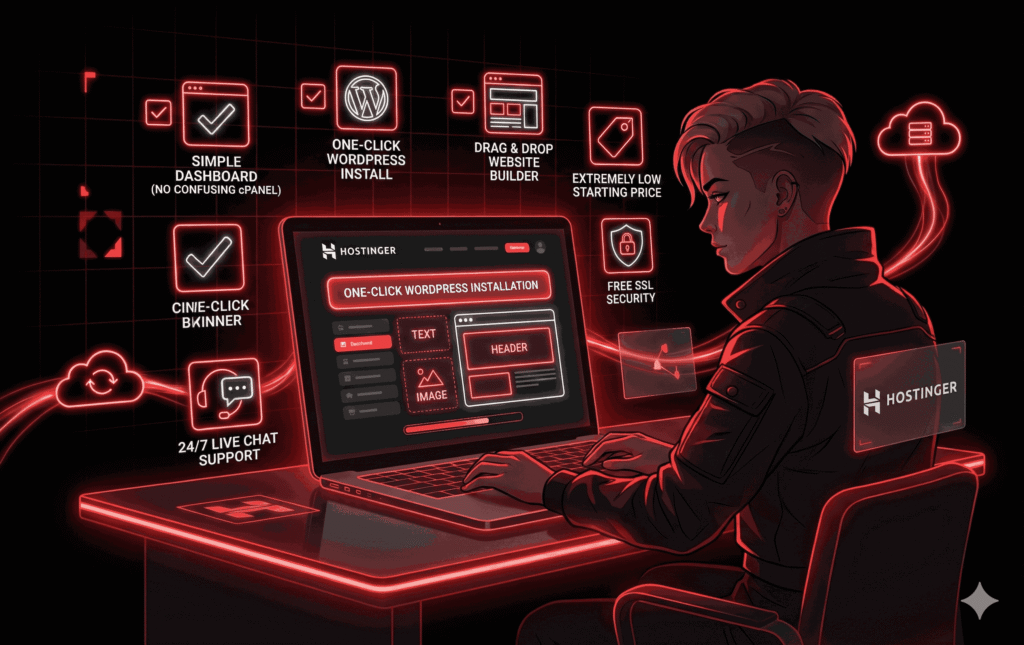
Simple dashboard (no confusing cPanel).
One-click WordPress install.
Built-in Website Builder (drag & drop).
Extremely low starting price.
Free SSL security.
Helpful tutorials and 24/7 live chat.
You don’t need technical skills. Hostinger guides you at every step.
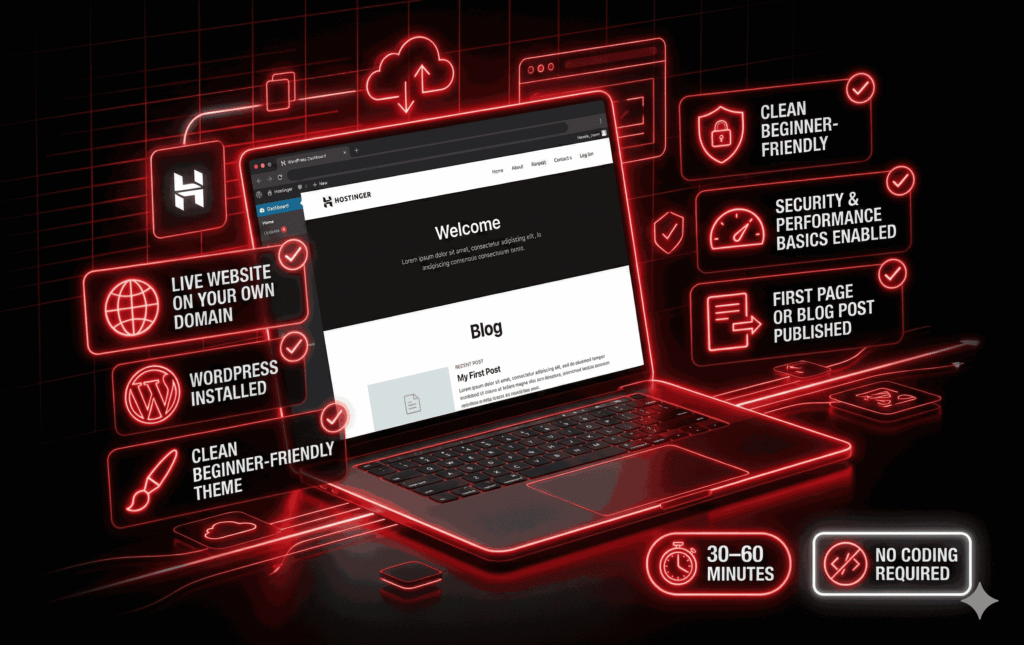
By the end of this tutorial, you’ll have:
A live website on your own domain.
WordPress installed.
A clean beginner-friendly theme.
Security and performance basics set.
Your first page or blog post has been published.
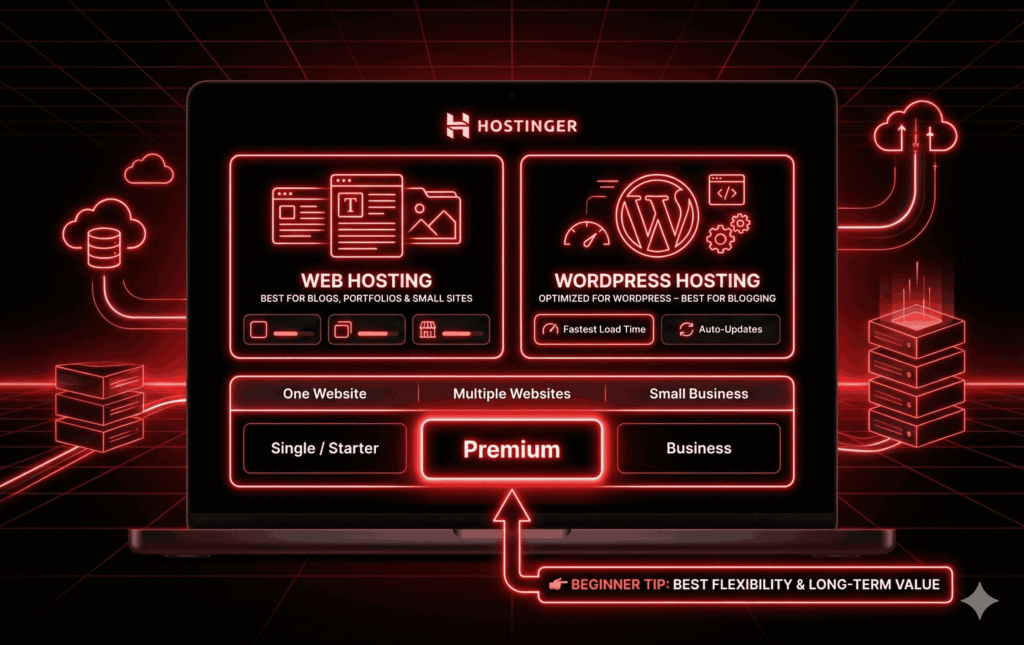
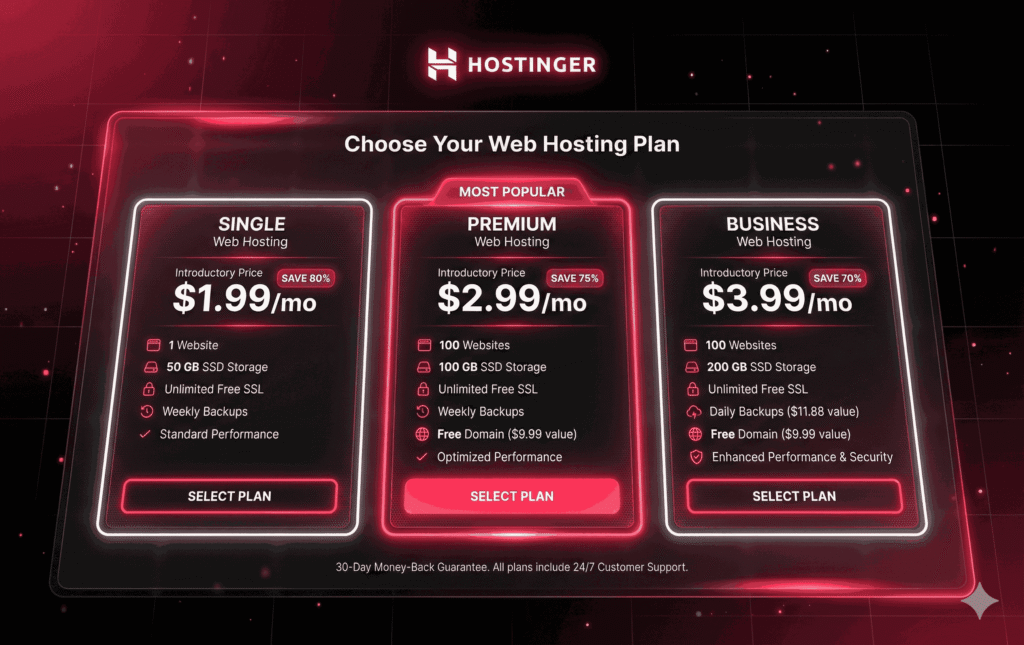
Visit Hostinger and choose between:
Best for blogs, portfolios, and small sites.
Same price range.
Optimized for WordPress.
Recommended if you’re blogging.
| Situation | Recommended Plan |
|---|---|
| One website | Single / Starter |
| Multiple websites | Premium |
| Small business | Business |
Go with Premium if you can — it gives more flexibility and long-term value.
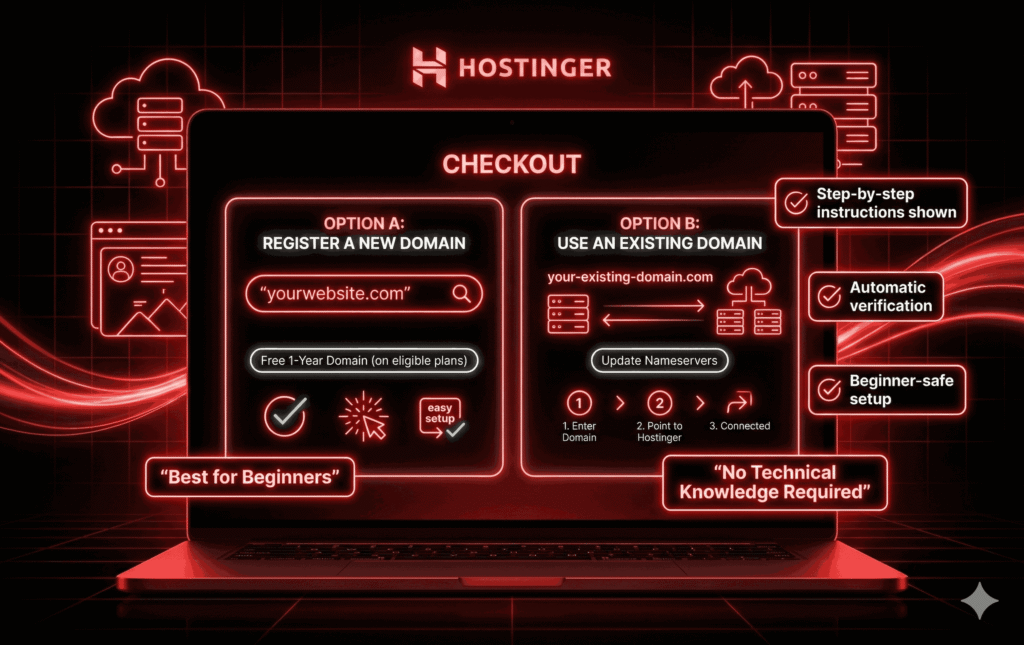
During checkout, Hostinger will ask:
Often free for 1 year on longer plans.
Easiest option for beginners.
Update nameservers.
Hostinger shows exact instructions.
No technical knowledge required.
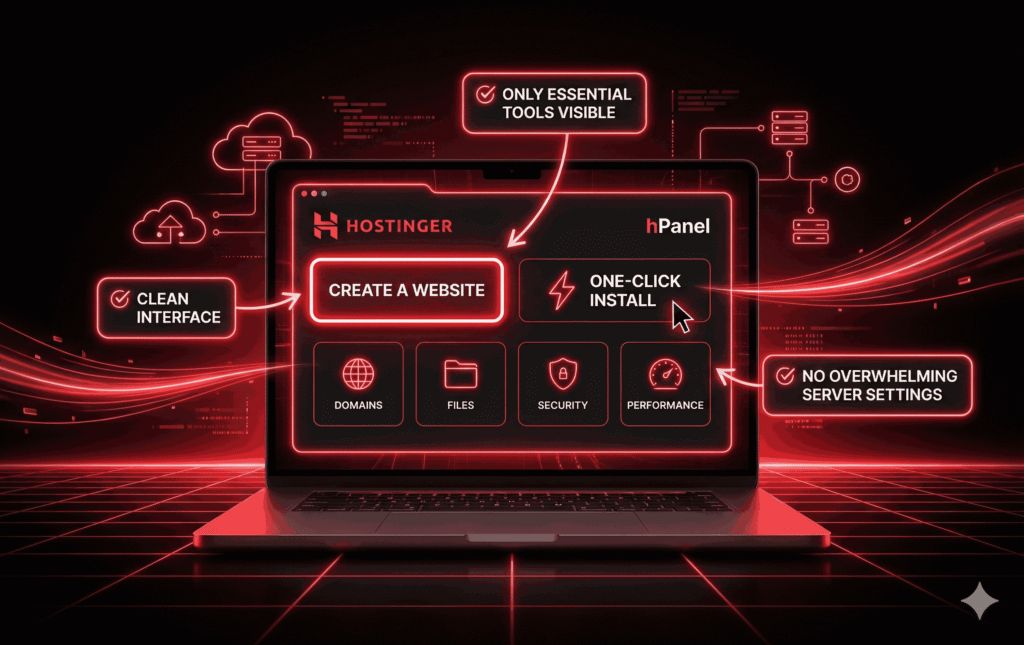
Once you log in, you’ll land inside hPanel — Hostinger’s custom control panel.
Clean interface.
Only essential tools are visible.
No overwhelming server settings.
“Create a website.”
“One-click install.”
Site management tools.
This is the most important step — and also the easiest.
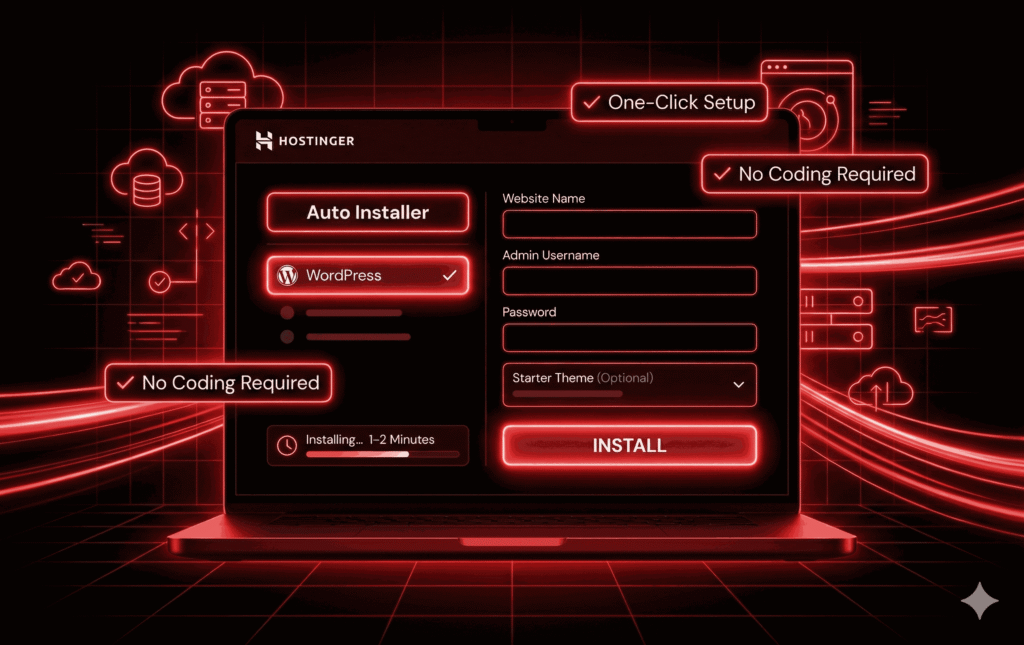
Click Auto Installer.
Choose WordPress.
Enter:
Website name.
Admin username.
Password.
Select a starter theme (optional).
Click Install.
That’s it. WordPress is installed.
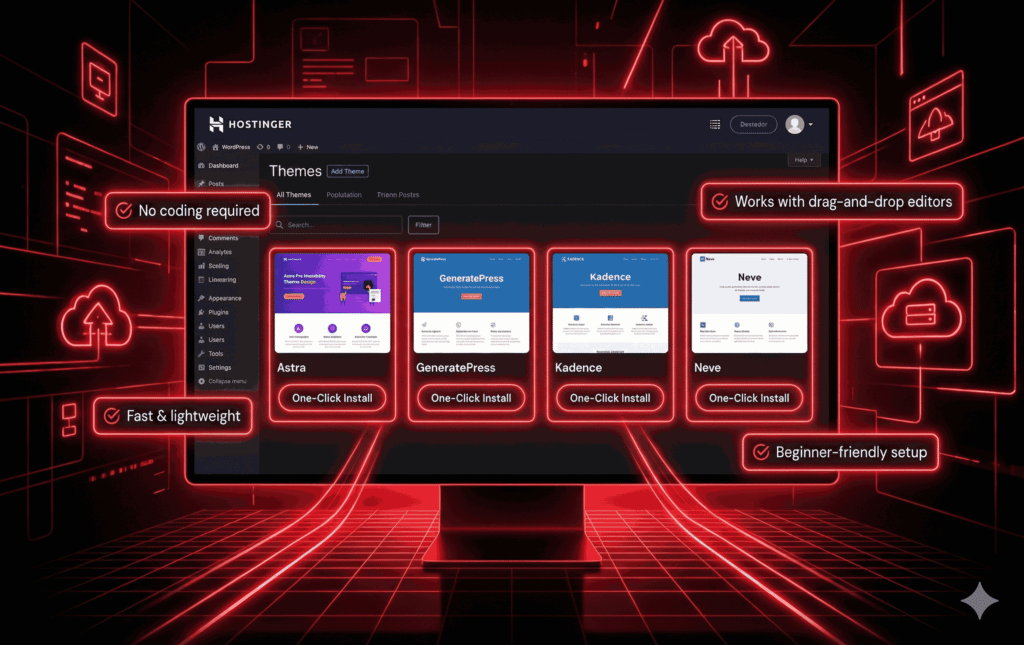
Once logged into WordPress:
Astra.
GeneratePress.
Kadence.
Neve.
These themes:
Require no coding.
Are fast and lightweight.
Work with drag-and-drop editors.
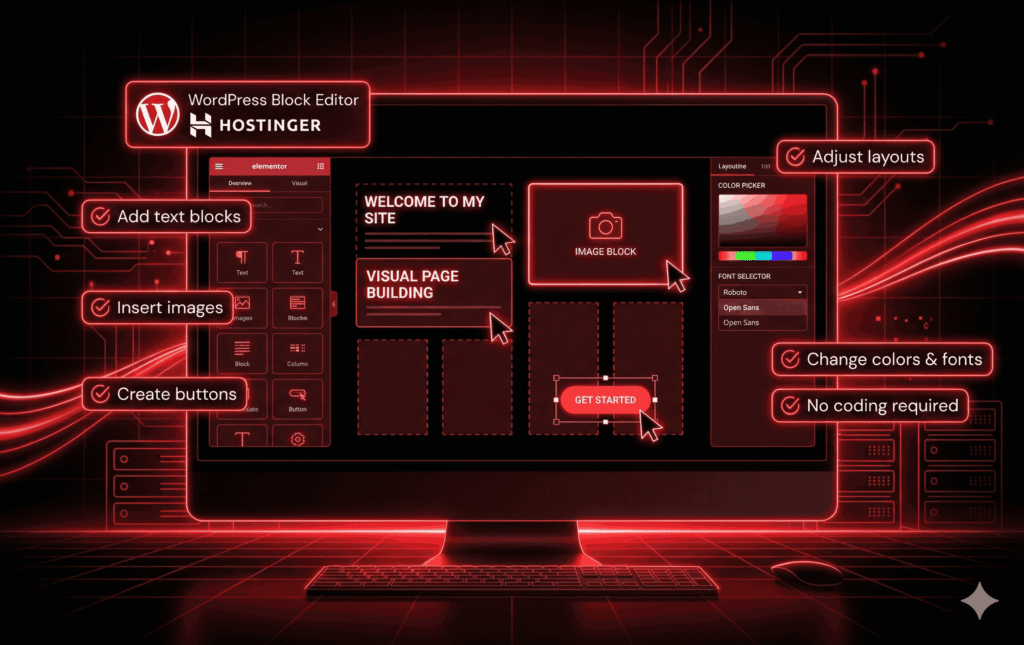
Now the fun part.
WordPress block editor (Gutenberg).
Drag-and-drop builders (Elementor, Spectra).
Add text blocks.
Insert images.
Create buttons.
Adjust layouts.
Change colors and fonts.
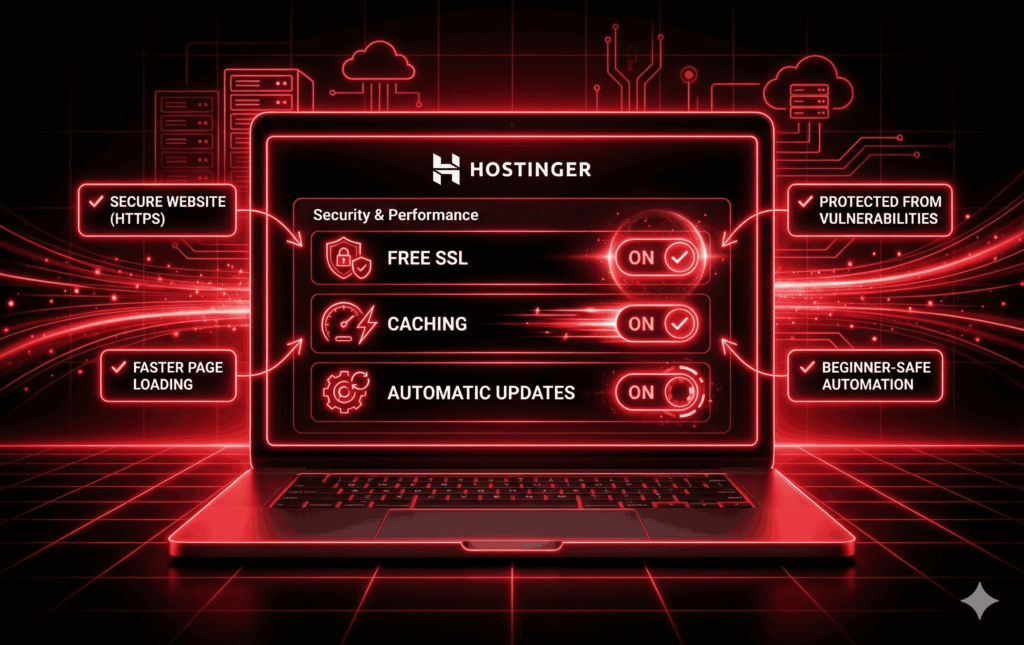
Inside Hostinger:
Free SSL → On
Caching → On
Automatic updates → On (if available)
These protect your site and improve speed.
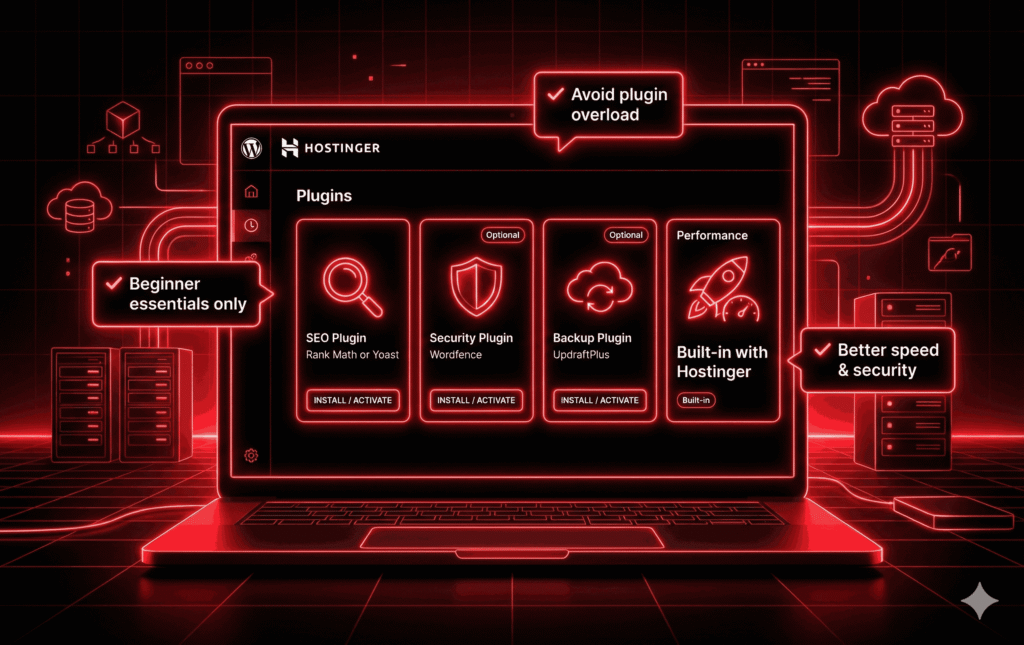
You don’t need many plugins.
SEO: Rank Math or Yoast
Security: Wordfence (optional)
Backup: UpdraftPlus (optional)
Performance: Often built-in with Hostinger
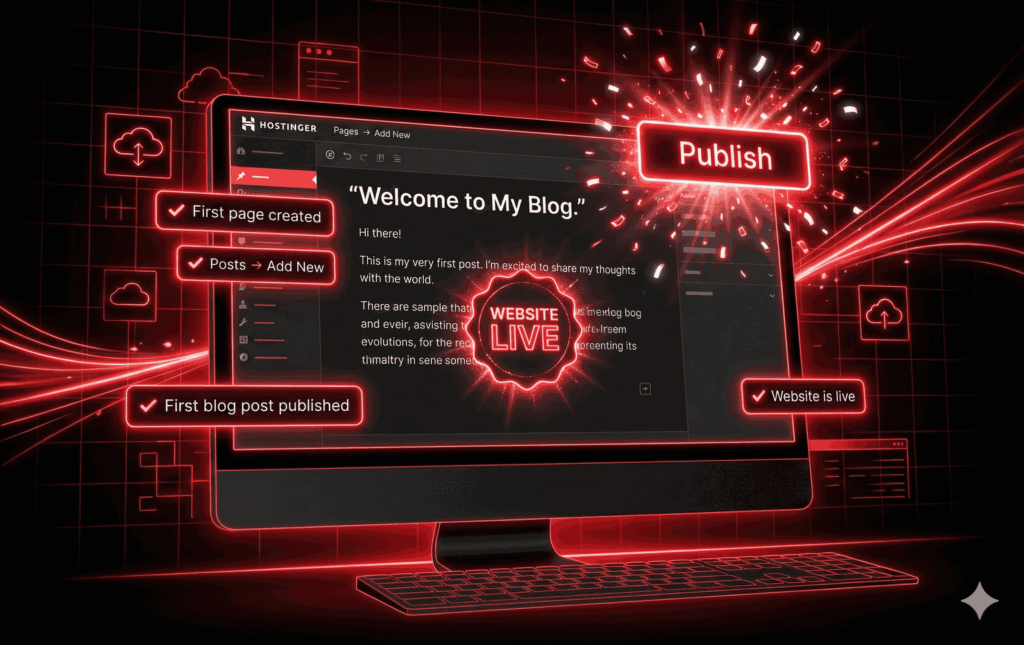
Pages → Add New
Or
Posts → Add New
Write something simple:
“About Me”
“Welcome to My Blog”
Click Publish.
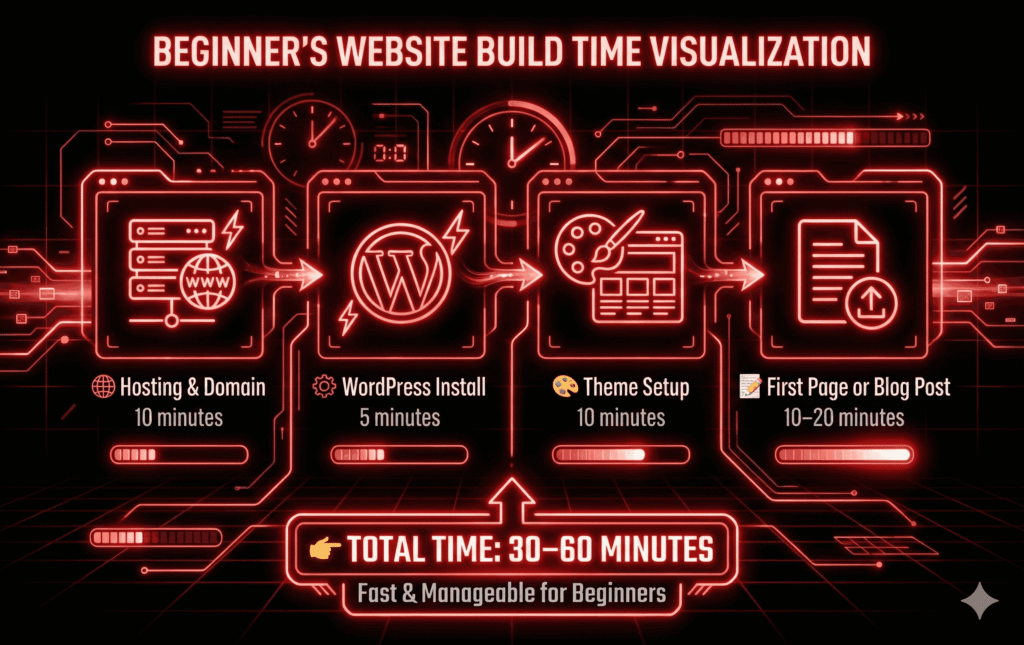
| Task | Time |
|---|---|
| Hosting & domain | 10 min |
| WordPress install | 5 min |
| Theme setup | 10 min |
| First page | 10–20 min |
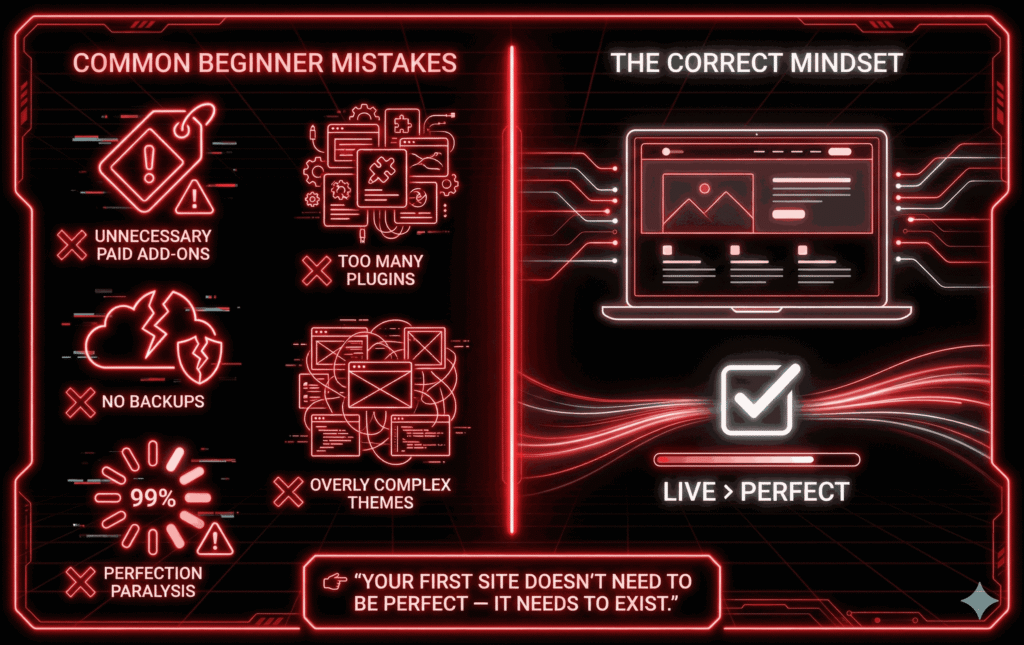
Buying unnecessary add-ons.
Installing too many plugins.
Ignoring backups.
Choosing overly complex themes.
Expecting perfection on day one.
Yes — with limits.
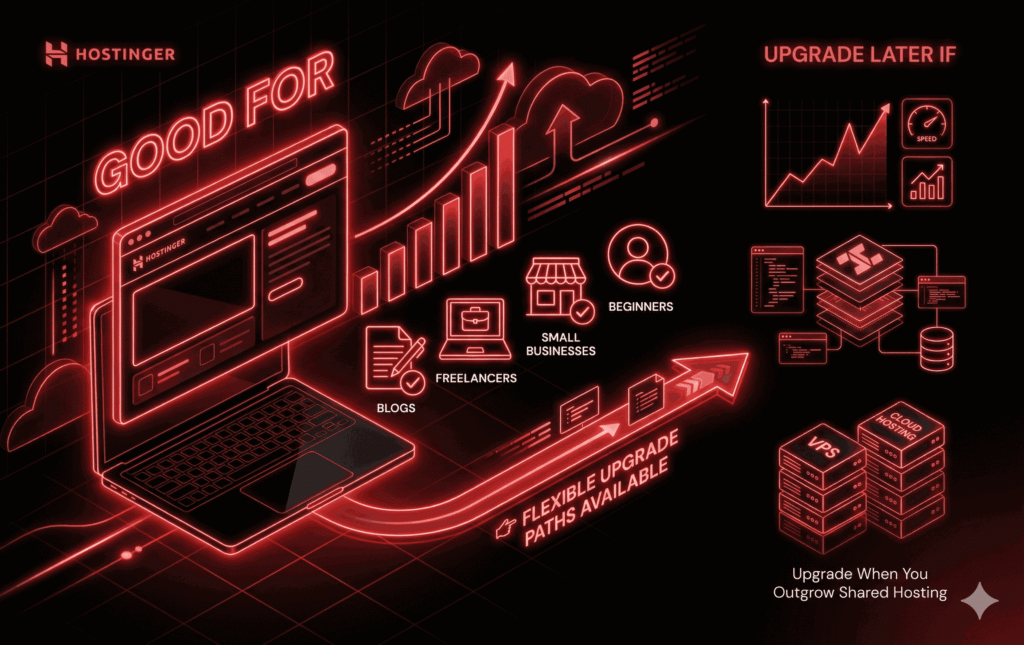
Blogs.
Freelancers.
Small businesses.
Beginners.
Traffic grows significantly.
You build a complex app.
You need VPS or Cloud hosting.
Hostinger provides upgrade paths.
Yes. WordPress + Hostinger lets you build visually with zero code.
Yes. hPanel, one-click installs, and tutorials make it an ideal choice.
Intro pricing is very low. Renewals are higher — plan ahead.
No, but WordPress is recommended for flexibility and SEO.
Absolutely. You can redesign anytime.
Yes — absolutely.
If you want to build your first website without coding, Hostinger is one of the easiest and most affordable ways to start in 2026.
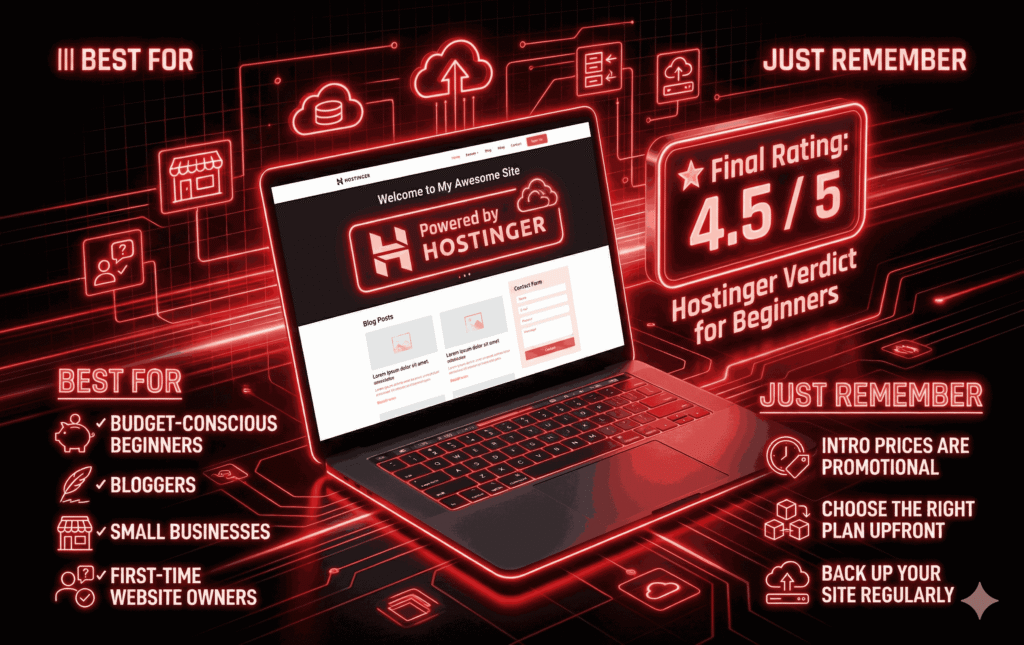
Best for:
Budget-conscious beginners.
Bloggers.
Small businesses.
First-time website owners.
Intro prices are promotional.
Choose the right plan upfront.
Back up your site regularly.