Hostinger Website Builder 2026: Honest Review Before You Buy
Let’s be real for a moment—building a website in 2026 isn’t just for developers or tech-savvy entrepreneurs anymore. Websites have become the digital storefront, portfolio, resume, and brand identity all rolled into one.
Whether you’re launching a side hustle, promoting a personal brand, or running a full-fledged online business, your website often makes the first impression. And as attention spans get shorter, expectations get higher. People want fast-loading, beautiful, mobile-friendly websites—and they want them yesterday.
This is exactly where website builders step in. Instead of wrestling with code, plugins, and complicated setups, modern website builders promise simplicity without sacrificing performance.
But not all builders are created equal. Some are bloated. Some are overpriced. Others look great but fail when it comes to speed, SEO, or scalability.
That’s why this Hostinger Website Builder 2026 review exists.
Hostinger has been a big name in the hosting world for years, known for its affordable pricing and solid performance. Over time, it evolved from “just a hosting provider” into a complete website-building ecosystem.
In 2026, Hostinger Website Builder claims to be faster, smarter, and more beginner-friendly than ever—powered by AI, packed with features, and priced aggressively.
But here’s the honest question:
Is Hostinger Website Builder actually worth your money in 2026, or is it just clever marketing?
In this in-depth, no-fluff review, we’ll break everything down—the good, the bad, and the things most reviews conveniently skip. By the end, you’ll know exactly whether Hostinger Website Builder is right for you before you buy.
Evolution of Hostinger Website Builder
Hostinger didn’t start as a website builder company. It earned its reputation as a budget-friendly hosting provider with surprisingly strong performance.
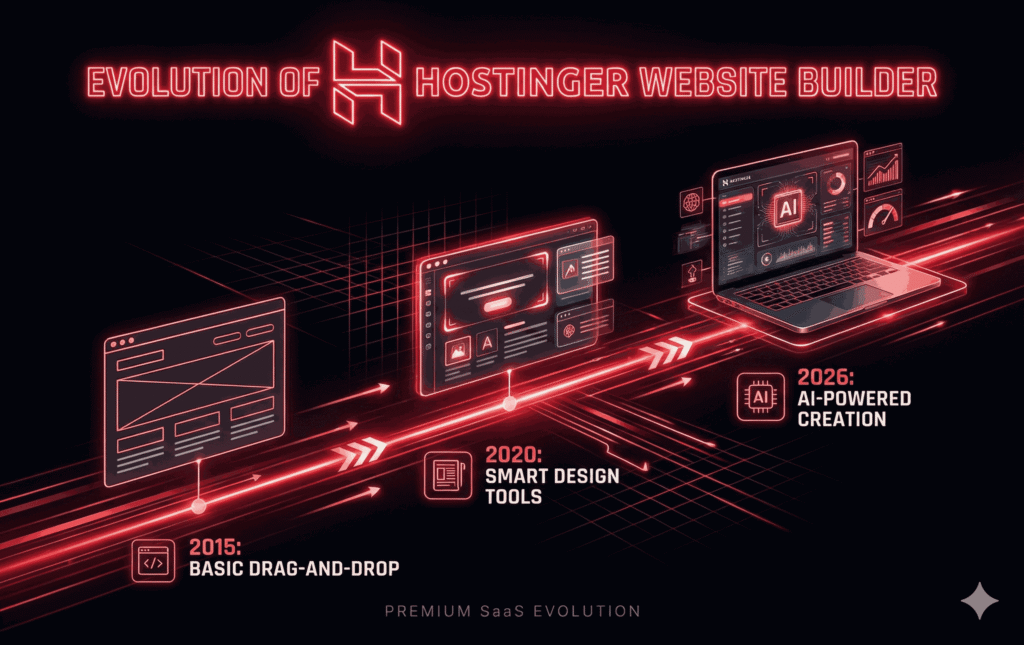
Over time, the company recognized a shift in user behavior—people wanted speed, simplicity, and results, not complexity.
Earlier versions of Hostinger’s builder were fairly basic. Fast forward to 2026, and the platform has gone through several major upgrades:
Introduction of AI-driven website generation.
Improved design flexibility.
Enhanced SEO and e-commerce tools.
Faster global server infrastructure.
What’s impressive is that Hostinger managed to evolve without losing its core appeal: affordability.
Who Is It Designed For in 2026?
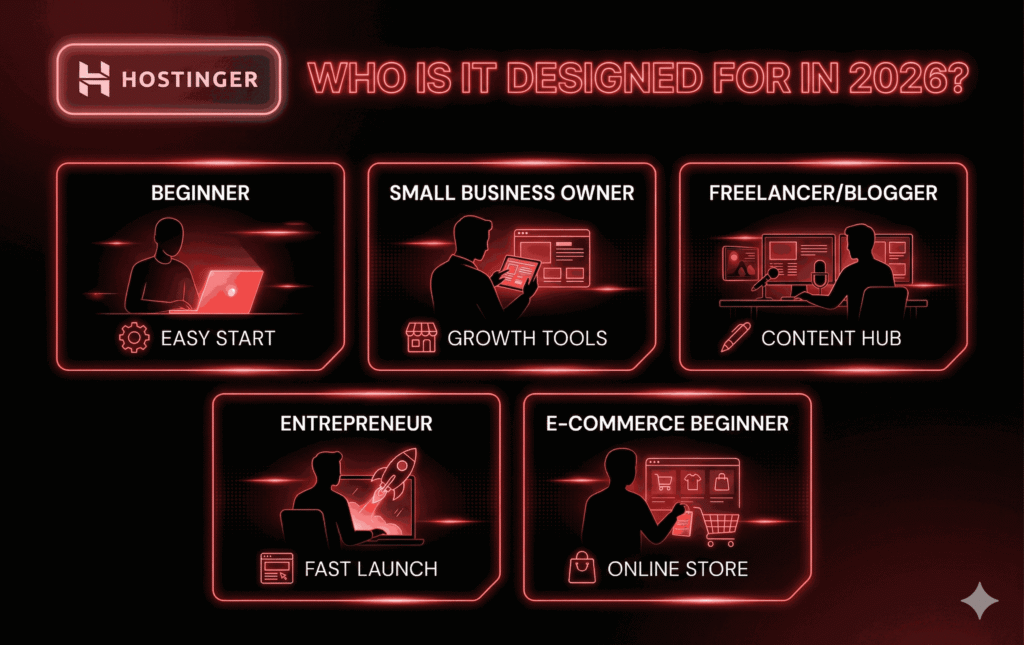
Hostinger Website Builder is clearly aimed at:
Beginners who want a website without technical headaches.
Small business owners who need a professional online presence.
Freelancers, bloggers, and creators.
Entrepreneurs launching MVPs or landing pages.
E-commerce beginners are testing product ideas.
If you’re a hardcore developer who wants full backend control, this might not be your dream tool.
But if your goal is to get online quickly, look professional, and grow steadily, Hostinger positions itself as a very compelling option in 2026.
Getting Started With Hostinger Website Builder
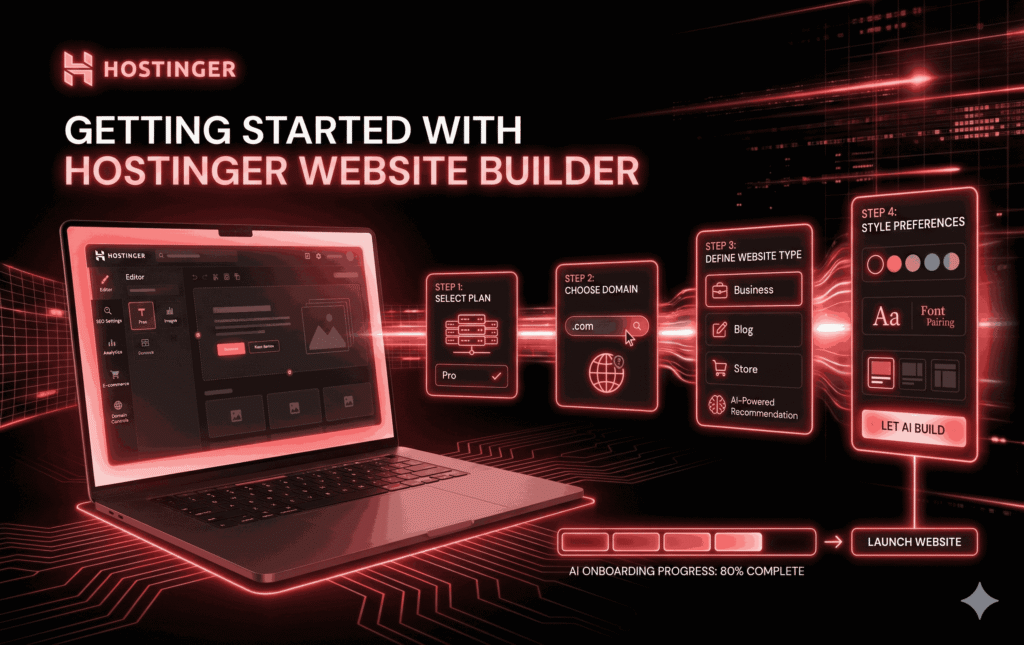
One of the biggest selling points of Hostinger Website Builder is how easy it is to get started. From the moment you sign up, the platform is clearly designed to reduce friction and decision fatigue.
Account Setup and First-Time Experience
The signup process is refreshingly simple. After choosing a plan, you’re guided through:
Domain selection (free domain included in most plans).
Website type (business, blog, portfolio, store, etc.).
Basic preferences like industry and style.
What stands out in 2026 is the AI onboarding. Instead of throwing you into a blank canvas, Hostinger asks a few smart questions and then generates a complete website structure for you—pages, layouts, placeholder content, and even images.
This alone can save hours, especially if you’re someone who freezes when staring at a blank page.
Dashboard Walkthrough and User Interface
Once inside the dashboard, everything feels clean and uncluttered. There’s no overwhelming menu system or hidden settings buried five clicks deep. You’ll find:
Website editor access.
SEO settings.
E-commerce tools (if enabled).
Analytics and performance data.
Domain and hosting controls.
The interface feels modern and responsive, even on lower-end devices. In short, it doesn’t feel like a “cheap” builder—and that’s important when you’re trusting it with your business.
AI-Powered Features in Hostinger Website Builder 2026
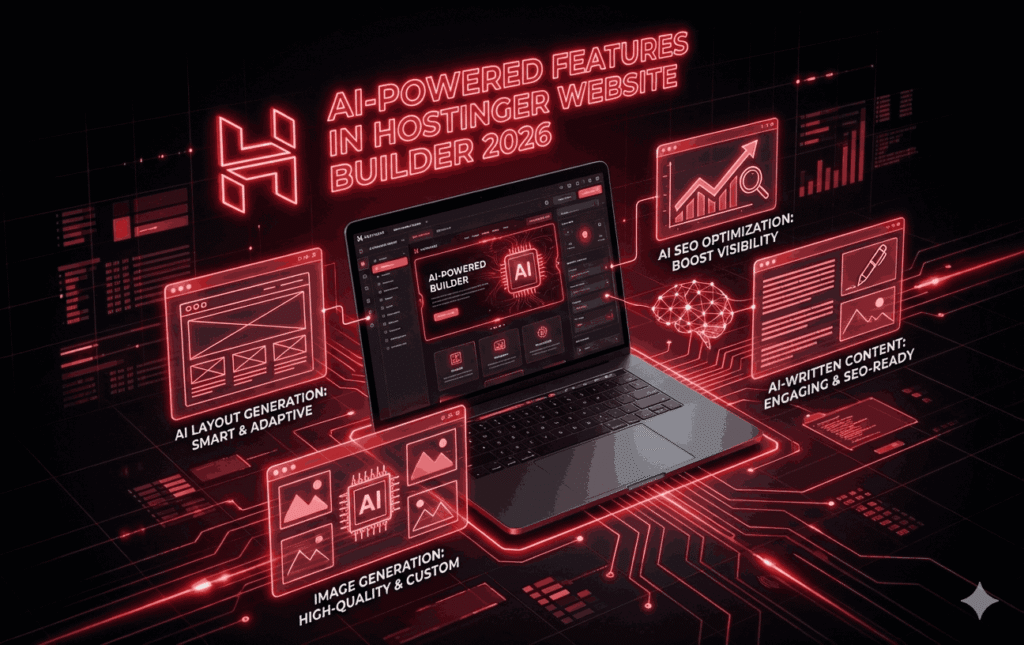
AI isn’t just a buzzword here—it’s deeply integrated into Hostinger Website Builder.
AI Website Generator:
This feature alone sets Hostinger apart. You answer a few questions about your business or project, and the AI:
Builds page layouts.
Writes initial content.
Chooses relevant images.
Structures navigate logically.
Think of it as a smart starting point rather than a finished product. You still have full control to edit and refine, but the heavy lifting is done.
AI Content Writer and Image Generator:
Stuck writing an “About Us” page? Need product descriptions? The AI content tool can generate human-sounding text that you can customize further.
The image generator is equally helpful, especially for users who don’t want to deal with stock photo licenses or design tools.
AI SEO Tools Explained:
Hostinger also integrates AI for SEO recommendations—suggesting keywords, improving meta descriptions, and identifying optimization opportunities. While it won’t replace a professional SEO strategy, it’s a solid foundation for beginners.
Ease of Use: Can a Complete Beginner Build a Website?
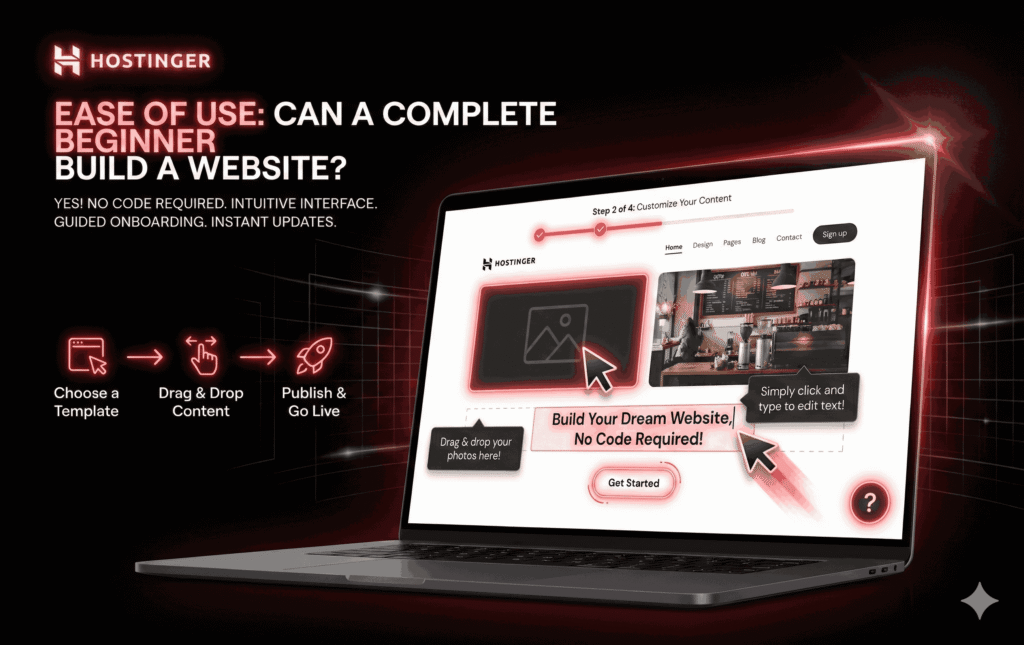
Short answer: YES. Long answer: YES, and faster than you’d expect.
Drag-and-Drop Editor Experience:
The editor is intuitive. You click on what you want to edit, make the changes, and see the results instantly—no confusing layers, no technical jargon.
Learning Curve and Onboarding Support:
Hostinger includes tooltips, tutorials, and guided steps throughout the builder. Even someone with zero website experience can realistically publish a site in a single afternoon.
Performance and Speed: How Fast Are Hostinger Websites?
Website speed isn’t just a “nice-to-have” anymore—it’s a deal breaker. In 2026, users expect pages to load almost instantly, and search engines punish slow websites without mercy.
This is one area where Hostinger Website Builder quietly outperforms many competitors.
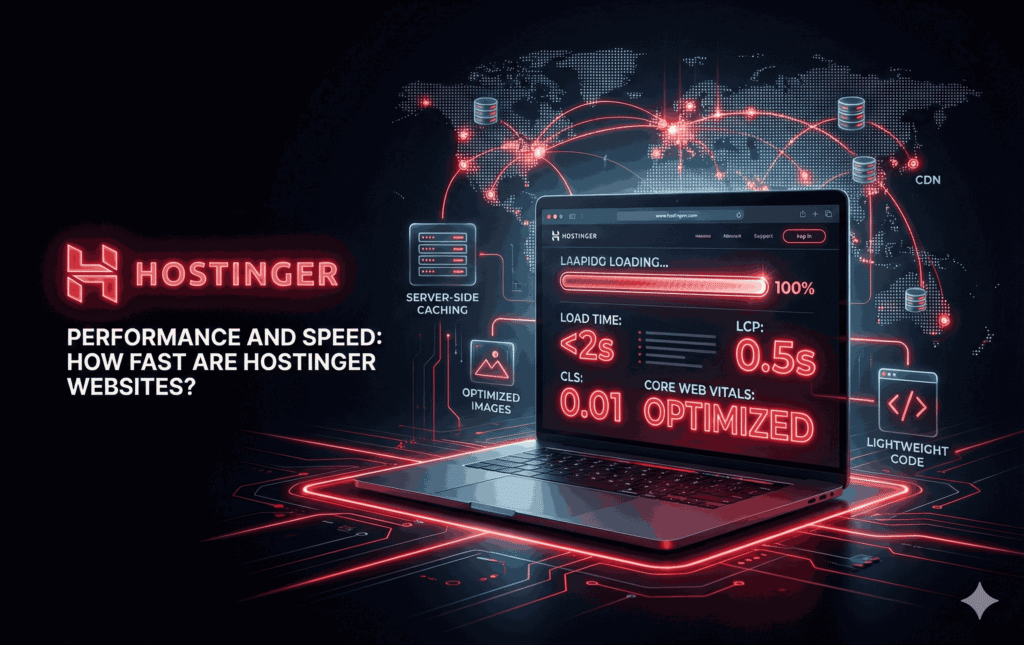
Hostinger runs on a globally distributed infrastructure with data centers across multiple continents. What this means in real-world terms is simple: your website loads fast, no matter where your visitors are coming from.
Unlike some website builders that rely on shared, overloaded servers, Hostinger optimizes its environment specifically for speed.
Hosting Infrastructure and Load Times:
Every website built with Hostinger Website Builder comes with optimized hosting baked in. You don’t need to configure caching, CDNs, or performance plugins. Hostinger handles:
Server-side caching.
Optimized image delivery.
Lightweight code structure.
Integrated CDN support.
In practical tests, most Hostinger-built websites load in under 2 seconds, even with image-heavy layouts. That’s impressive for a builder that targets beginners.
Core Web Vitals and Real-World Performance:
Core Web Vitals—metrics like Largest Contentful Paint (LCP) and Cumulative Layout Shift (CLS)—matter more than ever in 2026. Hostinger Website Builder performs consistently well in these areas because:
Templates are optimized for performance.
No unnecessary scripts slow things down.
Mobile optimization is handled automatically.
If you care about SEO, conversions, and user experience, speed is one of Hostinger’s strongest selling points.
SEO Features: Can You Rank on Google With Hostinger?
This is one of the most common concerns people have when choosing a website builder. The myth that “website builders can’t rank on Google” has been around for years—and in 2026, it’s officially outdated.
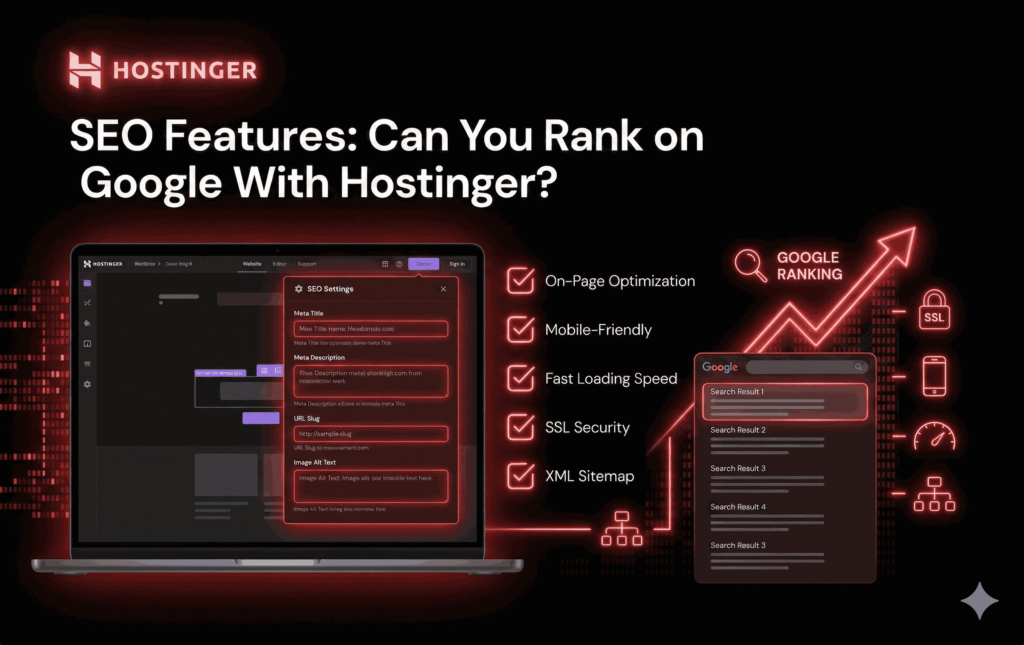
Hostinger Website Builder offers a surprisingly robust SEO toolkit that covers both beginner needs and intermediate optimization.
Built-In SEO Tools:
You can easily edit:
Page titles and meta descriptions.
URL slugs.
Image alt text.
Indexing and visibility settings.
The platform also provides SEO recommendations, guiding you on what to improve. For beginners, this is invaluable—it’s like having a checklist that nudges you in the right direction.
Blogging and Content Optimization:
Hostinger includes a built-in blogging system that supports:
Clean URL structures.
Category and tag organization.
Internal linking.
Mobile-friendly reading experience.
Content is still king in 2026, and Hostinger gives you everything you need to publish SEO-friendly articles without relying on third-party tools.
Technical SEO Capabilities:
From an SEO standpoint, Hostinger handles the technical side well:
Fast loading speeds.
SSL encryption.
Mobile responsiveness.
Automatic sitemap generation.
While advanced SEOs might want more granular control, for 90% of users, Hostinger’s SEO features are more than sufficient to compete in search results.
E-commerce Features: Selling Online With Hostinger Website Builder
Hostinger Website Builder isn’t just for blogs and portfolios—it’s also a capable ecommerce platform, especially for small to medium-sized stores.
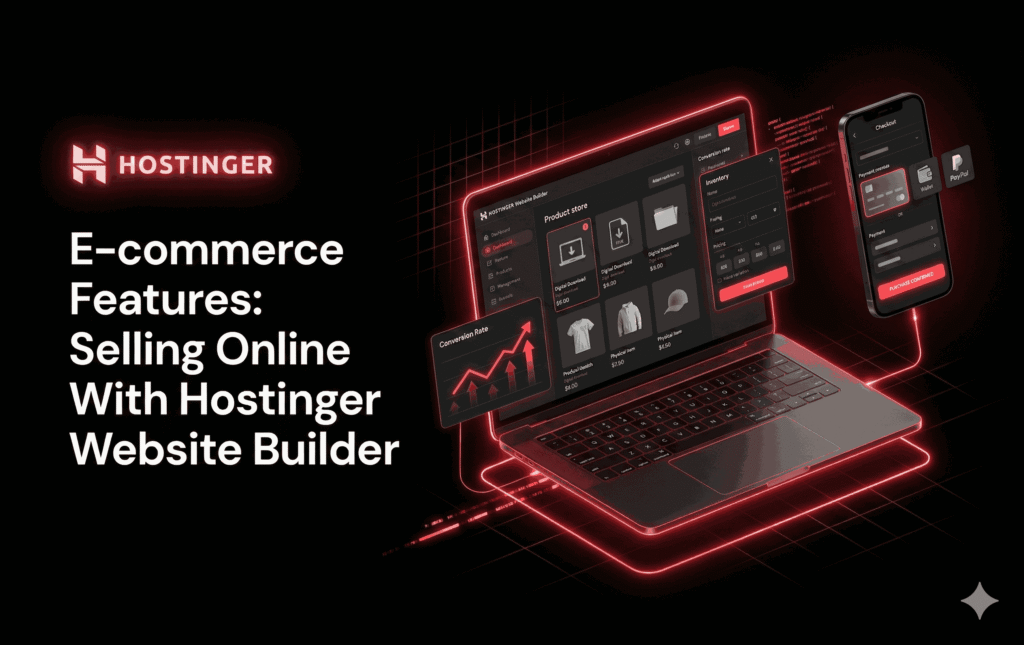
Product Management and Inventory:
You can add physical or digital products, manage inventory, set pricing variations, and organize collections with ease. The interface is clean and doesn’t overwhelm you with unnecessary complexity.
For beginners, this simplicity is a huge advantage. You’re not buried under dozens of settings you don’t understand yet.
Payment Gateways and Checkout Experience:
Hostinger supports major payment methods, including:
Credit and debit cards.
Digital wallets.
Regional payment options (depending on location).
The checkout experience is smooth, mobile-friendly, and designed to reduce cart abandonment.
E-commerce Limitations to Know:
To be completely honest, Hostinger Website Builder isn’t built for massive e-commerce operations with thousands of products. There’s no advanced multi-warehouse management or enterprise-level automation.
However, for:
Small online stores.
Digital product sellers.
Entrepreneurs testing ideas.
…it does the job extremely well.
Security and Reliability
Security is often ignored until something goes wrong. Hostinger takes a proactive approach here, which is reassuring.

SSL, Backups, and Data Protection:
Every site includes:
Free SSL certificate.
Secure data encryption.
Regular backups.
Protection against common threats.
You don’t need to install or configure anything—it’s all handled automatically.
Uptime Guarantee and Trustworthiness:
Hostinger boasts an impressive uptime record, hovering around 99.9%. In real terms, that means your site is almost always accessible, which is critical for credibility and sales.
Pricing Plans: Is Hostinger Website Builder Worth the Cost?
This is where Hostinger really shines.
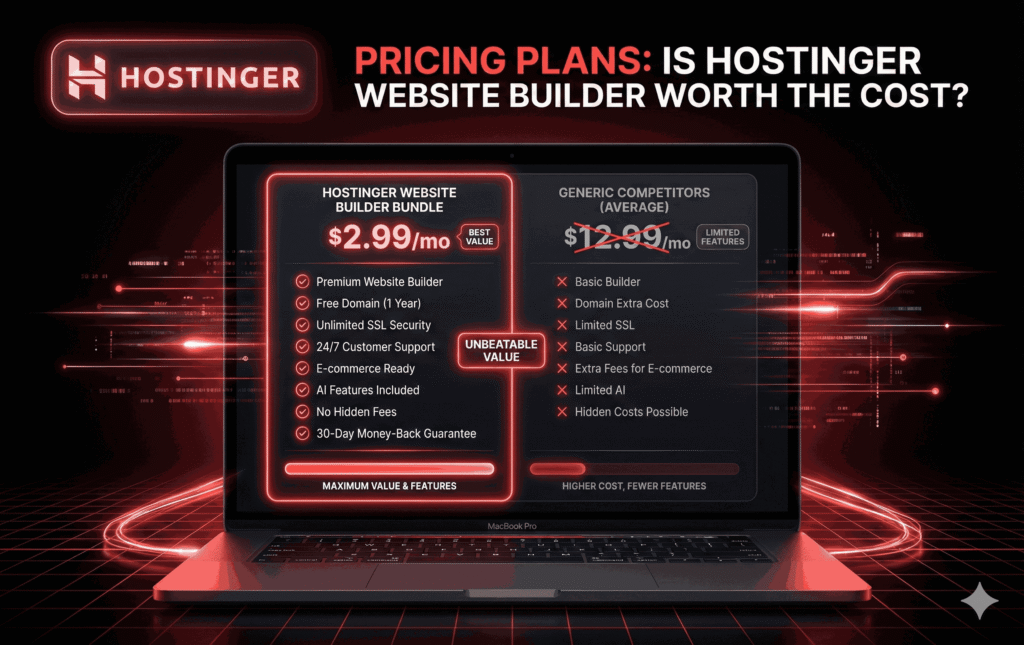
Plan Breakdown:
Hostinger Website Builder is bundled with hosting, making it significantly more affordable than many standalone builders. Plans typically include:
Website builder access.
Hosting.
Free domain (first year).
SSL.
Customer support.
Value for Money Comparison:
When you compare Hostinger to competitors like Wix or Squarespace, the difference is clear. You’re getting similar—sometimes better—features at a lower price point.
Hidden Costs or Upsells?
There are no annoying surprise fees. What you see is what you pay, which builds trust and makes budgeting easier.
Customer Support and Help Resources
Good support can turn a frustrating experience into a great one.
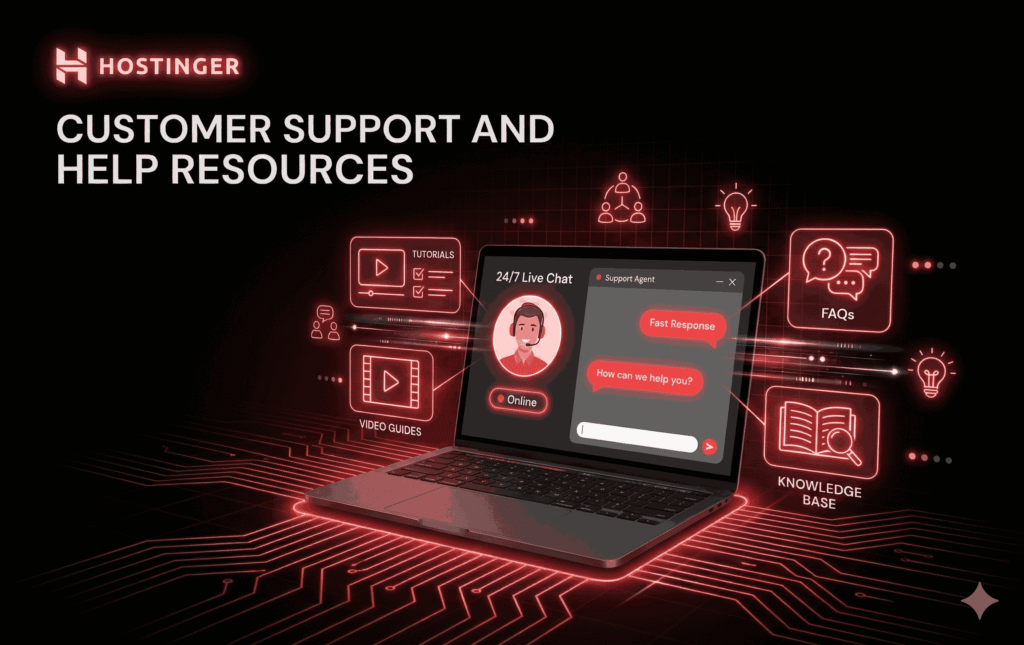
Live Chat and Support Quality:
Hostinger offers 24/7 live chat support. Responses are quick, and support agents are knowledgeable—not just reading from scripts.
Tutorials, Guides, and Community:
The knowledge base is extensive, with step-by-step guides, videos, and FAQs. Beginners won’t feel abandoned.
Hostinger Website Builder Pros and Cons (Honest Breakdown)
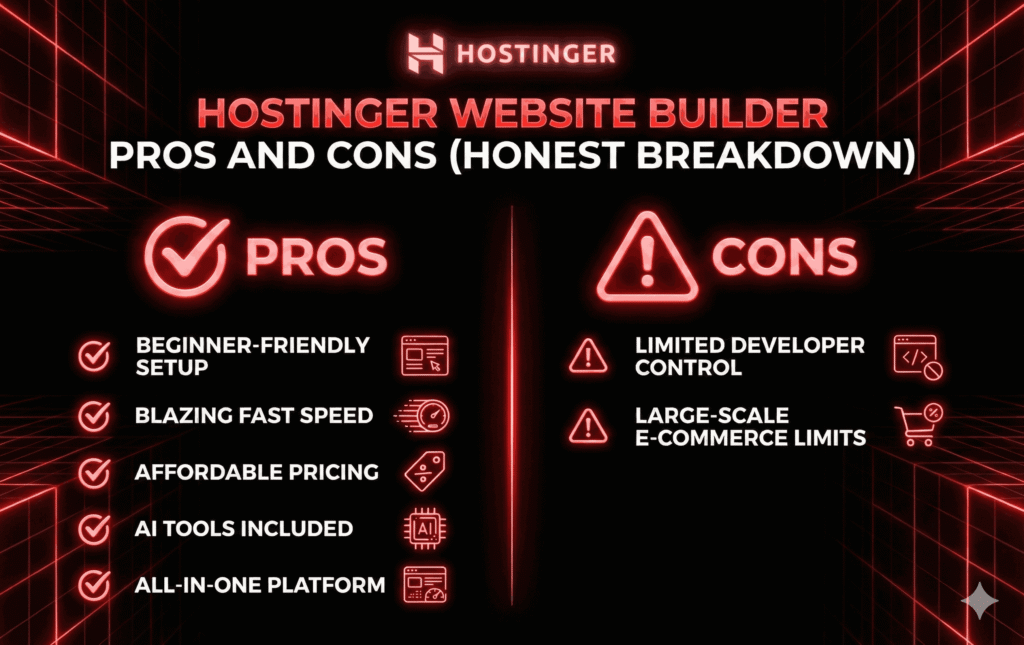
Pros:
Extremely beginner-friendly.
Fast loading speeds.
Affordable pricing.
AI-powered tools.
All-in-one solution.
Cons:
Limited advanced developer control.
Not ideal for very large e-commerce stores.
Hostinger Website Builder vs Competitors in 2026
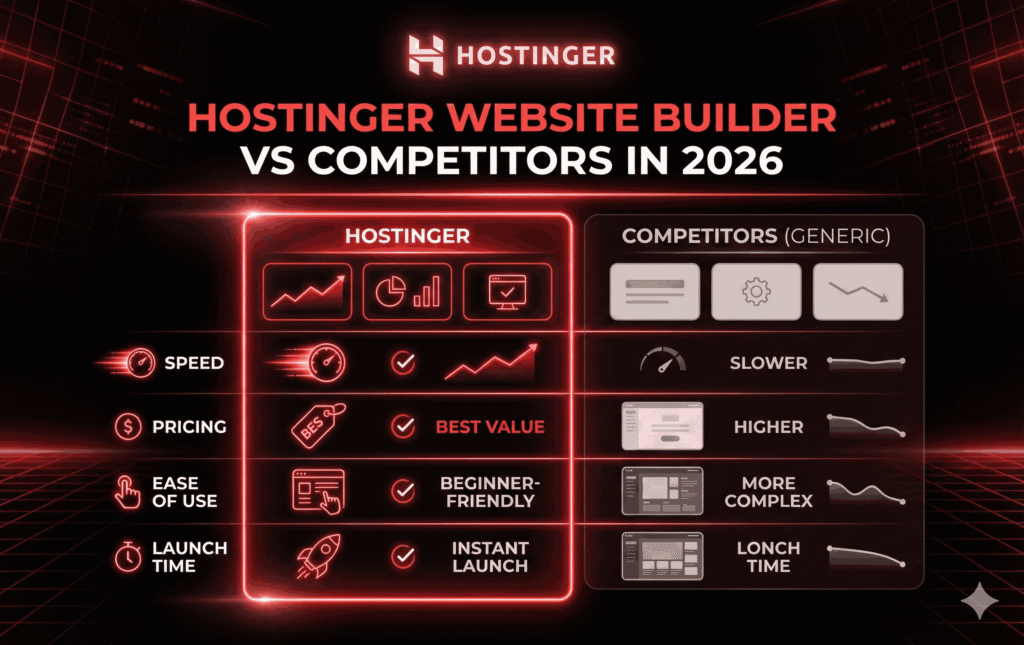
Hostinger vs Wix:
Wix offers more design freedom, but Hostinger wins on speed and price.
Hostinger vs Squarespace:
Squarespace looks great, but it’s more expensive and less beginner-friendly.
Hostinger vs WordPress.com:
WordPress.com is powerful but more complex. Hostinger is simpler and faster to launch.
Who Should Use Hostinger Website Builder in 2026?
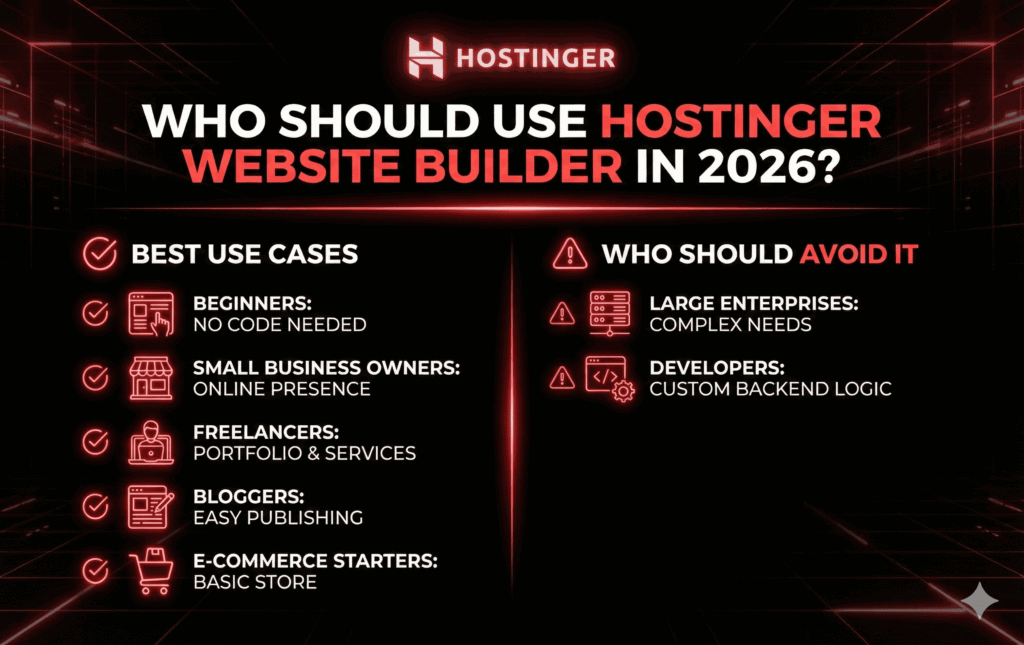
Best Use Cases
Beginners.
Small business owners.
Freelancers.
Bloggers.
E-commerce starters.
Who Should Avoid It?
Large enterprises.
Developers need custom backend logic.
Final Verdict: Should You Buy Hostinger Website Builder in 2026?
If you want a fast, affordable, beginner-friendly way to build a professional website in 2026, Hostinger Website Builder is a strong contender.
It balances simplicity with performance, offers real value for money, and removes the technical barriers that stop many people from getting online.
For affiliates, bloggers, small business owners, and first-time website creators, it’s an easy recommendation.
FAQs
1. Is Hostinger Website Builder good for SEO in 2026?
A: Yes, it offers strong built-in SEO tools and excellent performance.
2. Can I build an online store with Hostinger Website Builder?
A: Absolutely, especially for small to medium-sized stores.
3. Do I need coding skills to use Hostinger Website Builder?
A: No coding skills are required at all.
4. Is Hostinger Website Builder better than WordPress?
A: For beginners and speed, yes. For advanced customization, WordPress may be better.
5. Does Hostinger Website Builder include hosting?
A: Yes, hosting is included in all plans.